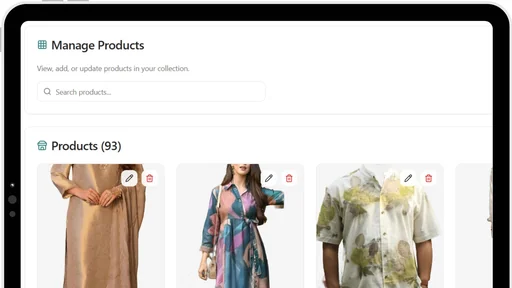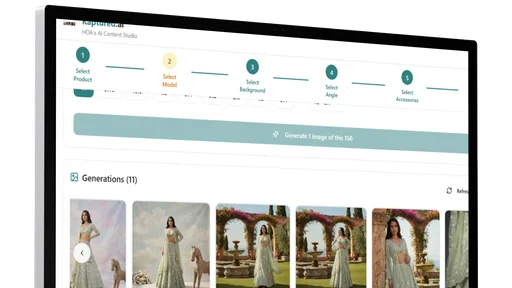
No complicated AI prompts. Just click and generate.
You own all the photos. No copyright issues.
Replace Expensive Shoots With AI
Create product images and videos that look professionally shot, without the cost or delays of traditional production.
1.Style Any Product
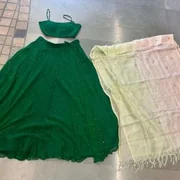
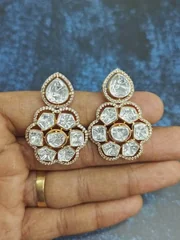
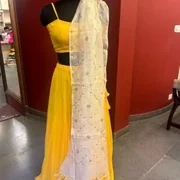
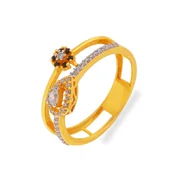
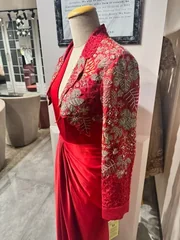
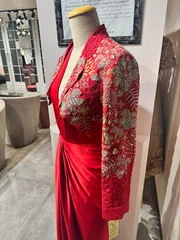
Upload a product image and generate realistic visuals that preserve fabric texture, color, and fine details.
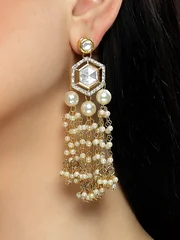
2.Add Accessories
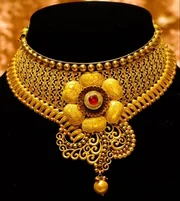
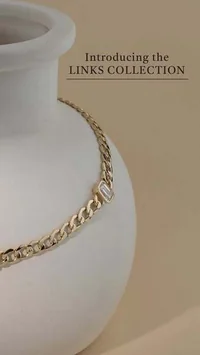
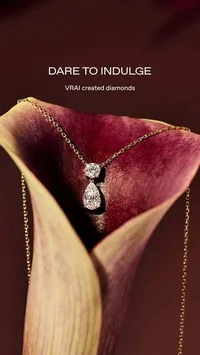
Add fashion items or display props to make outfit and jewelry visuals stand out.
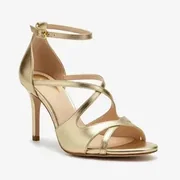
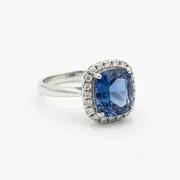
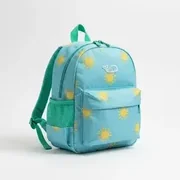

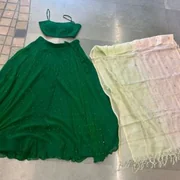
3.Create Group Shots
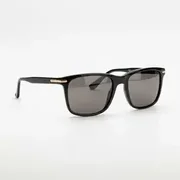
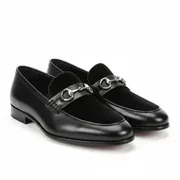
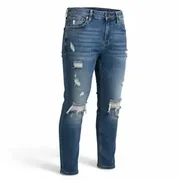
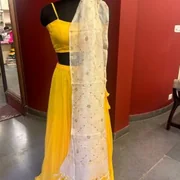
Generate multiple products with uniform lighting and backgrounds for clean catalogs.
Product 1
Product 2
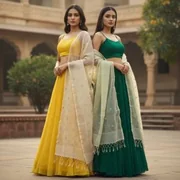
Group Shot
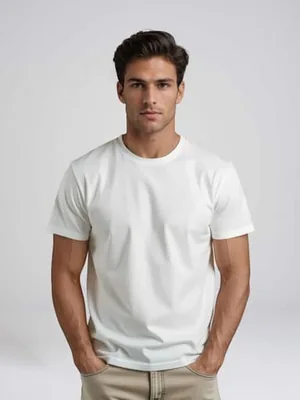
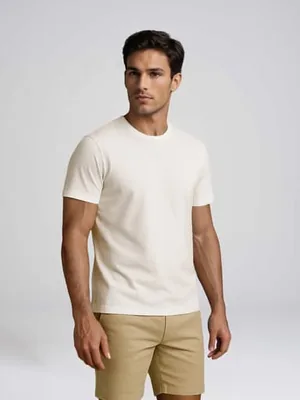
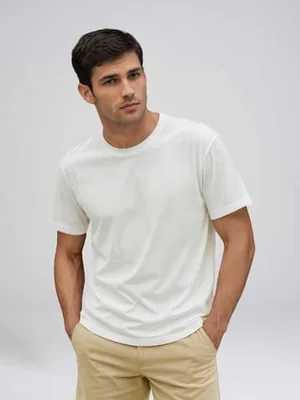
4.Create Multi-Angle Images
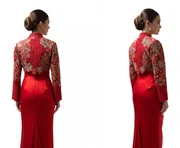
Add multiple product images to create a detailed 3D view, then generate front, side, back, and close-up angles without reshooting.
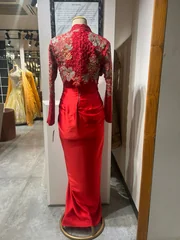
Angle 1
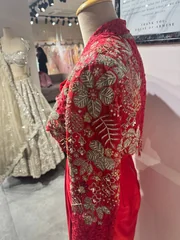
Angle 2
Angle 3
Generation
5.Match Any Reference
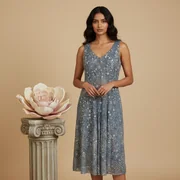
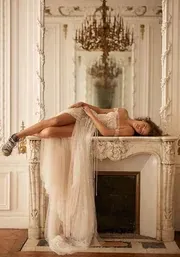
Replicate the look, pose, or composition from a reference image while keeping your product intact.
Generation
Style to copy
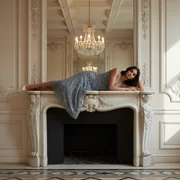
Style applied
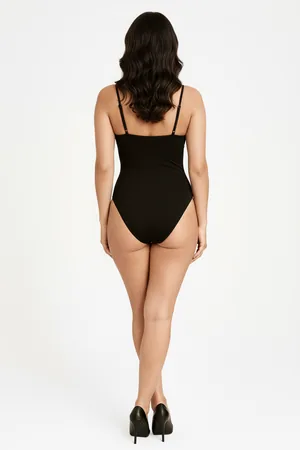
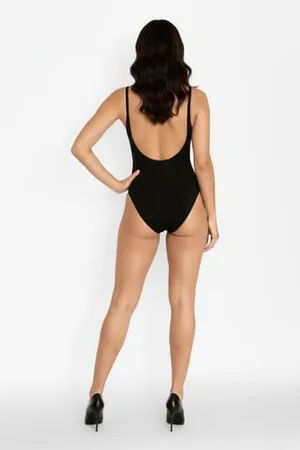
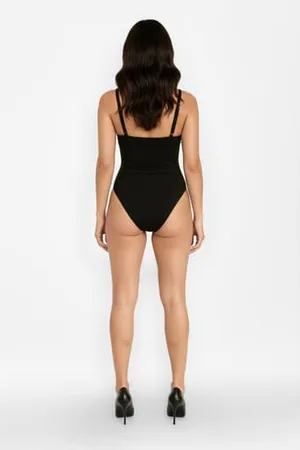
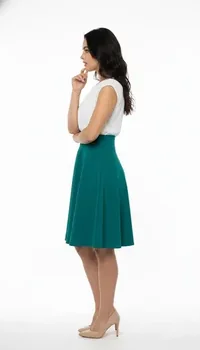
6.Change Model Poses
Generate all required poses for product detail pages without reshooting.
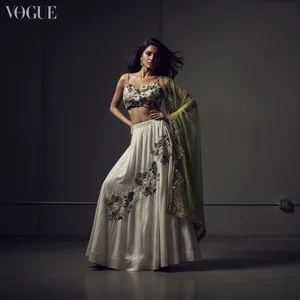
Generate
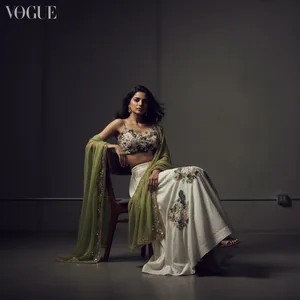
Make her sit
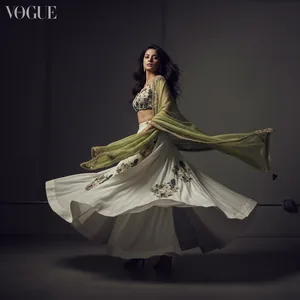
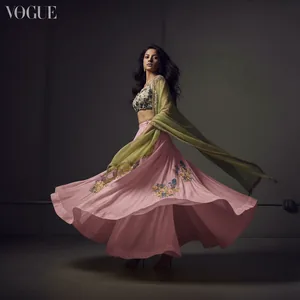
Make her twirl
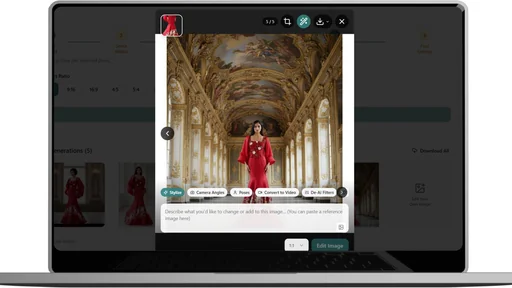
7.Edit With Text
Change poses, scenes, or angles using simple instructions without learning prompts.
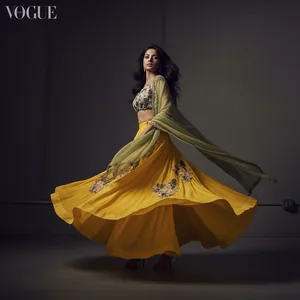
Shade 1
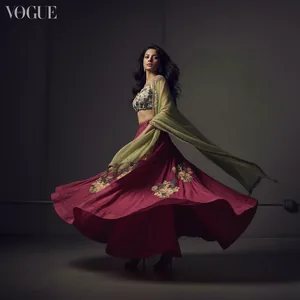
Shade 2
Shade 3
8.Change Product Colors
Generate all color variants instantly without additional shoots.
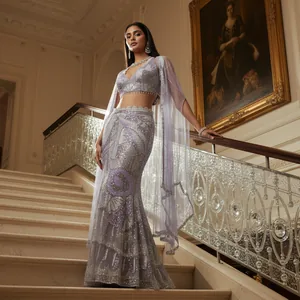
1:1
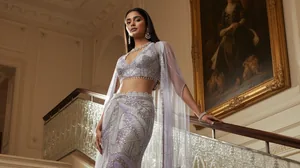
16:9
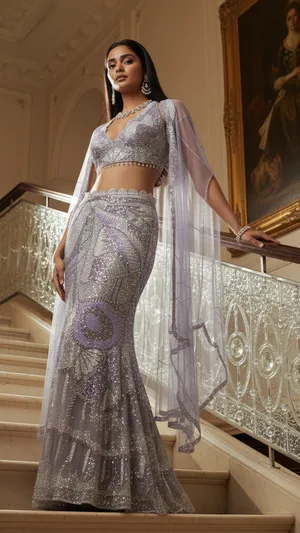
9:16
9.Export Marketplace Sizes
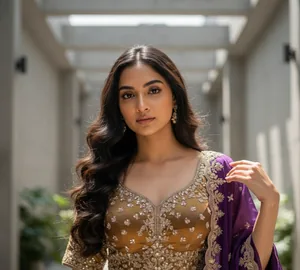
Export images in exact ratios for Shopify, Amazon, Instagram, and ads.
10.Control Camera Angles
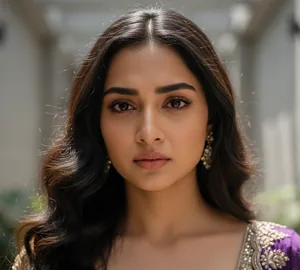
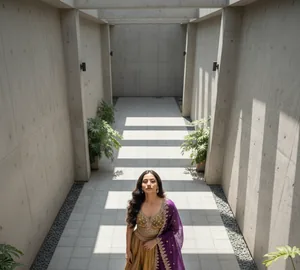
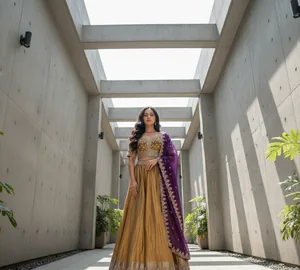
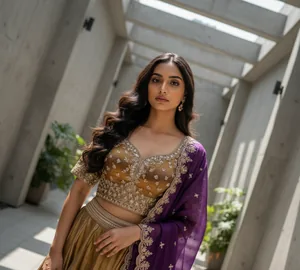
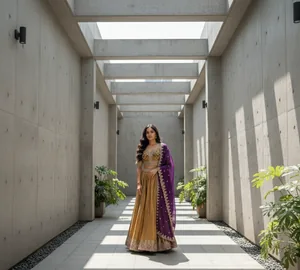
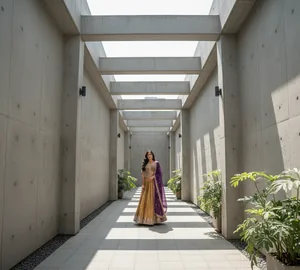
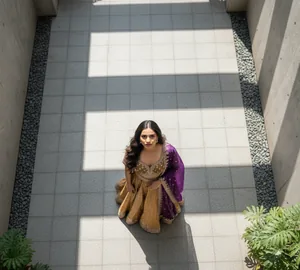
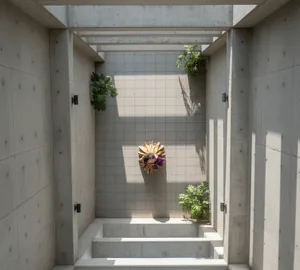
Create close-ups, bird's-eye views, wide shots, or hero angles instantly.
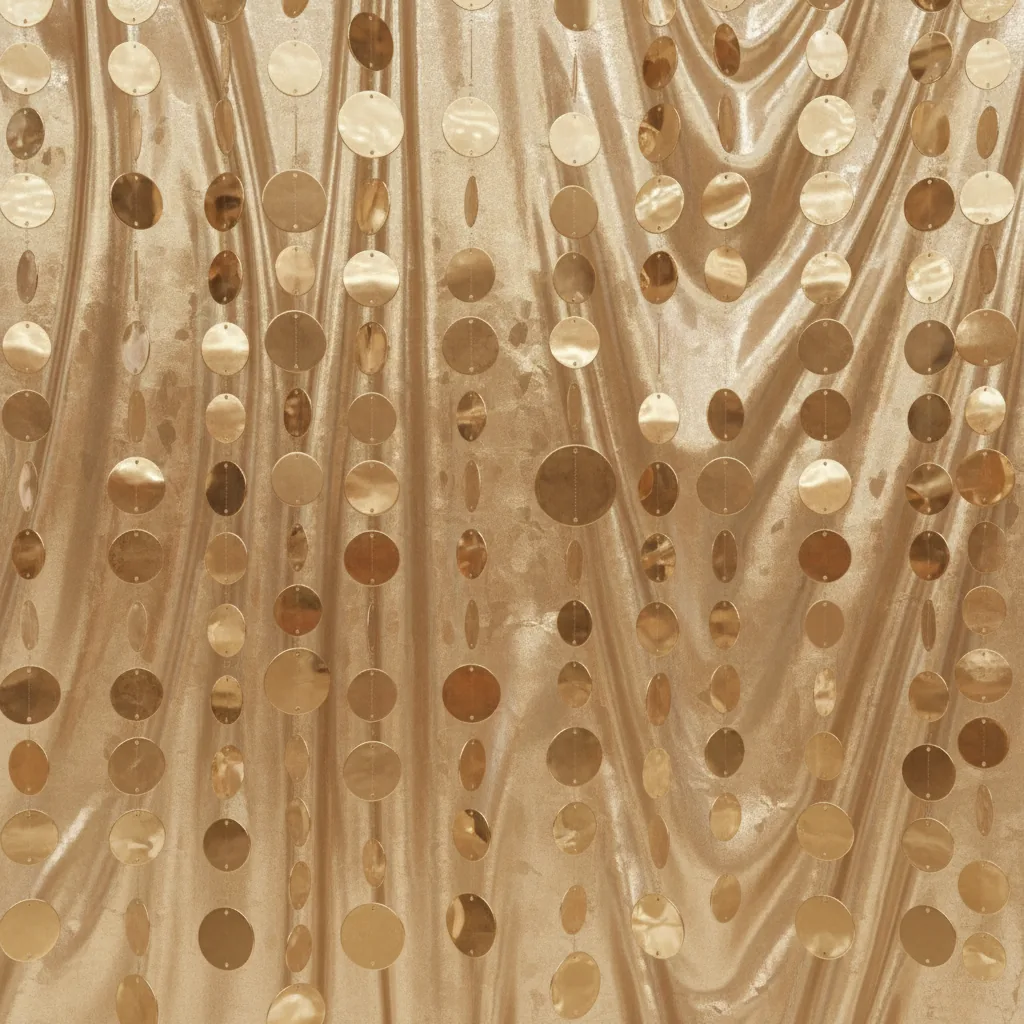
11.Change Backgrounds
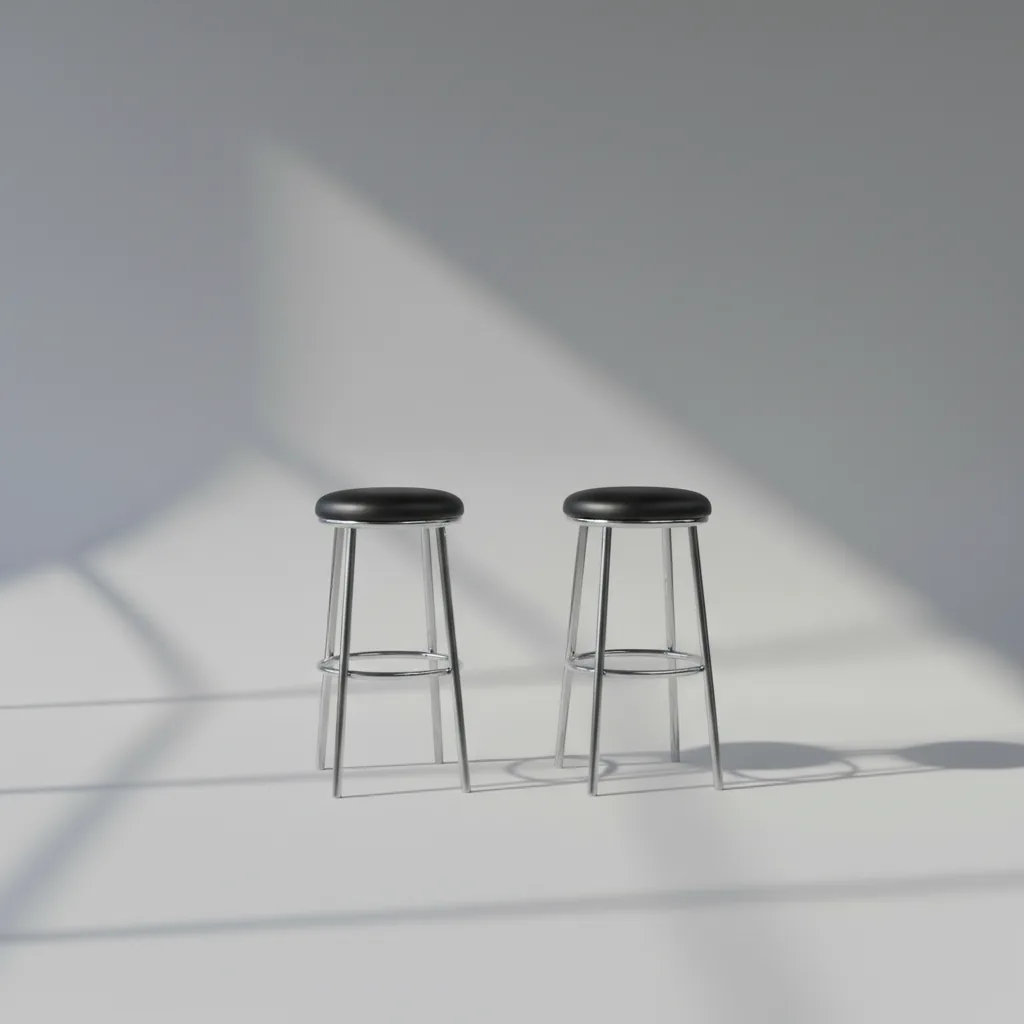
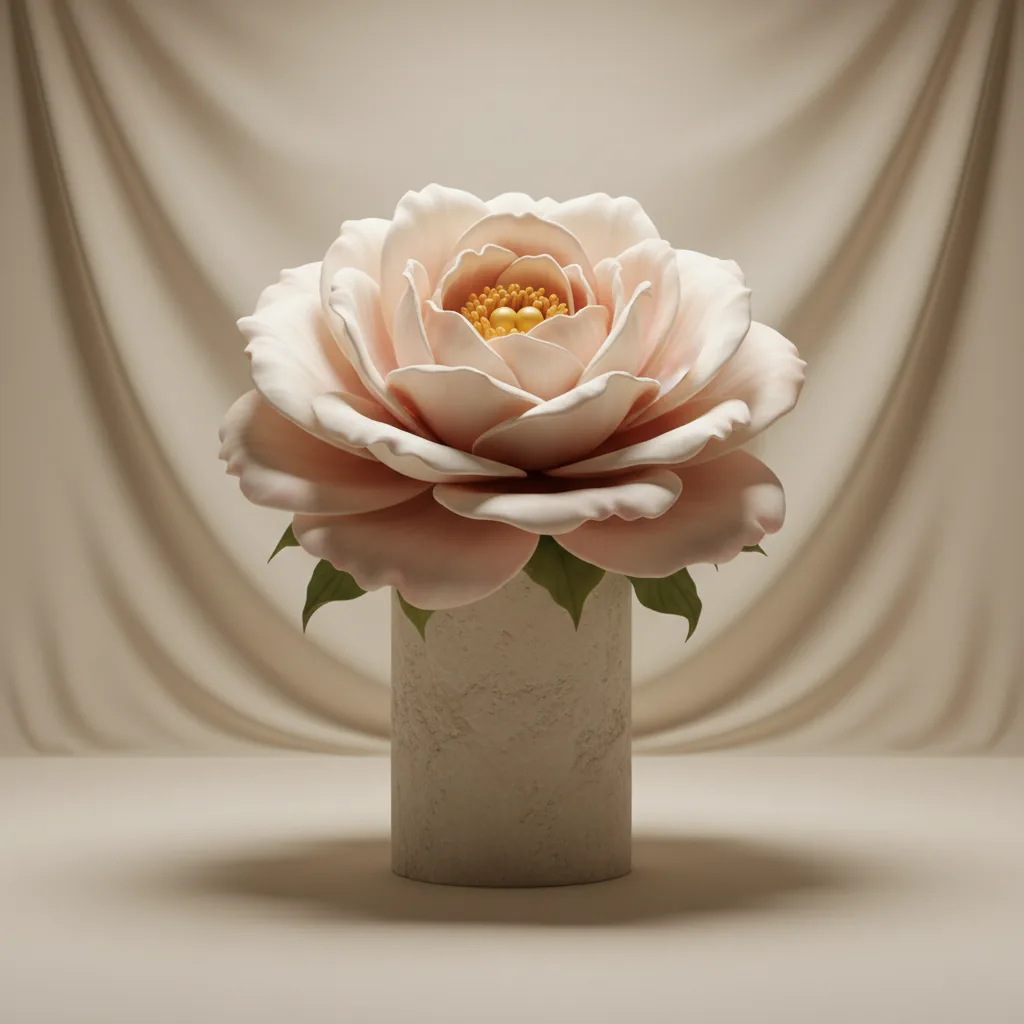
Switch between studio, lifestyle, or branded backgrounds instantly without reshooting.
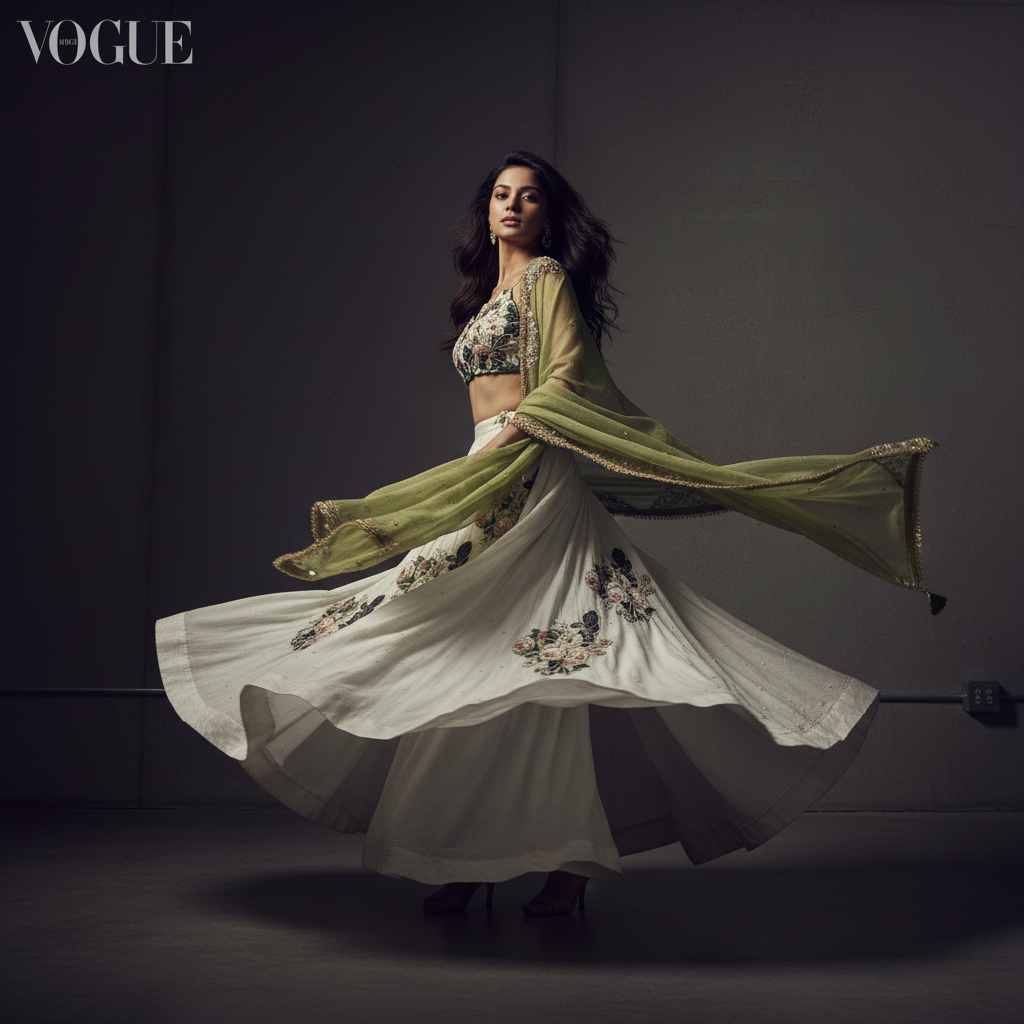
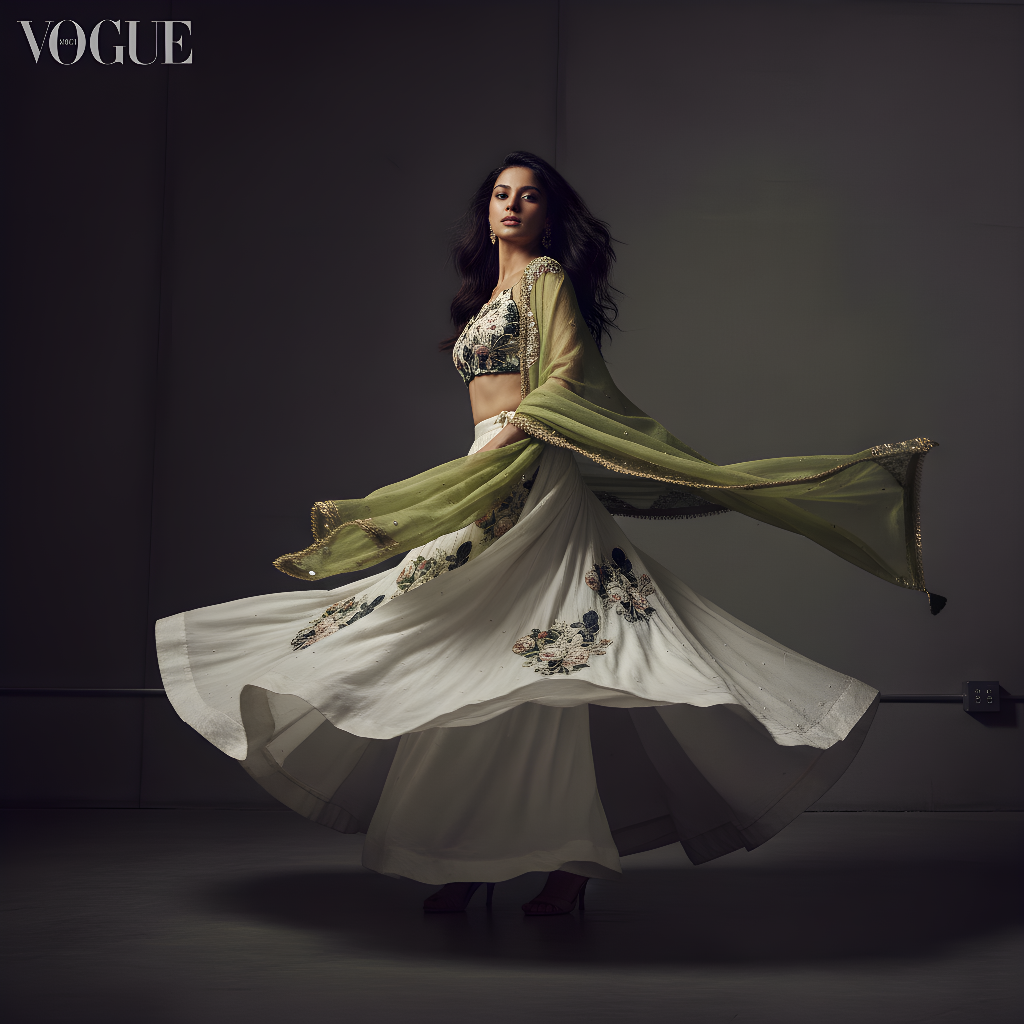
12.Generate 4K Images
Create sharp, high-resolution images ready for ecommerce, ads, and print.
1.Convert Images to Video
Turn static product images into short, scroll-stopping videos for ads and social.
Shot 1
Shot 2
Shot 3
2.A/B Test Variations
Create multiple video variations to test which performs best for your audience and campaigns.
Variation 1
Variation 2
3.Auto-Create Scenes
Generate complete video scenes and storyboards automatically without scripts or prompts.
Scene 1
Scene 2
Scene 3
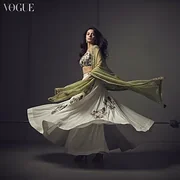
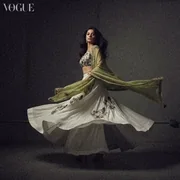
4.Apply Pro Filters
Enhance visuals with professional lighting and color styles built for fashion and jewelry.
Filter 1
Filter 2
Filter 3
5.10+ AI Models, One Subscription
Use all AI models and features with a single plan and high usage limits.
1.Click, Not Prompt
Anyone on your team can generate visuals without technical skills.
2.Trained on Winning Creatives
Learns from top-performing ads, reels, and social posts to craft better hooks, stories, and CTAs.
3.Custom Brand Dashboard
Add your own unique and exclusive models, backgrounds, colors, and visual style across all shoots.
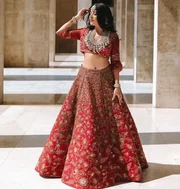
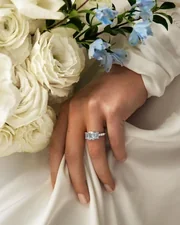
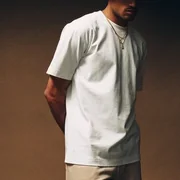
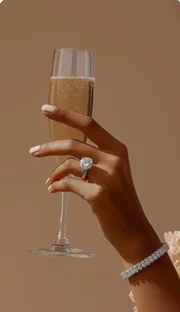
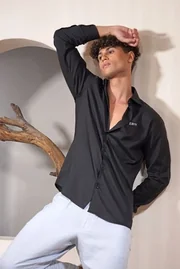
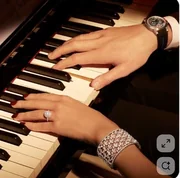
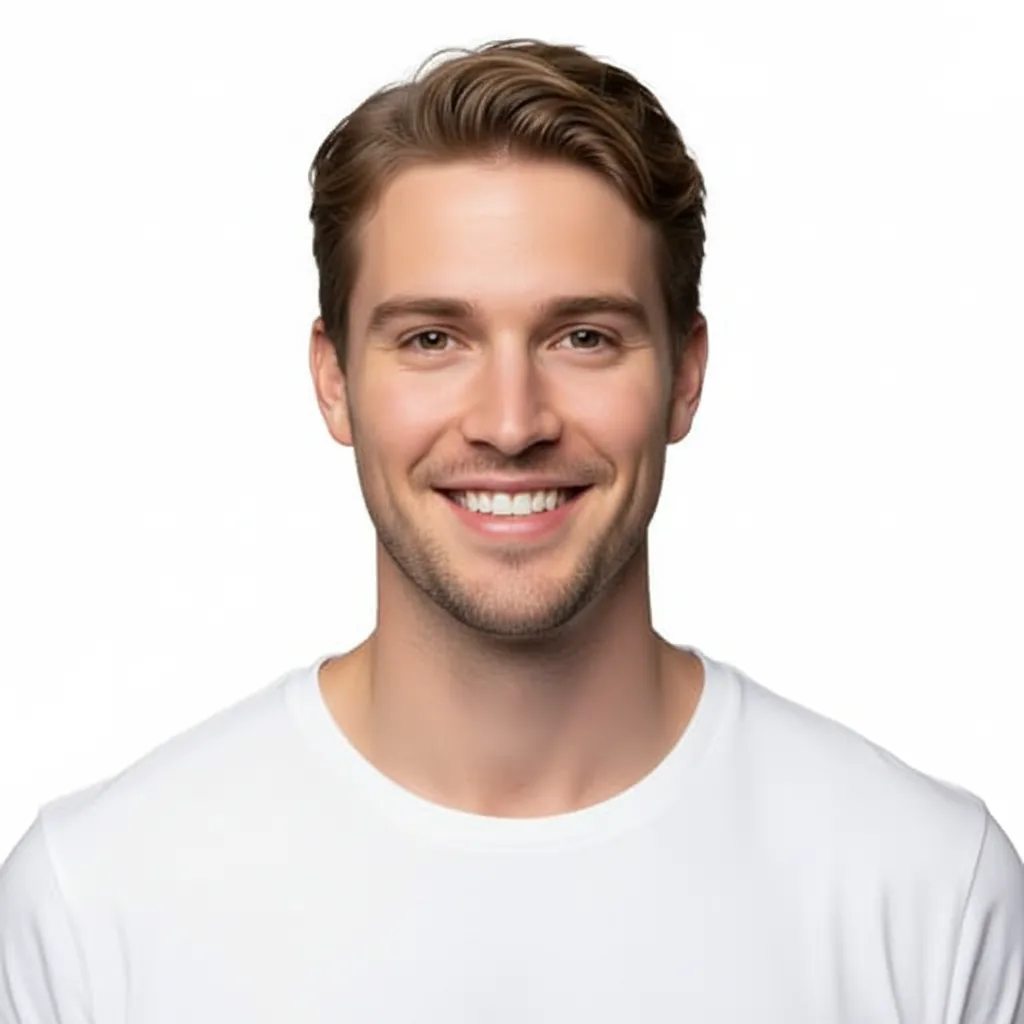
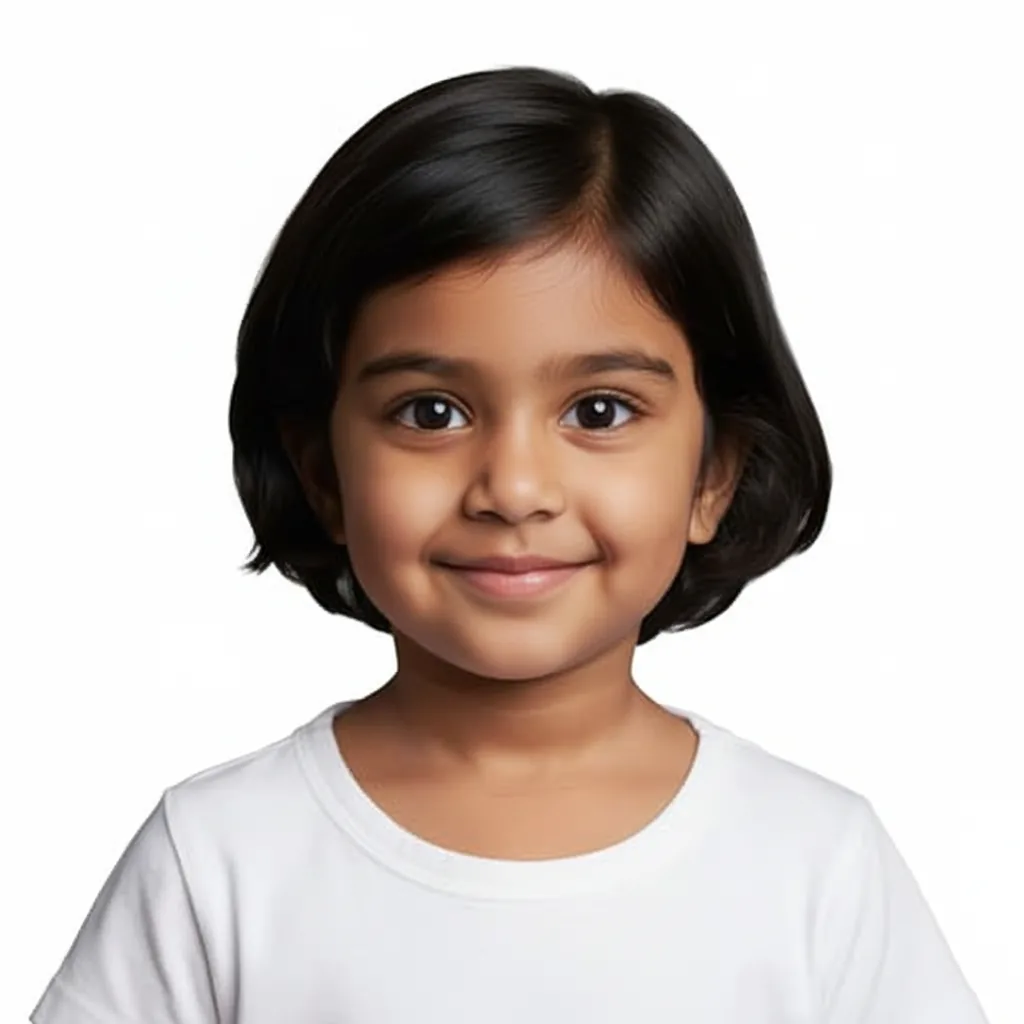
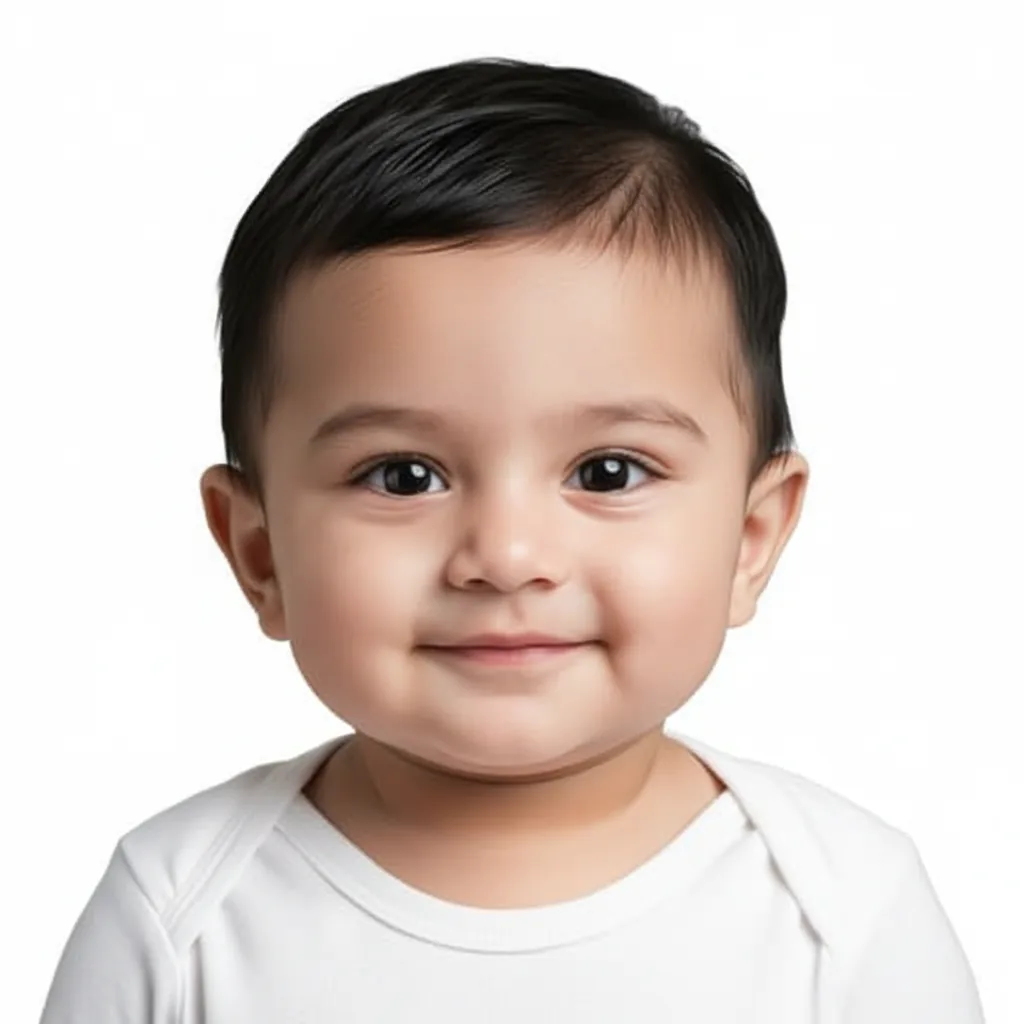
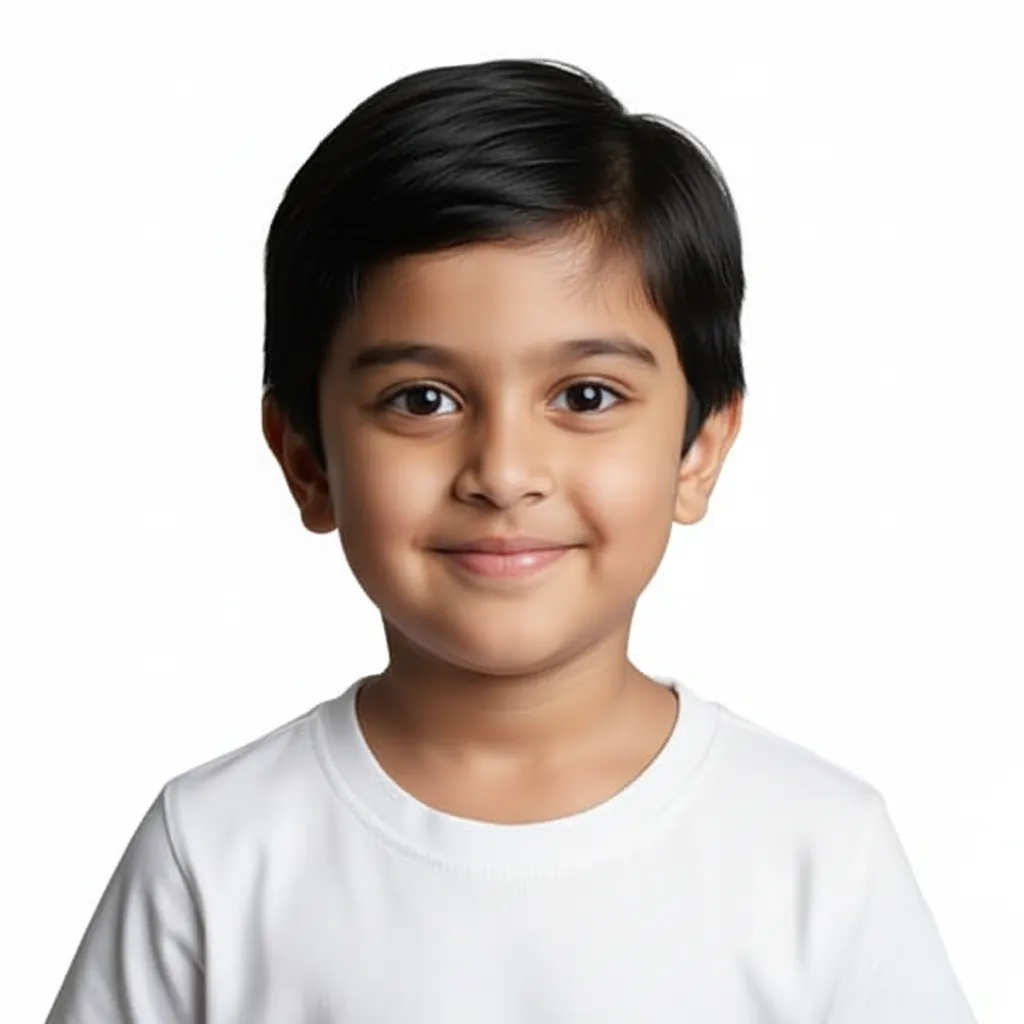
4.Select Templates
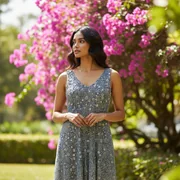
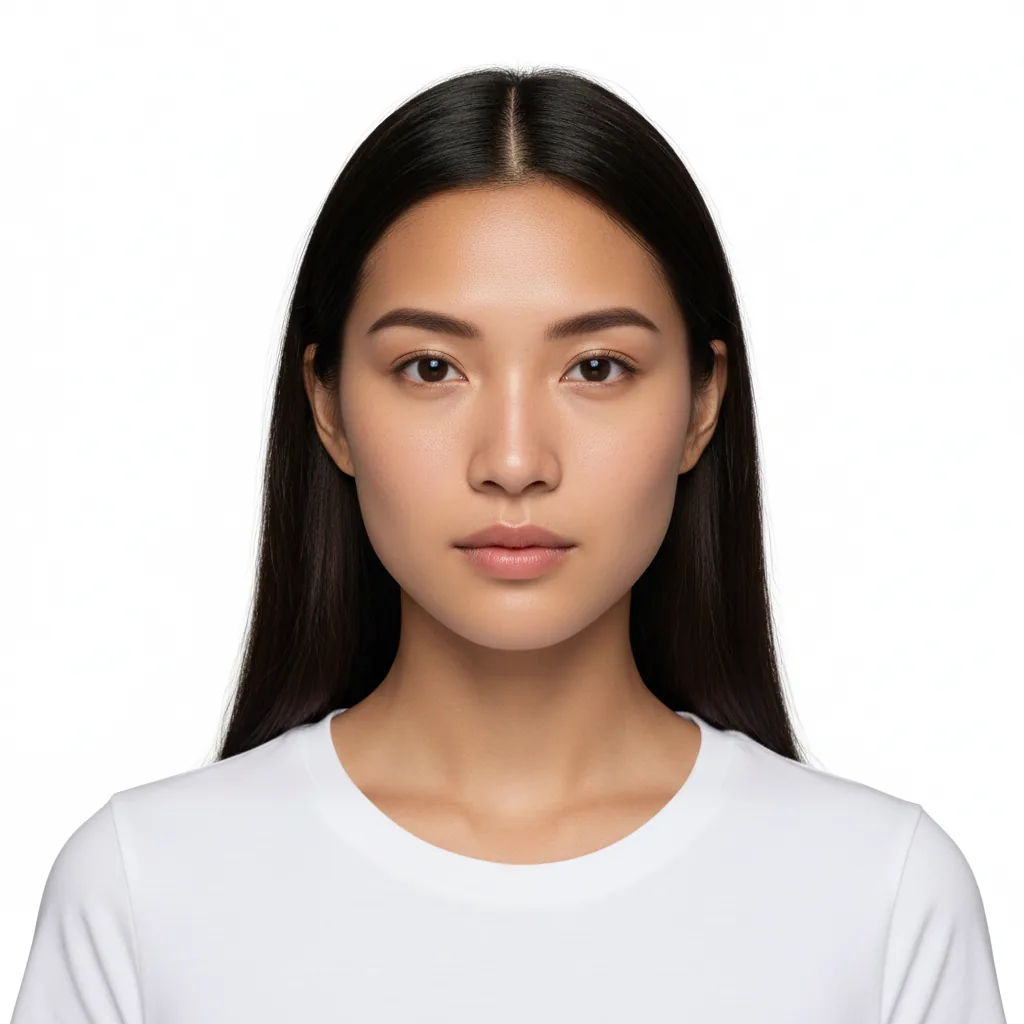
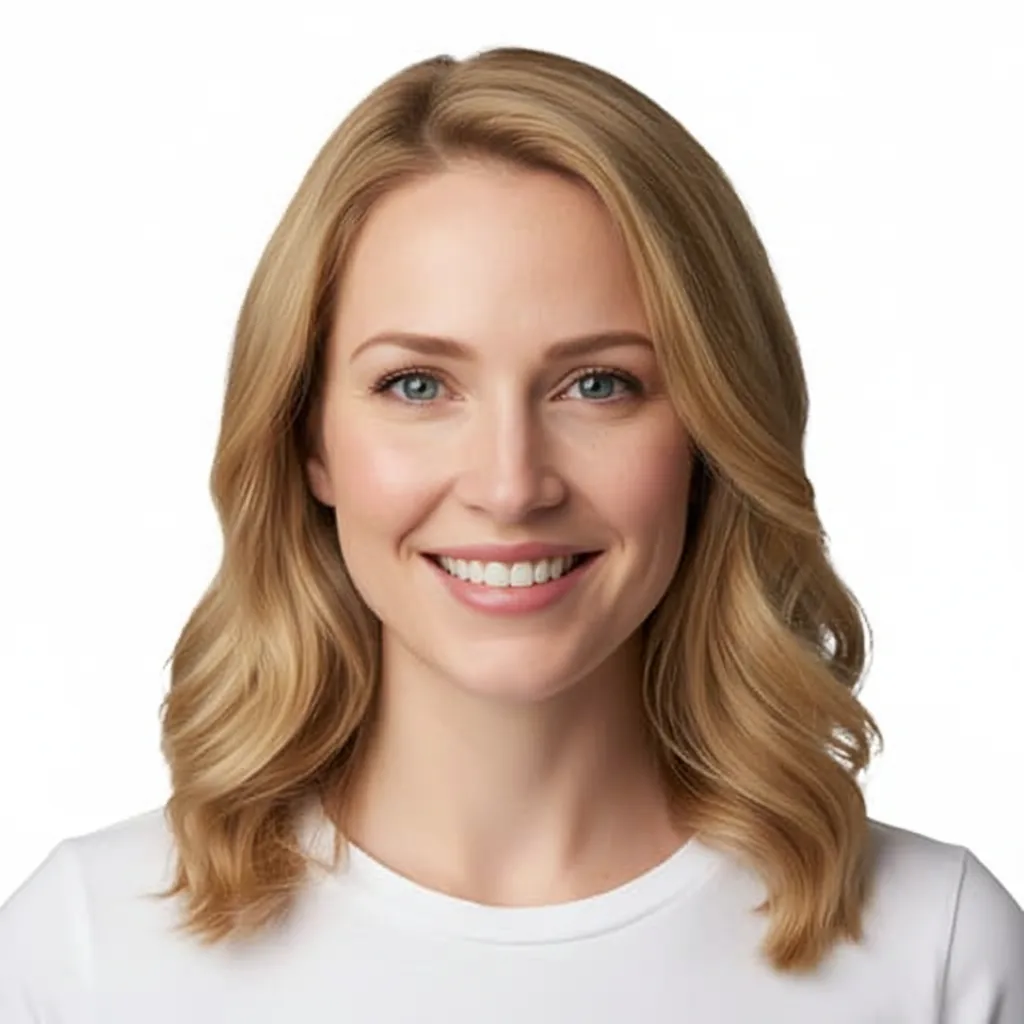
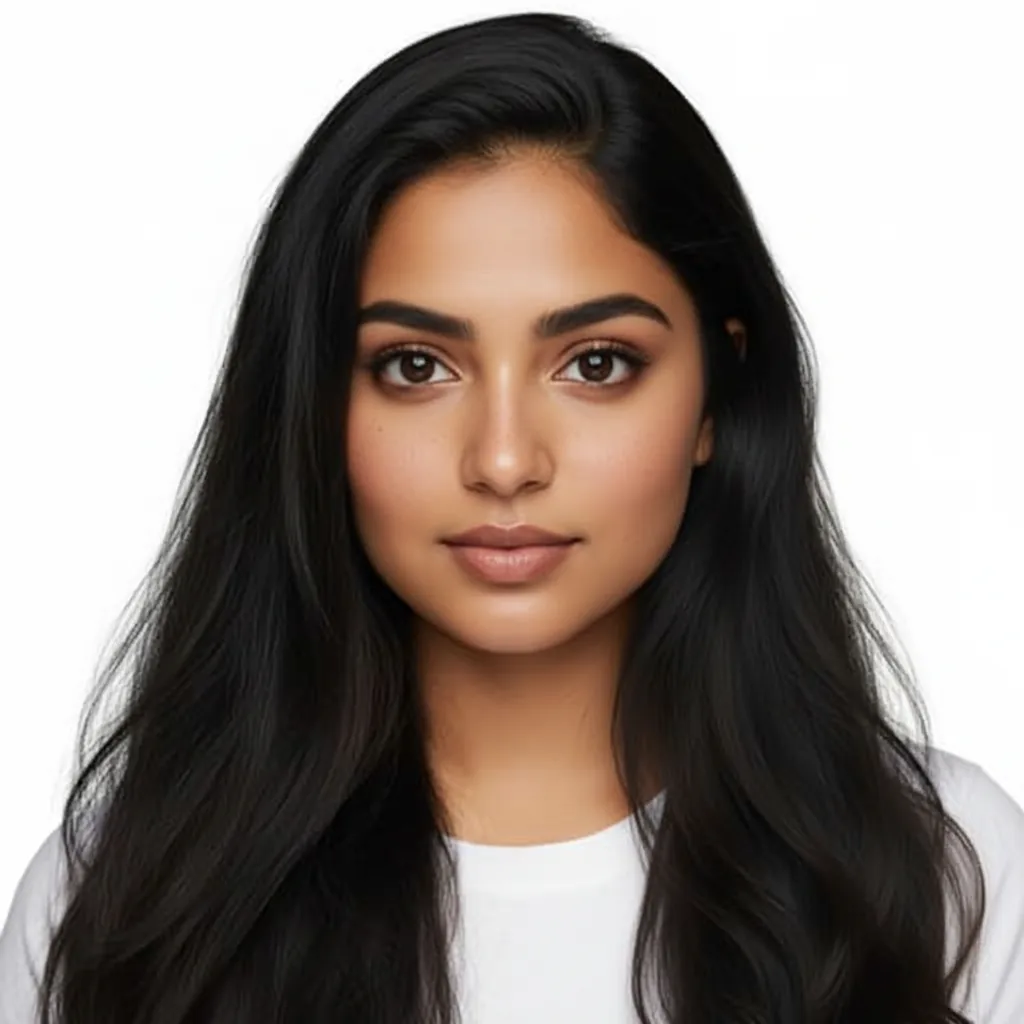
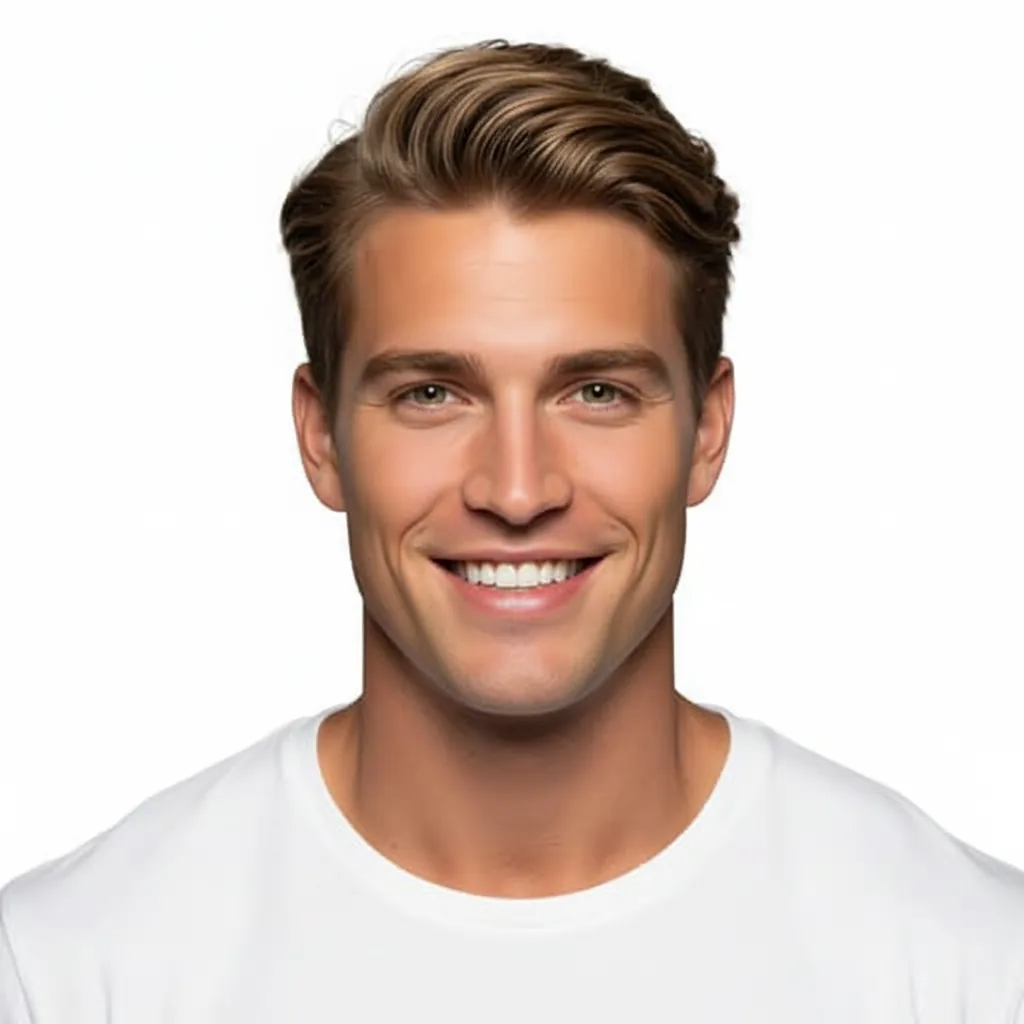
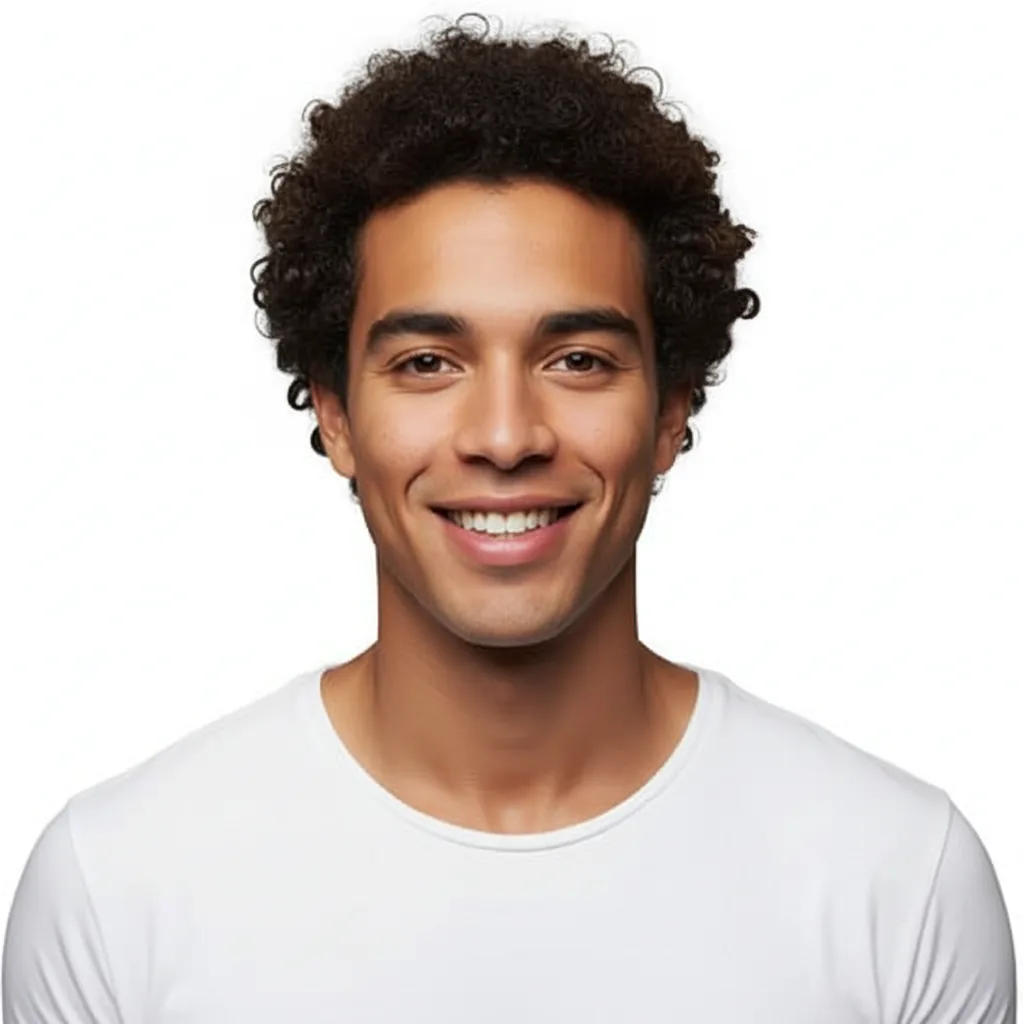
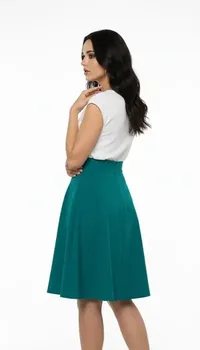
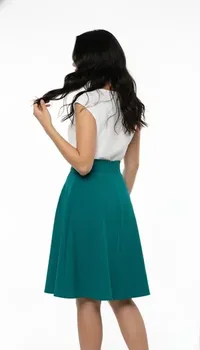
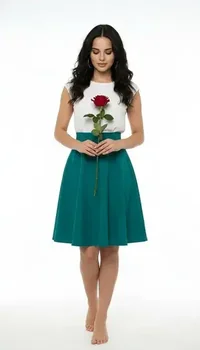
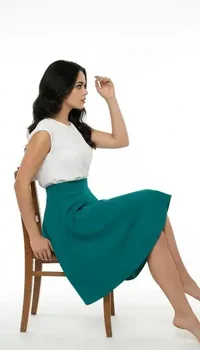
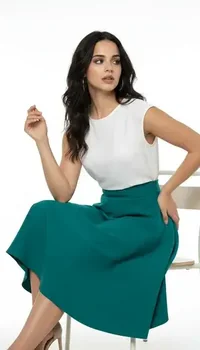
Show your products on diverse models across body types and styles without hiring or coordination.
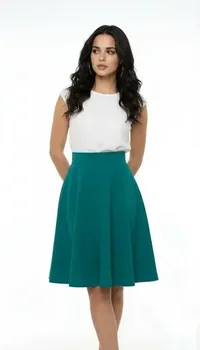
5.Get Creative Packs
Access pre-designed creative packs with videos and images to accelerate your content creation workflow.
6.Enable Customer Try-Ons
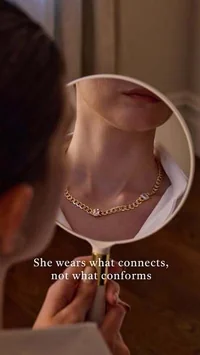
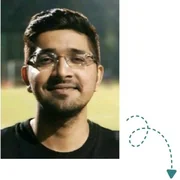
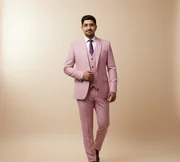
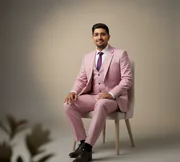
Allow customers to see how outfits and jewelry look on them before buying, increasing trust, sales, and conversion rates.




7.Transform Entire Catalog
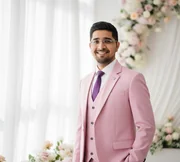
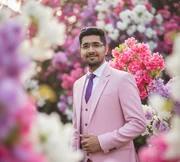
Transform your entire product catalog with 1 click. Upload once and create endless visuals across styles, poses, and formats.