Comparison
Kaptured vs Canva AI product photos: a studio, or a tool you run yourself?
Canva lets whoever designs your posts add an AI product scene. Kaptured.AI is an AI studio that shoots your catalogue on models, so every image is ready before design starts.
★★★★★
-
 Tribe Amrapali
 -
 Laa Polky Stories by Raniwala
 -
 Onya Lab-Grown Diamonds
 -
 House of Armuse
 -
 Ridhi Mehra
 -
 Vasundhara
 -
 Senses
 -
 Talwar & Sons
 -
 M.K. Ghare Jewellers
 -
 Ethnic Cotler
 -
 Jack & Jill
 -
 Under5ft7
 -
 Me & Mine
 -
 STABL
STABL -
 The K Way
 Y Combinator
  IIT Bombay
 A tool you run, or a studio that runs it
Choose Canva AI Product Photos if
You already design social posts in Canva and need a quick product scene for one post, made by whoever is building it.
Choose Kaptured.AI if
Your product has to be worn, true to its colour and cut, and shown on the same model across a catalogue customers buy from.
Who does the work, and what you get back
| Canva AI product photos |  Kaptured.AI
| |
|---|---|---|
| Who does the work | Whoever designs the post: describe the scene, place the product 😩 | We do: casting, styling, sets, light and retouching ✍️ |
| Consistency | Depends on your prompts and templates 🎲 | Faces, set, light and grade locked for every drop 🔒 |
| Revisions | Try again yourself ⏳ | Unlimited, until it's right ✅ |
| Categories | Any product you can describe; no model casting | Apparel, footwear, accessories and jewelry, kidswear and lingerie included |
| Pricing model | Part of a Canva subscription | Priced per product or project, no minimum term |
| Human checks | The designer checks each image | A person checks every image against your product 🔍 |
Competitor details as listed in their public materials, checked 3 Oct 2026.
Where Canva helps
-
It's already open
If your team designs in Canva every day, an AI scene is one more step inside a file they already use.
-
The whole post in one place
Text, layout and image sit together, which is handy for a one-off social graphic or an email header.
-
Good for a mood check
A rough AI scene helps a team agree on a direction before anyone commits to a shoot.
Consistency, accuracy and who checks the result
A catalogue look, not a one-off post
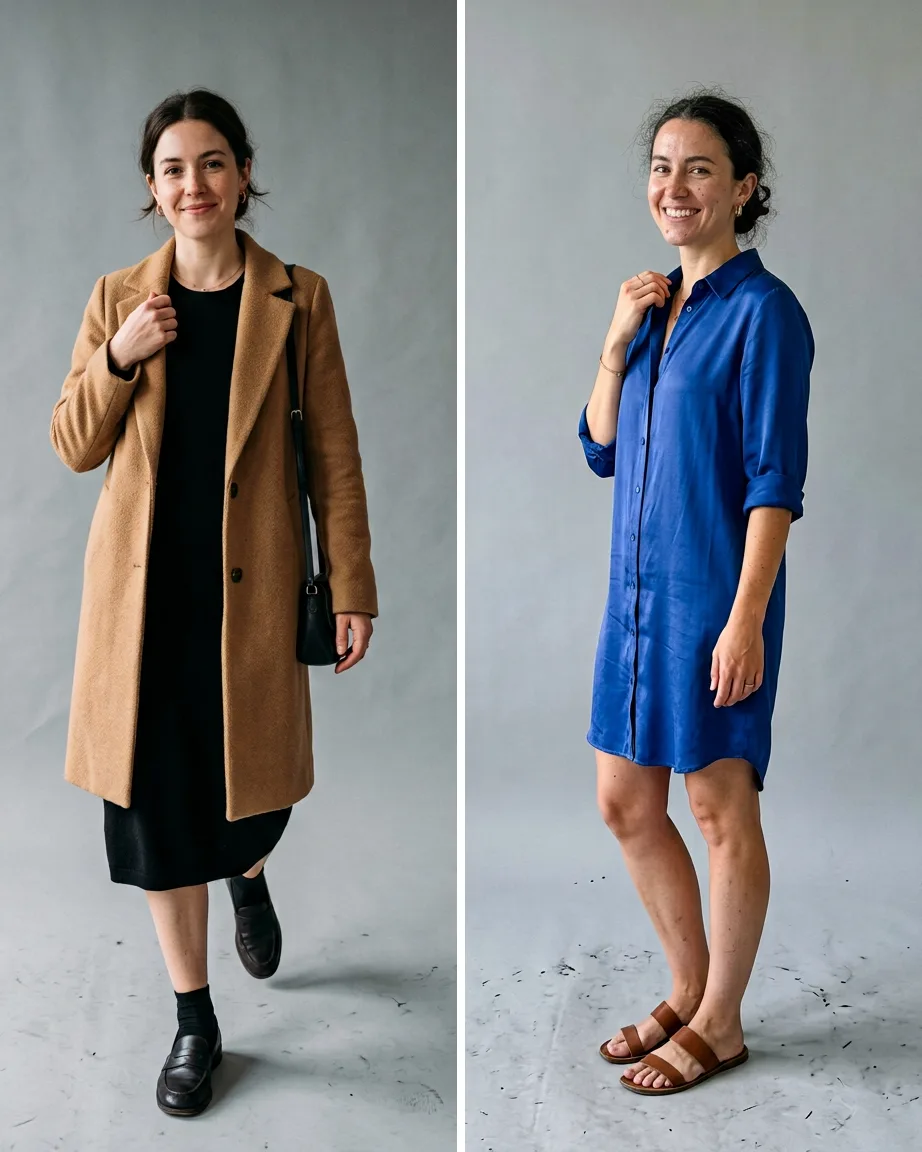
A design tool makes one image at a time. We set a cast, a set and a grade for your brand and shoot the whole range in it, so your store's grid reads as one.
Your garment, not a lookalike
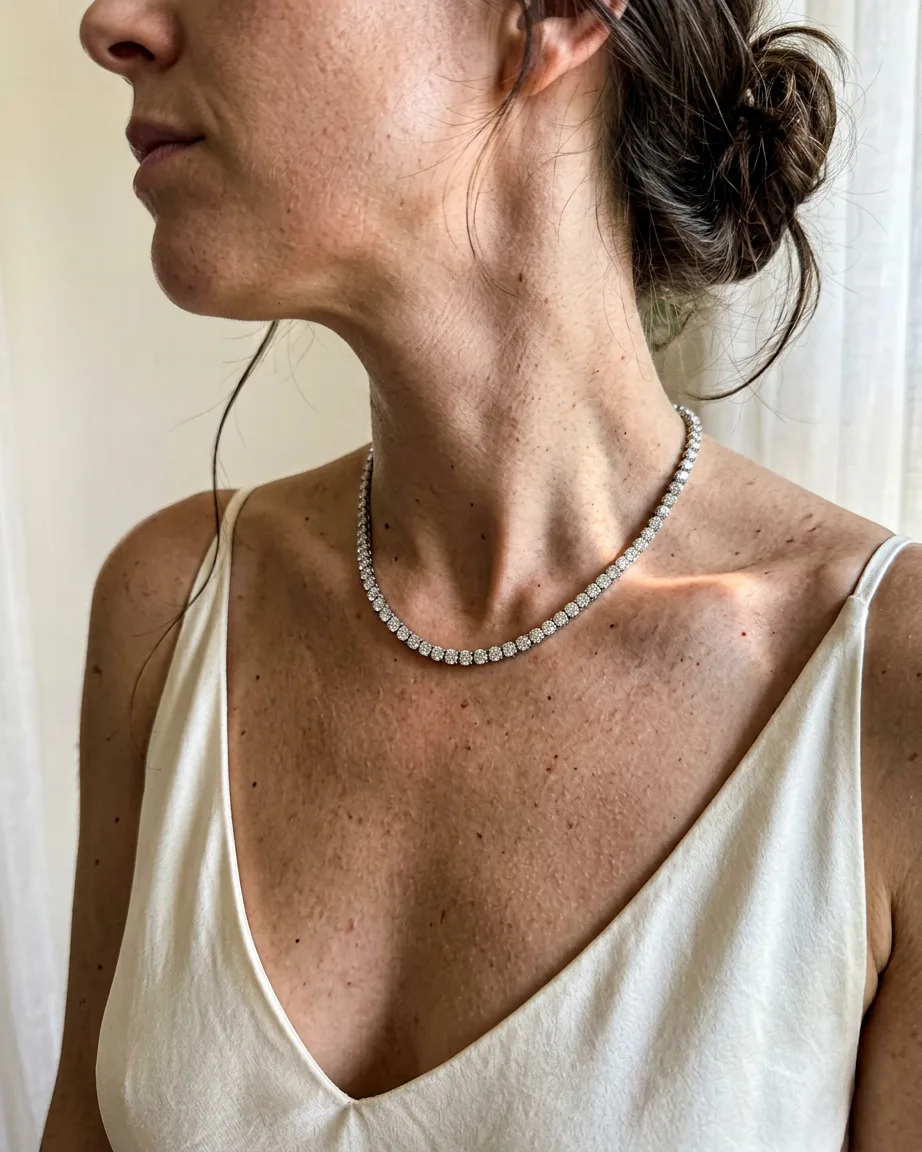
Customers return what doesn't match the photo. A person on our team checks colour, print and cut against your real product before an image leaves the studio.
Files ready before design begins
We deliver crops for your store, marketplaces and ads, so your designer starts from finished images instead of resizing and patching them.
Keep Canva for layouts, send us the product shots
Your designer keeps Canva for posts and banners. We supply the product images that go into them, shot on models in your brand's look.
Pricing is per product or per project, agreed before work begins.
FAQs
