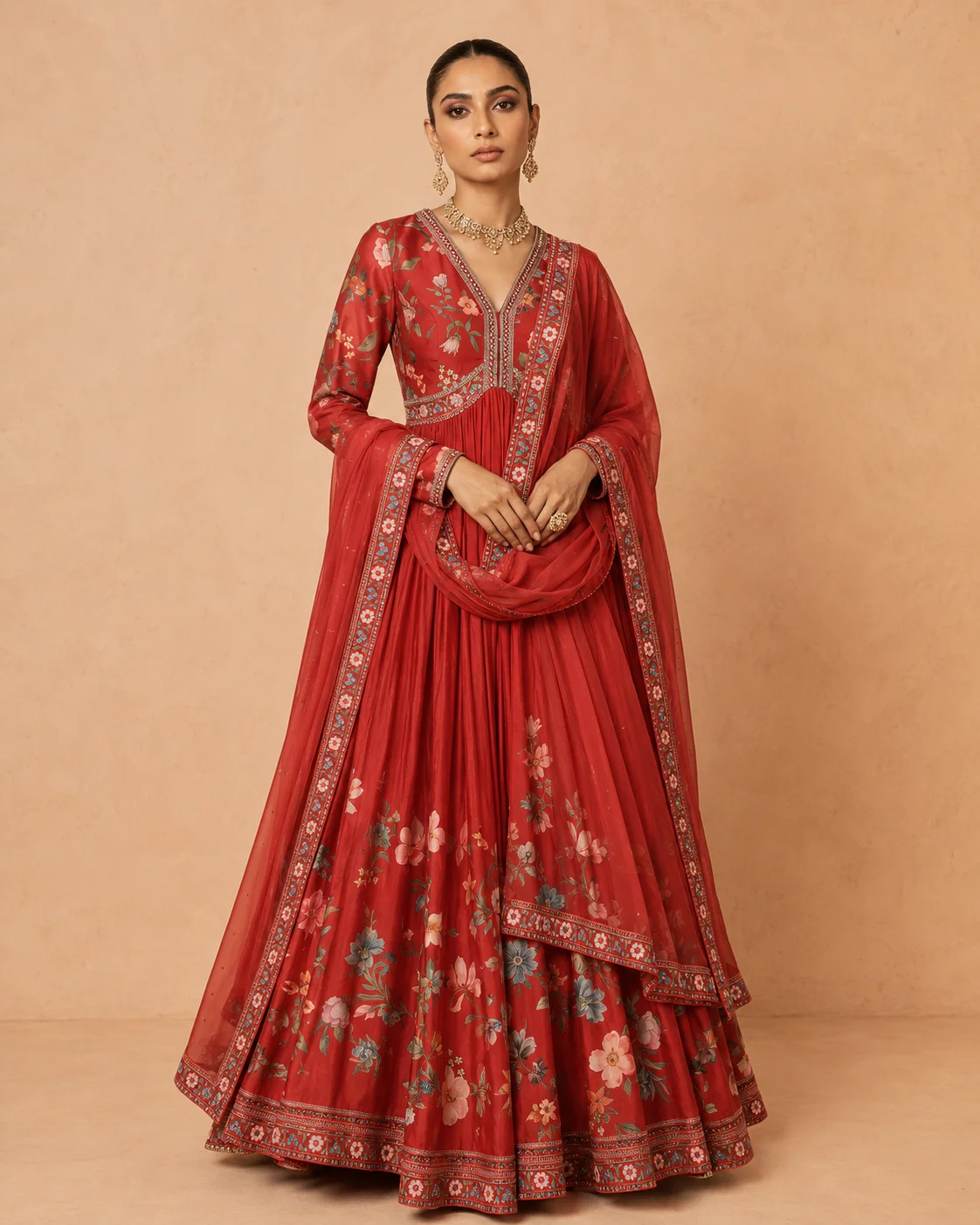
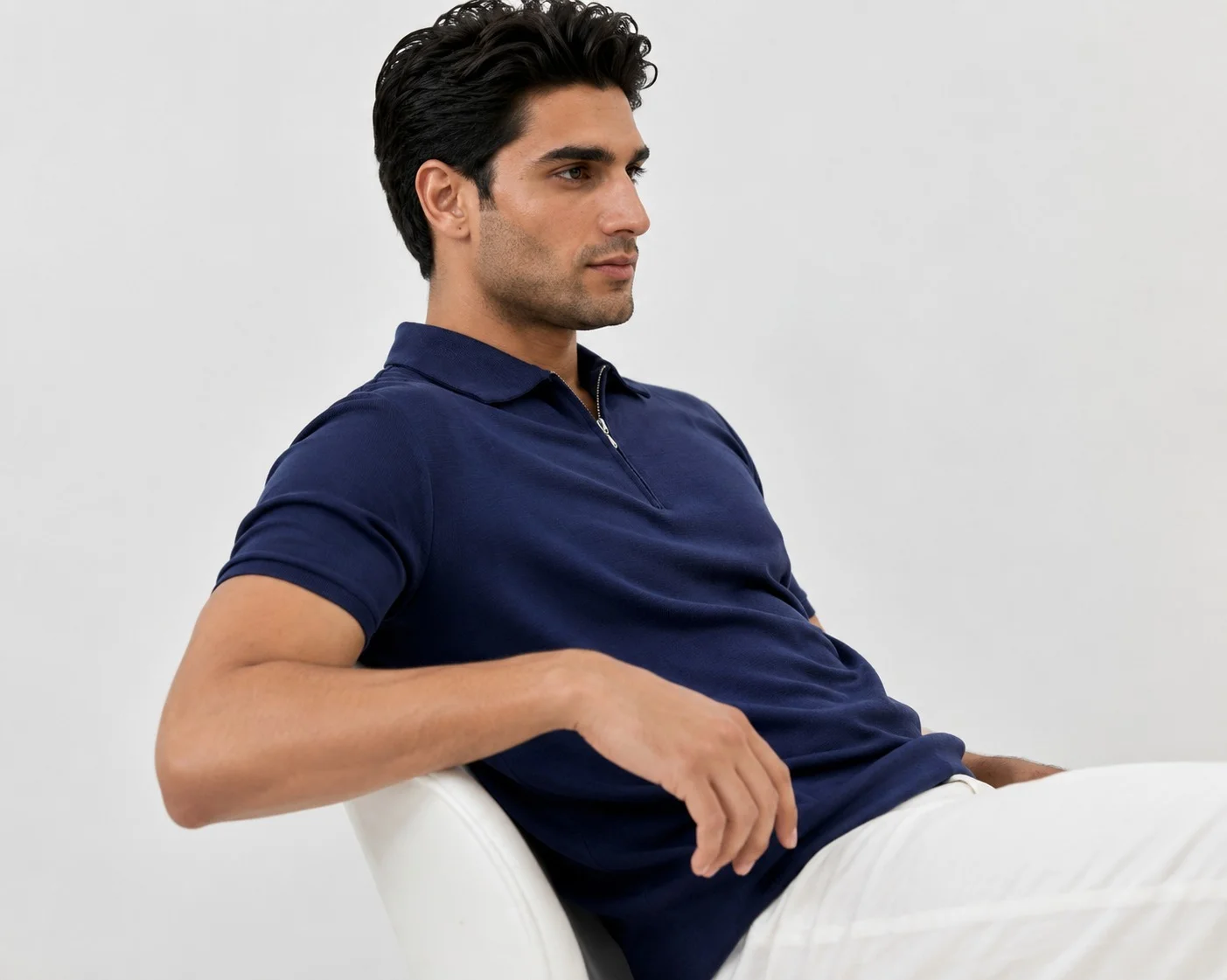
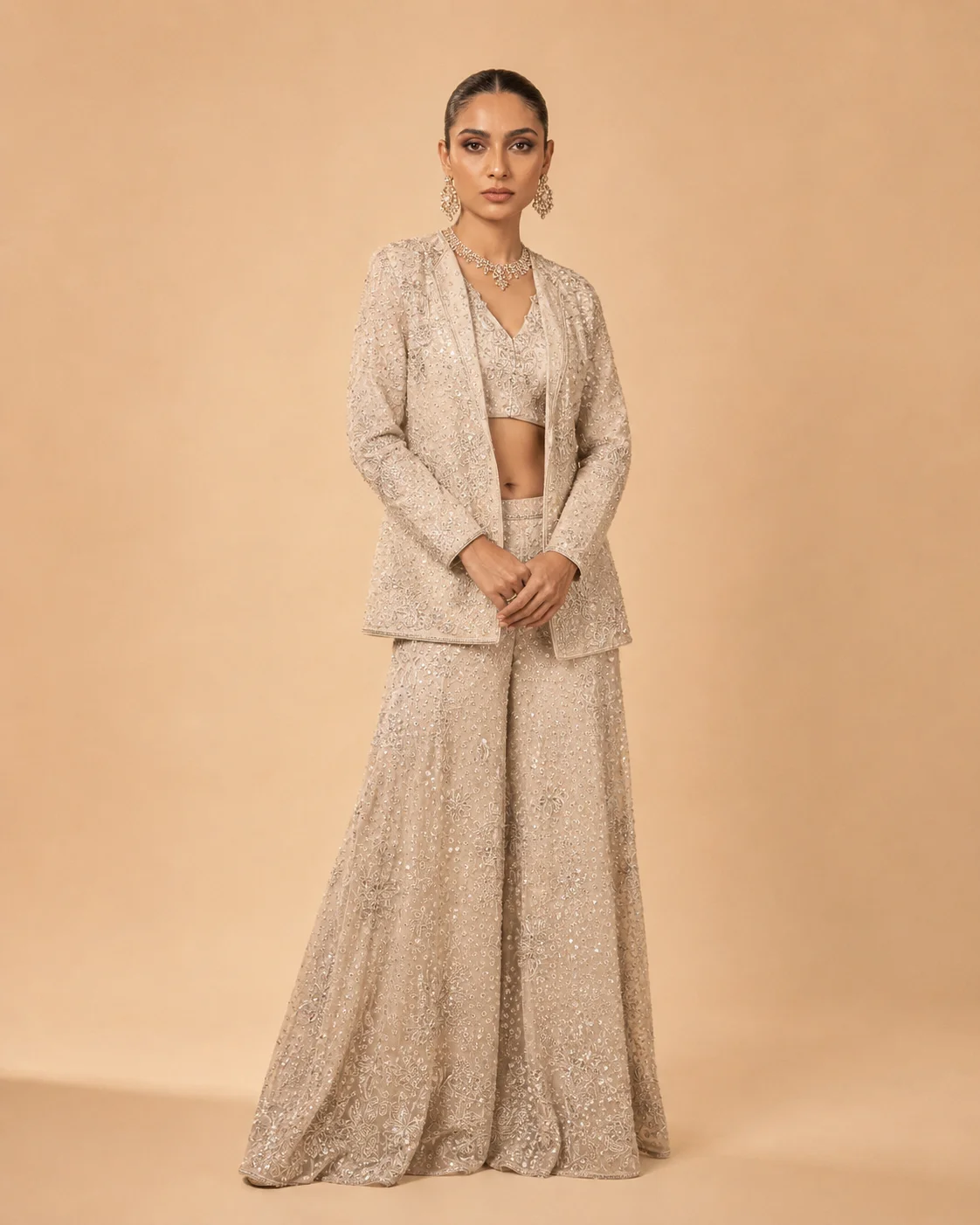
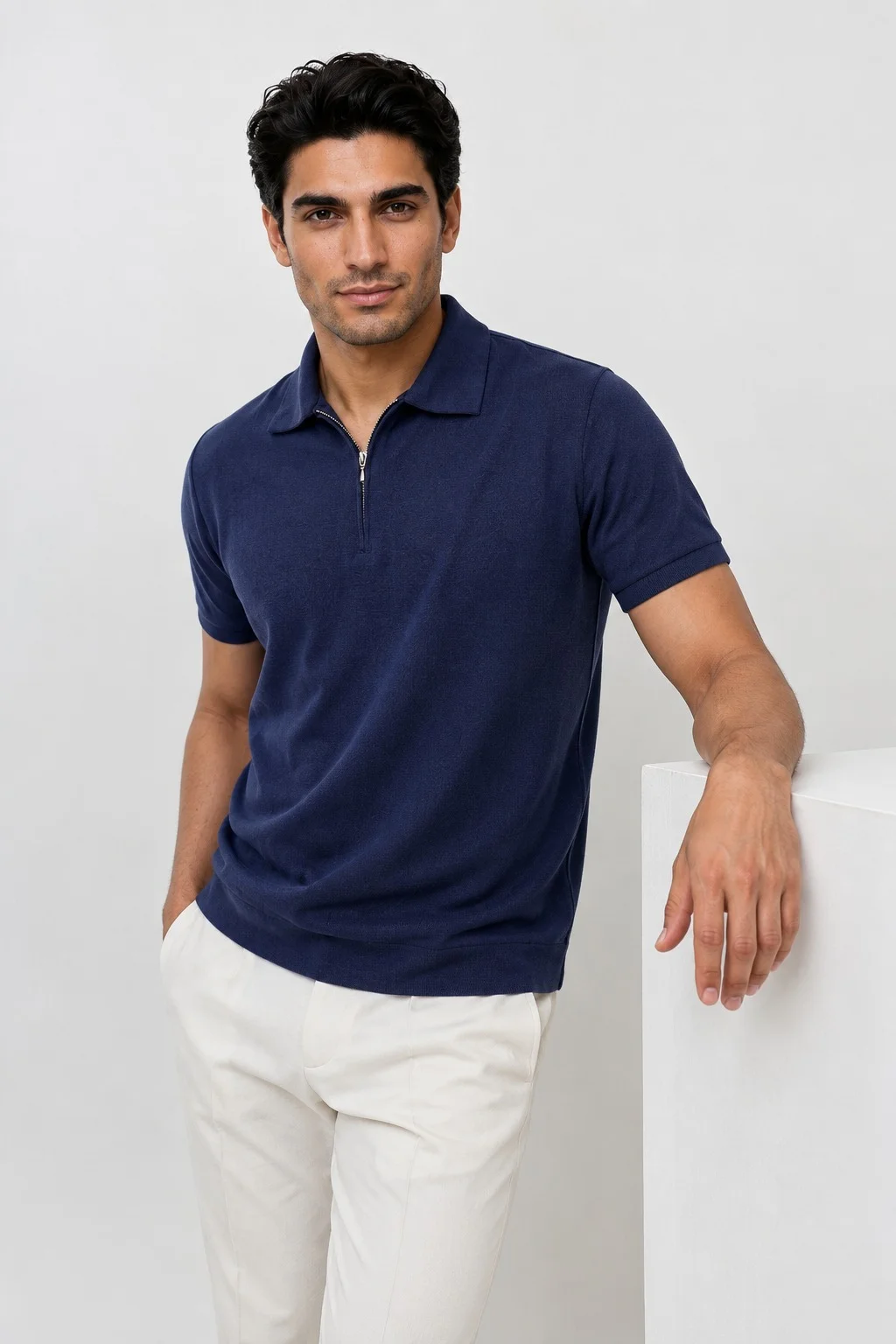
Any face. Same product. Your brand.
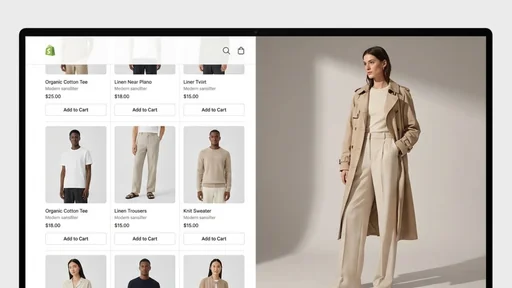
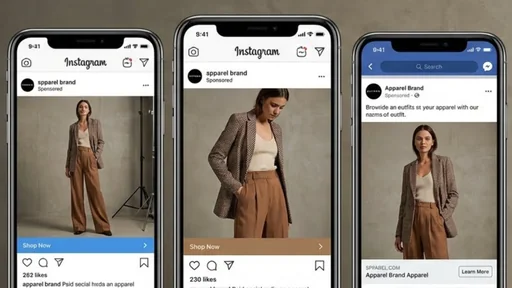
Choose model faces that fit your brand and keep the look consistent across your entire catalogue. Images resized for Shopify, Amazon, Instagram and other popular platforms.
- Professional retouching
- Quality checks by fashion stylists
- Consistent light & shadows
- Up to 4K resolution
TeamHero (above)
Full-viewport hero. Portraits auto-advance every 1.5 seconds; click an avatar to pick one. Headline and paragraph stay fixed (omit description to show each member's bio instead). When points are given they fill the footer row in place of name, role, tenure and link. Newlines in the headline become line breaks. Manrope for the headline, Inter for body, white Lucide icons on the points, primary token on the active dot and link underline. Portraits and avatars are local files under public/team-hero/.
<TeamHero
  headline={"Any face.\nSame product.\nYour brand."}
  description="Choose model faces that fit your brand and keep the look consistent across your entire catalogue. Images resized for Shopify, Amazon, Instagram and other popular platforms."
  points={[                      // { label, icon? }[]; icon = wand | shirt | sun | expand | sparkles | camera | image, or an <svg> string
    { icon: "wand", label: "Professional retouching" },
    { icon: "shirt", label: "Quality checks by fashion stylists" },
    { icon: "sun", label: "Consistent light & shadows" },
    { icon: "expand", label: "Up to 4K resolution" },
  ]}
  members={team}                 // { name, role, description?, image, avatar? }[]
  tenure="In the business since 2020"
  contactLabel="WhatsApp"
  contactHref="#"
  initial={0}
  interval={1500}                // ms between auto-advances, 0 = off
/> | Prop | Type | Default | What it does |
|---|---|---|---|
| headline | string | required | Fixed H1 on the left. Never changes with selection. Newlines become line breaks. |
| description | string | none | Static paragraph on the right. When set, member bios are not shown. |
| points | TeamHeroPoint[] | [] | Footer row of label + white icon. Replaces name, role, tenure and the contact link. Icon is a name (wand, shirt, sun, expand, sparkles, camera, image) or an inline svg string. |
| members | TeamMember[] | required | name, role, optional description (bio, used only without a static description), image (full-bleed), optional avatar (thumbnail). |
| tenure | string | none | Static footer line, visible from md up. Omit to hide. |
| contactLabel | string | "Contact" | Footer link text. |
| contactHref | string | none | Footer link target. Omit to hide the link. |
| initial | number | 0 | Member shown on load. |
| interval | number | 1500 | Milliseconds between auto-advances. Pauses on hover, focus, hidden tab or off-screen; restarts after a click; off for reduced motion. 0 disables. |
| class | string | "" | Extra classes on the section. |
Component playground
CollapsingStack
A numbered list of panels: title, paragraph and pill tags on the left, a looping video on the right. As you scroll, each panel slides up over the one before it, folding the list into a stack of headings with a strip of each video still showing.
-
AI Photoshoots
On-model and product photoshoots made with AI from the product photos you already have.
See photoshoots -
AI Video Production
Campaign films and product videos made with AI, scripted and directed by our team.
See AI video production -
AI Video Ads
Short ads made with AI for paid social, cut in the formats each placement asks for.
See AI video ads -
AI UGC Videos
Creator-style videos made with AI avatars, talking to camera about your product.
See AI UGC videos
<CollapsingStack
  items={items}          // { title, description, tags?, videoSrc, posterSrc?, href?, linkLabel? }[]
  rowHeight="6.25rem"    // height of one collapsed heading row (desktop)
  bgColor="hsl(var(--background))"
/> | Prop | Type | Default | What it does |
|---|---|---|---|
| items | StackItem[] | required | One panel each, numbered in order. Landscape videos read best; they are cropped to 16:9. |
| rowHeight | string | "6.25rem" | How much of each folded panel stays visible. Each panel pins this much lower than the last. Phones use a fixed 4.5rem. |
| bgColor | string | "hsl(var(--background))" | Section and panel colour. Panels must be opaque to hide the ones beneath, so match the surrounding section. |
| class | string | "" | Extra classes on the section. |
The fold is pure CSS: every panel is position: sticky, with its top offset by its index times rowHeight below the site header, so no scroll listeners run. A small script plays only the videos on screen and pauses the rest; under prefers-reduced-motion they stay paused on their first frame or poster. Under 768px the video drops beneath the copy. Keep the list to about five panels, since each one adds a heading row to the pinned stack.
Component playground
BrandControlBanner
The closing call to action from the /start page. A rounded full-width frame with a muted looping video behind a left-aligned headline and one white button. Pass a Calendly URL and the button opens the booking popup; leave it out and the button is a plain link.
<BrandControlBanner
  videoSrc="/contact-card-hq.mp4"
  posterSrc="/contact-card-poster.webp"
  heading={"Let's build something\namazing together"}   // \n forces the line break
  ctaText={CTA.call.label}
  calendlyUrl={callHref(slug)}  // omit to use ctaHref instead
  videoObjectPosition="top"
/> | Prop | Type | Default | What it does |
|---|---|---|---|
| heading | string | "Your whole catalog,\nreimagined in minutes." | Headline in the global heading-2 style, white. Newlines in the string become line breaks. |
| ctaText | string | "Try for Free" | Button label. An arrow icon follows it. |
| calendlyUrl | string | none | When set, the button opens this Calendly event in the site's popup instead of navigating. |
| ctaHref | string | "/start" | Link target used only when calendlyUrl is not set. |
| videoSrc | string | "/contact-card-hq.mp4" | H.264 fallback source. |
| videoSrcWebm | string | "/contact-card-hq.webm" | Offered first; browsers that cannot play it use videoSrc. |
| posterSrc | string | "/contact-card-poster.webp" | Still shown before the video loads. |
| videoObjectPosition | string | "center" | CSS object-position for the video, e.g. "top" to keep faces in frame on tall phones. |
| bgColor | string | "#ffffff" | Colour of the section around the rounded frame. Match it to the section above. |
The frame is 21:9 on phones stretching to 21:7 on desktop, with a 4:5 portrait crop under 640px so the headline and button have room. A left-to-right gradient keeps the text legible over the video; on phones it runs top-to-bottom instead. The video is muted, looped and marked decorative, so nothing here is read by screen readers except the headline and the button. The Calendly popup is opened by a click handler that the Header's services menu binds once per page, so the banner needs Header on the same page and no script of its own.
Component playground
BrandLogoCarousel
Five gold stars, a short trust line and an endless row of client logos sliding left. Logos rest in greyscale and come to full colour with a name tooltip on hover. Hover anywhere on the row to pause it. The band is transparent so it takes the colour of whatever section it sits in.
★★★★★
-
 Tribe Amrapali
 -
 Laa Polky Stories by Raniwala
 -
 Onya Lab-Grown Diamonds
 -
 House of Armuse
 -
 Ridhi Mehra
 -
 Vasundhara
 -
 Senses
 -
 Talwar & Sons
 -
 M.K. Ghare Jewellers
 -
 Ethnic Cotler
 -
 Jack & Jill
 -
 Under5ft7
 -
 Me & Mine
 -
 STABL
STABL -
 The K Way
 Y Combinator
  IIT Bombay
 <BrandLogoCarousel
brands={brands} // { name, imageUrl }[], defaults to the 15 client logos
speed={45} // seconds for one full loop
ratingText="Trusted by 200+ brands"
showStars={true}
/> | Prop | Type | Default | What it does |
|---|---|---|---|
| brands | { name, imageUrl }[] | the 15 logos in /public/compressed-logo | name is the hover tooltip and the image alt. The list is duplicated once so the loop has no seam; eight or more read best. |
| speed | number | 45 | Seconds for one full pass. Lower is faster. |
| ratingText | string | "Trusted by 200+ brands" | Uppercase line after the stars. Pass "" to drop the stars and the line together. |
| showStars | boolean | true | Hide the five stars but keep the text. |
Pure CSS marquee, no script: the track holds the list twice and translates by half its width, so the loop is seamless as long as every card keeps the same margin. The edge fades are overlays painted with the surface token rather than a mask, so the tooltip can rise above the row without being clipped. On touch devices the logos show in full colour and tooltips are dropped. Under prefers-reduced-motion the row stops and wraps into a centred grid.
Component playground
AccordionHero
The hero from /animated-video-production. Copy on the left: overline, H1, one paragraph and two buttons. On the right, a horizontal accordion of tall media panels: every panel rests as a thin sliver, and hovering one (tapping on touch) expands it to show the full frame while the rest collapse. A teal focus frame with crosshair lines glides along to sit over the open panel. Behind it, the hover-flash box grid and the home page's floating tiles, passed in through the background slot.
Animated video studio
Studio-grade animation, without the studio timeline
Custom motion graphics, 2D and character animation, kinetic typography, and illustrated explainers, delivered in days for a fraction of a traditional studio's cost. AI accelerates the frames. Human art direction owns the style, the story, and your brand.
Same hero with mediaSide="left": the panels take the wide column on the left and the copy moves to the right. The tiles are mirrored into the left gutter to match. Source order does not change, so the H1 still comes first for screen readers, and under 1000px both variants stack copy over panels.
Animated video studio
Studio-grade animation, without the studio timeline
Custom motion graphics, 2D and character animation, kinetic typography, and illustrated explainers, delivered in days for a fraction of a traditional studio's cost. AI accelerates the frames. Human art direction owns the style, the story, and your brand.
// Panels, left to right. Strings or { src, type?, alt?, poster? }.
const heroMedia = ["/video/1.mp4", "/video/2.mp4", "/video/3.mp4"];

// Inline SVG shown before the eyebrow text. Any icon works; it takes the
// eyebrow's colour through currentColor.
const heroEyebrowIcon = `<svg viewBox="0 0 24 24" fill="none" stroke="currentColor" stroke-width="2" ...>...</svg>`;

// Floating tiles. Each one is an input: the label, the icon or image, where it
// sits, how fast it drifts on scroll, its size, entry delay and tilt.
const gutter = "((100% - 72rem) / 2)";   // free space beside the 72rem content box
const heroTiles = [
  { type: "icon",  iconName: "BarChart3",             label: "Growth",          x: `calc(100% - ${gutter} - 60px)`, y: "8%", parallaxSpeed: 0.5,  size: "lg", delay: "1.2s", rotate: 4 },
  { type: "icon",  iconName: "Users",                 label: "Models",          x: `calc(100% - ${gutter} + 30px)`, y: "30%", parallaxSpeed: 0.5,  size: "sm", delay: "1.6s", rotate: 5 },
  { type: "icon",  iconName: "FileSpreadsheet",       label: "Brand",           x: `calc(100% - ${gutter} - 30px)`, y: "52%", parallaxSpeed: 0.4,  size: "sm", delay: "1.8s", rotate: -4 },
];

<AccordionHero
  eyebrow="Animated video studio"
  eyebrowIcon={heroEyebrowIcon}  // optional, sits before the eyebrow text
  title="Studio-grade animation, without the studio timeline"
  description="Custom motion graphics, 2D and character animation..."
  primaryCta={{ label: CTA.call.label, href: callHref(slug), external: true }}
  secondaryCta={{ label: "See animation examples", href: "#portfolio" }}
  media={heroMedia}            // ({ src, type?, alt?, poster? } | string)[], first one opens on load
  initialIndex={0}
  aspect={9 / 16}              // width / height of the media, sizes the open panel
  audio={true}                 // open panel plays with sound after the first click or tap
  mediaSide="right"            // "left" mirrors it: panels left, copy right
>
  <Fragment slot="background">
    <BackgroundBoxes />
    <div class="absolute inset-0 hidden min-[1400px]:block pointer-events-none">
      <FloatingTiles tiles={heroTiles} wash={false} />
    </div>
  </Fragment>
</AccordionHero> | Prop | Type | Default | What it does |
|---|---|---|---|
| title | string | required | The page H1, Manrope 800, balanced. There should be exactly one of these per page. |
| eyebrow | string | none | Overline above the H1 in the global heading-overline style. |
| eyebrowIcon | string | none | Inline SVG markup shown before the eyebrow text. Inherits the eyebrow colour via currentColor; size is set by the --ah-eyebrow-icon custom property (1.125rem). |
| description | string | none | Paragraph under the H1, Inter, capped at 34rem. |
| primaryCta | { label, href, external? } | none | Filled button. external opens a new tab with rel=noopener. |
| secondaryCta | { label, href, external? } | none | Outlined button beside the primary. Both centre under the copy on phones. |
| media | ({ src, type?, alt?, poster? } | string)[] | required | Panels, left to right. type is inferred from the file extension when omitted. Videos are muted, looped and decorative; images use alt. |
| initialIndex | number | 0 | Panel expanded on first paint. |
| collapsedWidth | number | 56 | Sliver width in px on desktop. Shrinks on its own if many panels would starve the open one below 45% of the row. |
| collapsedWidthMobile | number | 28 | Sliver width in px under 1000px. |
| gap | number | 6 | Space between panels in px. |
| maxExpandedWidth | number | none | Upper bound on the open panel in px. Omit to let aspect decide. |
| aspect | number | 9 / 16 | Width over height of the media. The open panel is sized to show the whole frame at the row height. |
| audio | boolean | true | Play the open panel's video with sound once the visitor has clicked, tapped or pressed a key. Until then, and for every collapsed panel, playback is muted. |
| stageHeight | string | "clamp(440px, 64vh, 640px)" | Height of the panel row on desktop, any CSS length. |
| stageHeightMobile | string | "clamp(300px, 52vh, 420px)" | Height of the panel row under 1000px. |
| mediaSide | "left" | "right" | "right" | Which side the panels sit on at desktop widths. "left" mirrors the layout: panels in the wide left column, copy on the right. Source order is unchanged, and under 1000px both variants stack copy over panels. |
| slot="background" | markup | none | Decorative layer behind the whole hero, hidden under 1024px. BackgroundBoxes and FloatingTiles here; anything absolutely positioned works. |
| slot="lead" | markup | none | Content between the description and the buttons. Service pages put the 4 hero features here (3 words max each, icon + label), then the BrandLogoCarousel trust row. All 4 features use the same filled pill: never give the first one (or any one) a primary style, a full-width row or a different weight. The trust row keeps the founders line on (Y Combinator, IIT Bombay) and shrinks the logos to 104×56px cards with no side margin. Service page heroes pass no primaryCta or secondaryCta, because the lead slot already fills the column. |
| default slot | markup | none | Extra content under the buttons in the copy column. |
| class | string | "" | Extra classes on the outer section. |
FloatingTiles props (the tiles in the background slot)
| Prop | Type | Default | What it does |
|---|---|---|---|
| tiles | TileProps[] | the home page's eight tiles | One entry per tile. The four here are the home page's right-hand set, placed against the right gutter so they clear the accordion. |
| wash | boolean | true | White radial wash behind the tiles. Off here so the box grid shows through. |
TileProps (one tile)
| Field | Type | Default | What it does |
|---|---|---|---|
| label | string | required | Caption under the icon or image, e.g. "Growth", "Brand", "Models". |
| type | "icon" | "image" | required | Icon tile or photo tile. |
| iconName | string | none | Lucide icon name for icon tiles, e.g. "BarChart3", "Users", "FileSpreadsheet". |
| imageSrc | string | none | Photo for image tiles, cropped square. |
| x / y | string | required | Position of the tile's top-left corner, any CSS length. Percentages are of the hero; calc() against the gutter keeps a tile beside the content box. |
| parallaxSpeed | number | required | How far the tile drifts as the page scrolls. Higher moves more. |
| size | "sm" | "md" | "lg" | "xl" | "md" | Tile padding and icon or image size. |
| delay | string | required | Entry animation delay, e.g. "1.2s". Stagger these so the tiles do not all pop at once. |
| rotate | number | 0 | Resting tilt in degrees. |
Motion is a plain CSS transition on left and width with one slow decelerating ease; a small script recomputes pixel positions on focus change and on resize. Each video is rendered at the open panel's width and centred, so a sliver is a live crop of the same frame it reveals and nothing rescales mid-transition. Only the open panel's video plays, and only while the stage is on screen and the tab is visible. Panels are keyboard reachable: Tab to a panel, then the arrow keys move along the row. Under 1000px the copy centres above the stage and the crosshairs clip to it. Under prefers-reduced-motion the transitions are off and videos stay on a still frame. The background slot is pointer-transparent except for the tiles, so the box grid still flashes under the cursor through the empty space around the copy.
Component playground
ScrubHero
The pointer-tracked character from /animated-video-production. A full-viewport background video is scrubbed by the cursor's horizontal position (finger position on touch): the clip is a head turn, first frame looking left, middle frame straight, last frame right. The cursor over the character's head lands on the straight frame, and the head turns toward the cursor as it moves away. In the copy column: one or two short paragraphs set exactly like the CardDealReveal centre card (Manrope 700, large, tight leading), then the same four equal feature pills AccordionHero's lead slot uses on the service pages. No CTA buttons. The default clip is the felt mascot below.
Meet your brand mascot, made with AI. Move your cursor and he follows.
Same face, same voice, in every video you post.
- Locked character sheet
- Brand voice
- Launch video
- Series ready
<ScrubHero
  videoSrc="/mascot-video.mp4"     // head-turn clip: left, straight, right
  characterX={0.72}                // where the head sits across the frame (0..1)
  tone="light"                     // "dark" for dark footage: white text and pills, black wash
  text={[                          // one or two short paragraphs, card-deck type
    "Meet your brand mascot, made with AI. Move your cursor and he follows.",
    "Same face, same voice, in every video you post.",
  ]}
  features={[                      // exactly four, 3 words max, all the same pill
    { label: "Locked character sheet", icon: '<rect x="3" y="11" width="18" height="11" rx="2"/><path d="M7 11V7a5 5 0 0 1 10 0v4"/>' },
    { label: "Brand voice",           icon: '<path d="M12 2a3 3 0 0 0-3 3v7a3 3 0 0 0 6 0V5a3 3 0 0 0-3-3Z"/>...' },
    { label: "Launch video",          icon: '<rect x="7" y="2" width="10" height="20" rx="2"/><path d="M11 18h2"/>' },
    { label: "Series ready",          icon: '<rect x="2" y="6" width="14" height="12" rx="2"/><path d="m22 8-6 4 6 4Z"/>' },
  ]}
/> | Prop | Type | Default | What it does |
|---|---|---|---|
| videoSrc | string | "/mascot-video.mp4" | The clip that gets scrubbed. It must be a head turn: first frame looking left, middle frame straight ahead, last frame looking right. Muted, decorative, preloaded in full so seeks land instantly. |
| characterX | number | 0.72 | Horizontal position of the character's head as a fraction of the video's width. The script replicates object-fit: cover and object-position to find where that column is painted, so the cursor over the head gives the straight frame at any viewport size. |
| text | string | string[] | two mascot lines | One or two short paragraphs in the copy column, set like the CardDealReveal centre card: Manrope 700, clamp(1.5rem, min(3.1vw, 4.6vh), 2.75rem), line-height 1.15, foreground colour. Keep each under about 14 words so both fit on short screens. Say the work is made with AI. |
| features | { label, icon }[] | the brand mascot page's four | Four feature pills under the text, 3 words max each, icon plus label. Same filled pill as the service page heroes: teal text on a 10% teal fill with a 22% teal border. All four are identical in style; never give the first one a different weight or fill. icon is the inner markup of a 24x24 lucide-style stroke icon. |
| tone | "light" | "dark" | "light" | Copy treatment. light: foreground text, teal pills, white-to-transparent wash on the copy side, for pale footage like the mascot. dark: white text, translucent white pills, black-to-transparent wash, for dark footage. |
| label | string | "Meet your brand mascot" | Accessible name of the section. |
| class | string | "" | Extra classes on the outer section. |
The section is 100svh tall with a 560px floor. On desktop the mouse is tracked anywhere on the page while the section is on screen; on touch, the finger over the section itself. Each move sets a target frame and the video eases toward it a few percent per animation frame, waiting for the previous seek to finish before issuing the next, so the head never stutters. On load it seeks to the straight frame so the character is not caught looking sideways. The pills rise in one after another with the same stagger as the service page heroes. Under prefers-reduced-motion the pills are simply visible; the scrub itself still follows the pointer.
Component playground
CardDealReveal
Three acts in one scroll story. Three cards under a heading fan over each other and sink beneath a paper panel. In the panel the copy reveals word by word, with chosen keywords held in coloured pills. Then the same three cards fly back out, settle in a row and flip to list what each one includes. This is the "three layers" section on /ai-music-videos.
Rule: every card label is an outcome or a feature the client gets from us ("New shots", "Lip sync", "Detail check"), never a kind of tool, provider or alternative ("AI ad generator", "Avatar tool", "UGC creator", "Production house"). The deck is not a comparison; that goes in a comparison table. The act 3 heading names what the cards deliver. On the 24 video pages and the hub, all three acts run.
Every music video is built in three layers : motion, lyrics, and delivery.
We start with your track, not a template. The waveform decides the cuts: kicks and snares trigger the motion, drops land as glow and pulse, and every lyric hits the screen in time with the vocal, not eyeballed and slightly off.
Then we finish it for release. Visualizers loop without a seam, audio levels stay intact, and one concept exports in every ratio your fans watch in, so the same video looks intentional on a phone, in a feed, or on a TV.
What each layer includes

- Kick & snare hits
- Drop triggers
- Glow & pulse
- Shake & parallax
- Beat-timed cuts
- Driven by the waveform

- Word-level timing
- Typographic motion
- Highlights
- Reveals
- Timed to the line
- Synced to the vocal

- Loops without a seam
- Audio levels intact
- 9:16, 1:1 and 16:9
- Hook-first teasers
- Upload-ready files
- Sized per channel
const syncKeywords = [
  { word: "waveform", emoji: "🎚️" },   // plain strings work too: "waveform"
  { word: "lyric", emoji: "🎤" },
  { word: "loop", emoji: "🔁" },
  { word: "ratio", emoji: "📱" },
];

const syncLayers = [
  { label: "Motion", image: "/thumbnail/all/52.webp", alt: "...", items: ["Kick & snare hits", ...] },
  { label: "Lyrics", video: "/ai video/vid1.mp4", items: [...] },   // muted, looping clip on the face
  { label: "Delivery", items: [...] },                              // no media: solid ink tone
];

<CardDealReveal
  title="Every music video is built in three layers: motion, lyrics, and delivery."
  highlight="three layers"        // run of title painted with the gradient
  paragraphs={syncParagraphs}     // string[], two paragraphs of 40 to 50 words
  keywords={syncKeywords}         // (string | { word, emoji? })[], held in coloured pills
  outTitle="What each layer includes"
  outHighlight="each layer"
  cards={syncLayers}              // { label, items, number?, image?, video?, alt? }[], exactly three
  textScroll={3}                  // viewport heights the copy stays pinned
  cardScroll={3}                  // viewport heights the card row stays pinned, a third per card
/>

// Subsets. Each act only needs its own props.
<CardDealReveal acts="in" title="..." cards={syncLayers} />            // cards sink under the next section
<CardDealReveal acts="text" paragraphs={syncParagraphs} keywords={syncKeywords} />
<CardDealReveal acts="in-text" title="..." cards={syncLayers} paragraphs={syncParagraphs} /> | Prop | Type | Default | What it does |
|---|---|---|---|
| acts | "all" | "in" | "text" | "in-text" | "all" | Which acts render. "in" is the card row alone: the cards clip at the block's bottom edge, so they read as sinking under whatever section follows. "text" is the reveal panel alone. "in-text" is the first two acts. Props marked per act are only needed when that act renders. |
| title | string | act one | Heading above the cards in act one, in the global heading-2 style, balanced. |
| highlight | string | none | A run of title painted with the site's gradient text. Must appear in the title verbatim. |
| eyebrow | string | none | Optional overline above that heading. |
| paragraphs | string[] | act two | Copy for the pinned reveal. Split into words at runtime from a data attribute, so re-mounting after a view transition never glues words together. |
| keywords | (string | { word, emoji? })[] | [] | Matched case-insensitively with punctuation stripped. Pills cycle the primary, a light tint of it, and paper. An emoji renders inside the pill directly after the word, and any trailing punctuation moves out after the pill: "falls," shows as "falls👗," never "falls,👗". Write the copy normally; the split is automatic. |
| outTitle | string | act three | Heading that rides up above the flipped cards in act three. |
| outHighlight | string | none | Same as highlight, for outTitle. |
| outEyebrow | string | none | Optional overline above outTitle. |
| cards | DealCard[] | acts one, three | label on the face, items on the back (six fit), optional number in place of 01, 02, 03. Optional image or video (muted, looping; video wins) fills the face under a short scrim, with alt for the image; without media the face is a solid tone (primary, tint, ink). Only the first three are used. |
| inStart | string | "top top" | ScrollTrigger start for act one, measured on the card block. The default waits for the block to reach the top of the viewport. "clamp(top 25%)" starts the cards moving while the block is still a quarter of the way down the screen; clamp keeps them at rest on load if the block already sits above that line. |
| textScroll | number | 3 | Viewport heights the text panel stays pinned. The reveal starts the moment the panel enters the viewport, completes at 60% of the scroll and holds, fully readable, for the rest. |
| cardScroll | number | 3 | Viewport heights the card row stays pinned. Paced as PhoneWheelSteps paces its steps: each card owns a third of it, flies in and flips over the first 55% of its third and rests for the last 45%, so each card is a place the page stops at. |
| class | string | "" | Extra classes on the outer section. |
Native sticky pins plus three scrubbed ScrollTriggers, no Lenis. Nothing is tweened on the elements: every frame writes positions from progress, so scrolling back plays it in reverse exactly. The styles are global on purpose because the word wrappers are created by the script, where Astro's scoped attribute would never reach. Below 1000px both card acts are pinned stacks: one card at a time, nearly the width of the phone, slides straight in from the right and stops for most of its stretch of scroll, then the next slides in over it and the earlier ones are nudged left, peeking out from under it. Act one stacks the faces, act three the backs, already turned. Under prefers-reduced-motion everything is static with the backs showing and the copy is fully revealed. Requires gsap, already in package.json.
acts="text": the reveal panel alone
We start with your track, not a template. The waveform decides the cuts: kicks and snares trigger the motion, drops land as glow and pulse, and every lyric hits the screen in time with the vocal, not eyeballed and slightly off.
Then we finish it for release. Visualizers loop without a seam, audio levels stay intact, and one concept exports in every ratio your fans watch in, so the same video looks intentional on a phone, in a feed, or on a TV.
acts="in": the cards sink under whatever follows
Every music video is built in three layers : motion, lyrics, and delivery.
Component playground
FaqAccordion
The homepage FAQ list. Each question opens on hover or keyboard focus, with the chevron turning and the answer easing to its exact height. Closing waits a third of a second so moving between questions does not flicker. Pure CSS, no script.
FAQs
Product shoots, replaced by AI in 24 hours
<section class="w-full py-8 sm:py-10 md:py-16">   // no background: inherits the page's
  <div class="max-w-3xl mx-auto px-4 sm:px-6">
    <h4 class="heading-overline text-center">FAQs</h4>
    <h2 class="heading-2 text-center mt-2">Product shoots, <span class="gradient-text">replaced</span> by AI in 24 hours</h2>
    <FaqAccordion
      faqs={faqs}            // { question, answer }[]
      emitSchema={false}     // true to emit FAQPage JSON-LD from this list
    />
  </div>
</section> | Prop | Type | Default | What it does |
|---|---|---|---|
| faqs | { question, answer }[] | required | One card per pair. Answers are plain text. |
| emitSchema | boolean | false | Emit FAQPage JSON-LD for this list. Leave off on pages that already build their own schema, or that show several FAQ sets, so Google never sees two competing FAQPage blocks. |
| class | string | "mt-6 sm:mt-8" | Classes on the list wrapper. Passing your own replaces the default top margin. |
The heading pair above the list is page markup, not part of the component, so each page writes its own. Overline "FAQs", then one benefit-led heading that carries the page keyword, like the one above: keyword first, gradient on the benefit, benefit taken from what the answers prove. Never "[Service] FAQs", "Frequently asked questions", "Common questions" or a list of the question topics. Data-driven pages pass it as a required faqHeading field. Rule lives in BRAND_VOICE.md.
The list is capped at the 3xl content width by the page, as on the homepage. The block has no background of its own: the section around it is transparent and only the cards are painted, so it takes the colour of wherever it sits. Height animates with grid-template-rows from 0fr to 1fr, which eases to the real content height instead of a guessed max-height.
Component playground
RelatedServices
The internal-link strip at the foot of every service page. A short muted label, then the sibling pages as pill links that wrap into as many rows as they need. Hover a pill and it tints to the primary colour with its arrow sliding in. Pure CSS, no script, transparent background.
const relatedServices = [
  { label: "AI Video Production", href: "/ai-video-production/" },
  { label: "Social Media Video Production", href: "/social-media-video-production/" },
  { label: "AI Video Creatives for Meta Ads", href: "/meta-ads/" },
  { label: "Luxury Video Production", href: "/luxury-video-production/" },
  { label: "AI Ad Creatives", href: "/performance-video-ads/" },
];

<RelatedServices
  services={relatedServices}    // { label, href }[]
  label="Related services"      // pass "" to drop the line
  align="center"                // or "start"
  divider={false}               // true adds a hairline above the block
/> | Prop | Type | Default | What it does |
|---|---|---|---|
| services | { label, href }[] | required | One pill per entry, in order. Four to six read best; more still wrap cleanly. |
| label | string | "Related services" | Uppercase Manrope line above the pills. Also the nav's aria-label. Pass "" to hide the line. |
| align | "center" | "start" | "center" | Centre the label and pills, or left-align them. With start, from 1024px up the label and pills share one row. |
| divider | boolean | false | Hairline above the block in the border token. |
| class | string | "" | Extra classes on the outer nav. |
Left-aligned, with the divider
Rendered as a nav with a list, so crawlers and screen readers see it as site navigation rather than body copy. Pills use the card, border and primary tokens, so they sit on either the white or the off-white page sections without changes. The arrow is an inline SVG on currentColor, so there is no icon font to ship. Under prefers-reduced-motion the hover lift and arrow slide are off.
Component playground
FeatureGrid
A framed grid of feature cells: icon, Manrope title, short Inter description. Hover a cell and a soft wash fades in, the accent bar beside the title grows and turns teal, and the title nudges right. Three or four cells per row, one or two rows. Pure CSS, no script, transparent background.
Four per row, two rows (8 items)
What you get
Product shoots, replaced by AI
Every deliverable is made with AI from the product photos you already have.
-
On-model shoots made with AI
Models, sets and lighting cast to your brief, generated from the product photos you already have.
-
100% product match
Every stitch, print and colourway stays true to the sample, checked frame by frame before delivery.
-
Unlimited free revisions
Change the model, the set or the crop as often as you need until the shoot is right.
-
Campaign films made with AI
Scripted and directed by our team, then produced with AI in the length and format the placement asks for.
-
Every marketplace crop
Amazon, Shopify, Zalando and your own store, each in its own ratio and background from one shoot.
-
One brand look everywhere
The same colour grade, models and sets across listings, social and ads, so the catalogue reads as one.
-
Ad variations for paid social
Hooks, formats and edits cut for each placement, so you test creative instead of reshooting it.
-
Turnaround in <2 days
No studio bookings, no shipping samples, no waiting on a crew. Files land in your inbox.
const features = [
  { icon: "camera", title: "On-model shoots made with AI", description: "Models, sets and lighting cast to your brief..." },
  // ... 3, 4, 6 or 8 items. icon is a built-in name or a raw <svg> string.
];

<FeatureGrid
  features={features}        // { title, description, icon?, href? }[]
  columns={4}                // 3 or 4 per row; rows follow the item count (1 or 2)
  eyebrow="What you get"     // optional header, all three lines are optional
  title="Product shoots, replaced by AI"
  highlight="replaced"       // painted with the site's gradient text
  description="Every deliverable is made with AI from the product photos you already have."
  align="center"             // or "start"
/> | Prop | Type | Default | What it does |
|---|---|---|---|
| features | FeatureItem[] | required | title, description, optional icon and href. Pass 3, 4, 6 or 8 so every row is full; a partial row loses its right-hand borders and logs a dev warning. |
| columns | 3 | 4 | 4 | Cells per row from 1024px up. Four-wide drops to two columns on iPads; three-wide keeps all three from 768px so one row never breaks into 2 + 1. Phones stack one column. |
| eyebrow | string | none | Teal uppercase line above the heading, in the global heading-overline style. |
| title | string | none | Heading in the global heading-2 style. Omit eyebrow, title and description to render the grid alone. |
| highlight | string | none | A run of title painted with gradient-text. Must appear in the title verbatim. |
| description | string | none | Paragraph under the heading, in the heading-subtitle style. |
| align | "center" | "start" | "center" | Header alignment only. The grid is always full width. |
| class | string | "" | Extra classes on the outer section. |
FeatureItem (one cell)
| Field | Type | Default | What it does |
|---|---|---|---|
| title | string | required | Manrope 700, 1.125rem. Two to five words sits on one or two lines at four-up. |
| description | string | required | Inter 0.875rem in muted-foreground, capped at 20rem wide. |
| icon | string | none | Built-in names: sparkles, camera, clapperboard, palette, zap, shield-check, globe, clock, layers, users, refresh, badge-check, image, video, wand, layout-grid, package, megaphone. Or any raw <svg> string on currentColor. |
| href | string | none | Makes the whole cell a link. Focus then triggers the same wash, bar and nudge as hover. |
Three per row, one row (3 items), no header
-
On-model shoots made with AI
Models, sets and lighting cast to your brief, generated from the product photos you already have.
-
100% product match
Every stitch, print and colourway stays true to the sample, checked frame by frame before delivery.
-
Unlimited free revisions
Change the model, the set or the crop as often as you need until the shoot is right.
Borders are drawn per cell: a right rule on every cell, a left rule on the first of each row, a bottom rule on every row but the last, so the block reads as one frame at every width without an outer box. The hover wash rises from the bottom in the top row and falls from the top in the second, as in the reference, but at about half its strength; set --fg-wash (0 to 1) on the section to tune it. Hover styles sit behind a hover: hover media query, so touch devices never get a stuck highlight. Under prefers-reduced-motion every transition is off. Combine columns and item count for the four layouts: 3 x 1, 3 x 2, 4 x 1 and 4 x 2.
Component playground
RadialMenu
Six links as pie-donut wedges around a draggable joystick with the Kaptured logo in the middle. Hover a wedge, or push the pad toward it, and it flickers to its own pastel from the hero palette like a console selection. When the wheel scrolls into view the wedges blink on in a random order and the pad springs in. Three UI sounds: boot, hide and select. Wheel only: no overlay, no pull-up tab.


What we deliver
One shoot, six places it ends up

<RadialMenu
  eyebrow="What we deliver"
  title="One shoot, six places it ends up"
  highlight="six places"      // run of title painted with the gradient
  items={shootOutputs}        // { label, href, icon? | svg?, color?, image? | video?, poster? }[]
  size={640}                  // desktop diameter in px
  logo="/logo.webp"           // image in the centre of the pad
  selectOnRelease={false}     // true: releasing the pad over a wedge follows its link
  sounds={{ reveal: "/sfx/menu-open.mp3", hide: "/sfx/menu-close.mp3", select: "/sfx/menu-select.mp3" }}
/> | Prop | Type | Default | What it does |
|---|---|---|---|
| items | RadialMenuItem[] | required | label (Manrope), href, and either icon (a built-in name: tag, play, browser, megaphone, book, print, camera, layers, sparkle, users) or svg (your own 24x24 stroke path markup). Optional color is the lit colour; by default wedges cycle the hero pastel palette (blue, pink, green, yellow, purple, teal). Optional image, or video with an optional poster, is shown full-bleed and full-strength behind the wheel while that wedge is highlighted, by hover or by the joystick. A hard cut, no fade or wash. Videos are muted, loop, and only play while shown. The wheel divides evenly by count. |
| logo | string | "/logo.webp" | Image shown in the centre of the joystick. |
| eyebrow / title | string | none | Optional overline and heading above the wheel, in the global heading-overline and heading-2 styles. |
| highlight | string | none | A run of title painted with the site's gradient text. Must appear in the title verbatim. |
| hint | string | "" | Optional line under the wheel with a pulsing glyph. Hidden when empty. |
| size | number | 640 | Desktop diameter in px. Under 1000px wide it becomes min(90vmin, 480px). |
| selectOnRelease | boolean | false | Follow the targeted wedge's link when the joystick is released over it. |
| sounds | { reveal?, hide?, select? } | false | the three files in /sfx | mp3 URLs for boot, hide and select. Pass false to mute. Every play is wrapped so autoplay policy or a missing file never throws. Browsers block audio until the first click or tap on the page, so the very first boot sound may be silent. |
| class | string | "" | Extra classes on the outer section. |
Wedge shapes are inline clip-path arcs computed from the wheel size, with a hairline joint on a fine pointer and a wider one on touch. The plates are flat, not frosted glass: clip-path plus backdrop-filter breaks on one engine or the other, and flat plates keep the shape everywhere. The joystick uses pointer events with capture, a 20px dead zone, a 25% drag radius and a 0.15 lerp back to centre. Resize is gated on a width change so a phone's URL bar cannot resize the wheel. Under prefers-reduced-motion the wedges render lit-on-hover with no strobe and no boot sequence. Requires gsap, already in package.json. Icons are inline SVGs, so there is no icon font to ship. The three sounds in /public/sfx are the reference component's demo files, licensed for demonstration only; replace them before this ships.
Component playground
ConvergingCardStack
Six scattered, rotated photo cards gather into one stack as you scroll through a section 1.6 viewports tall. The headline sits above the cards and never moves. Each card's start position is authored on the element, so rearranging the scatter is a markup change, not a script change.
Everything we shot ends up in the same pile

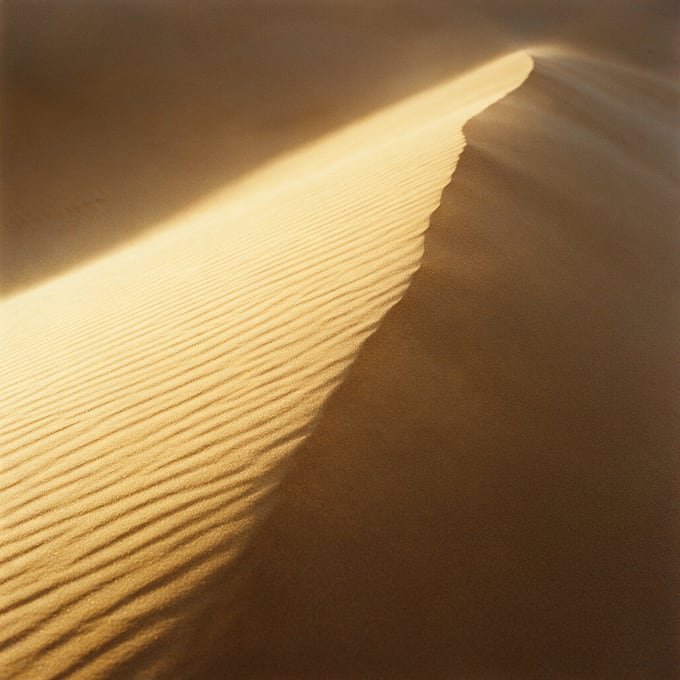
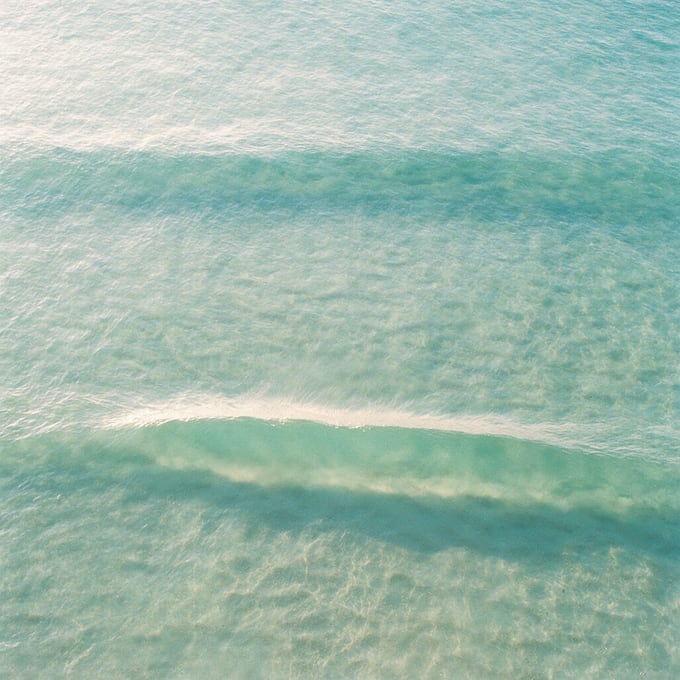

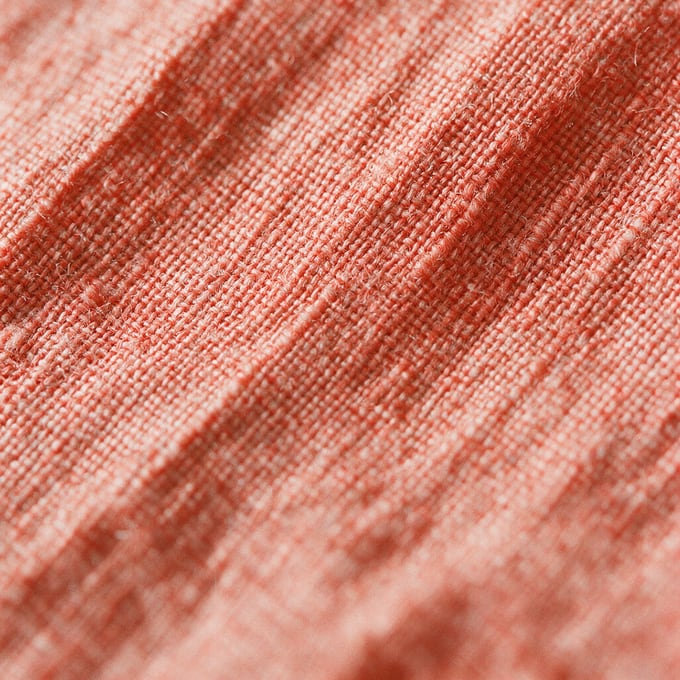

<ConvergingCardStack
  title="Everything we shot ends up in the same pile"
  highlight="same pile"        // run of title painted with the gradient
  cards={stackCards}           // { src, alt?, x?, y?, r? }[] | string[]
  scrollLength={1.6}
/> | Prop | Type | Default | What it does |
|---|---|---|---|
| title | string | required | Headline in the global heading-2 style, centred in the upper third of the stage. |
| highlight | string | none | A run of the title painted with the site's gradient text. Must appear in the title verbatim. |
| cards | { src, alt?, x?, y?, r? }[] | string[] | required | Square cards. x and y are the start offset in px on a 1280px viewport, r the start rotation. Omit them to use the built-in scatter. Later cards land on top. |
| scrollLength | number | 1.6 | Height of the scroll track as a multiple of the viewport. |
| class | string | "" | Extra classes on the outer section. |
Native sticky pin plus one GSAP timeline scrubbed by ScrollTrigger (scrub 1.1 gives the cards a little travel after you stop scrolling; the site has no Lenis). Offsets scale with viewport width so the scatter stays on screen on phones. Under prefers-reduced-motion the track collapses and the cards render already stacked. Requires gsap, already in package.json. The stills above are the reference assets, hotlinked from motionprompts.dev for prototyping; replace them before this ships.
Component playground
RouteMap
A dot travels along a dotted route as you scroll. The line reveals itself behind the dot and each named stop lights up as it passes. The stage is pinned for 2.6 viewports. Stops are placed by asking the path itself, so changing the curve moves the line, the traveller and every label together.
Our process
Your shoot, from brief to delivery
0 % of the way
-
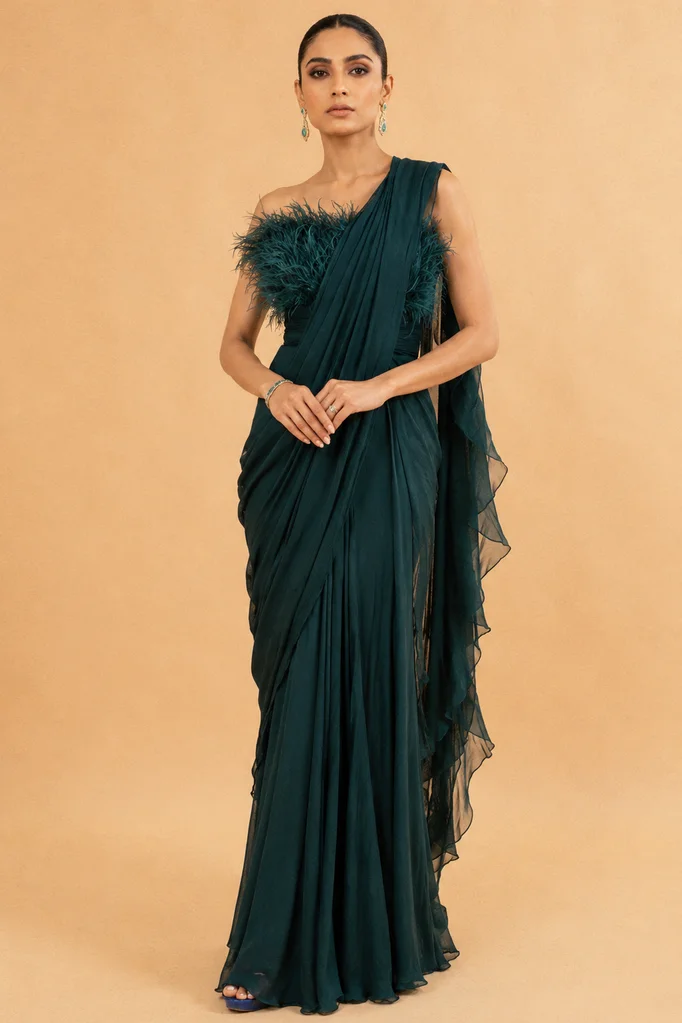 Brief You send products and references
 -
 Casting Models, sets and looks picked
 -
 Studio shoot Every angle, every colourway
 -
 Retouch Skin, fabric and colour checked
 -
 Delivery Files land in your inbox
<RouteMap
  eyebrow="Our process"
  title="Your shoot, from brief to delivery"
  highlight="brief to delivery"  // run of title painted with the gradient
  stops={shootRoute}        // { name, detail?, image?, t? }[], t = fraction of the route
  travellerImage="/..."     // optional: a circular still instead of the dot
  counterTotal={100}
  counterUnit="%"
  counterLabel="of the way"
/> | Prop | Type | Default | What it does |
|---|---|---|---|
| stops | RouteStop[] | required | name (Manrope), optional detail line, optional image (cropped to a circle above the name, greyscale until lit), optional t from 0 to 1. Leave t off every stop to space them evenly. Three to six read best. Production pages use the eight icons in /route-stops/ (brief, inputs, ideas, script, cast, make, check, deliver). Rule: no two stops in one RouteMap may share an icon. When two steps map to the same icon, keep it on the step it fits best and give the other the next best fit from the set that is still unused on that page. |
| travellerImage | string | none | Swap the travelling dot for a circular still. |
| eyebrow / title | string | none | Optional overline and heading in the pinned stage, top left, in the global heading-overline and heading-2 styles. |
| highlight | string | none | A run of title painted with the site's gradient text. Must appear in the title verbatim. |
| counterTotal | number | 100 | Value the live counter reaches at the end of the route. |
| counterUnit | string | "%" | Printed after the counter. Ignored when counterTotal is the number of stops: the counter then reads "2/4". |
| counterLabel | string | none | Short label after the counter, in the small type on the same line, e.g. "steps" or "of the way". The name of the latest lit stop prints under it. |
| perStep | number | 0.8 | Viewport heights of scroll each stop owns, as in PhoneFeatureIndex. The traveller rests on the stop for the first half and crosses to the next over the second half. The track is one viewport plus this times the count. |
| scrollLength | number | Height of the whole scroll track as a multiple of the viewport. Overrides perStep. | |
| path / viewBox | string / { w, h } | S-curve, 1000 x 240 | The route at desktop widths. This is the only place the geometry lives. |
| mobilePath / mobileViewBox | string / { w, h } | flatter wave, 1000 x 420 | Swapped in at 760px and below so labels stop stacking. |
| class | string | "" | Extra classes on the outer section. |
Native sticky pin plus one scrubbed ScrollTrigger (scrub 0.6 supplies the smoothing, the site has no Lenis). The dotted line is uncovered with an SVG mask, not by shifting the dash array, so the dots stay put. Labels pick their side from the curve (above on a crest, below in a trough), fall back when the side runs out of room or collides with a neighbour, and are re-placed by a ResizeObserver on the SVG. Under prefers-reduced-motion the track collapses, the route draws complete and every stop is lit. Requires gsap, already in package.json.
Component playground
PhoneWheelSteps
9:16 stills rest on the rim of a giant wheel just below the viewport and roll through it as you scroll. An iPhone mockup sits in the centre. As each card nears it the card straightens, glides onto the screen, trims to the phone's proportion and holds there for a beat before swinging off to the left. The neighbours wait one gap either side of the phone, so the reader can tell they are inside a sequence. Heading top left, a readout of the current step top right, as on RouteMap. The stage is pinned for 3 viewports.
Our process
From product photo to a vertical still in five steps
-
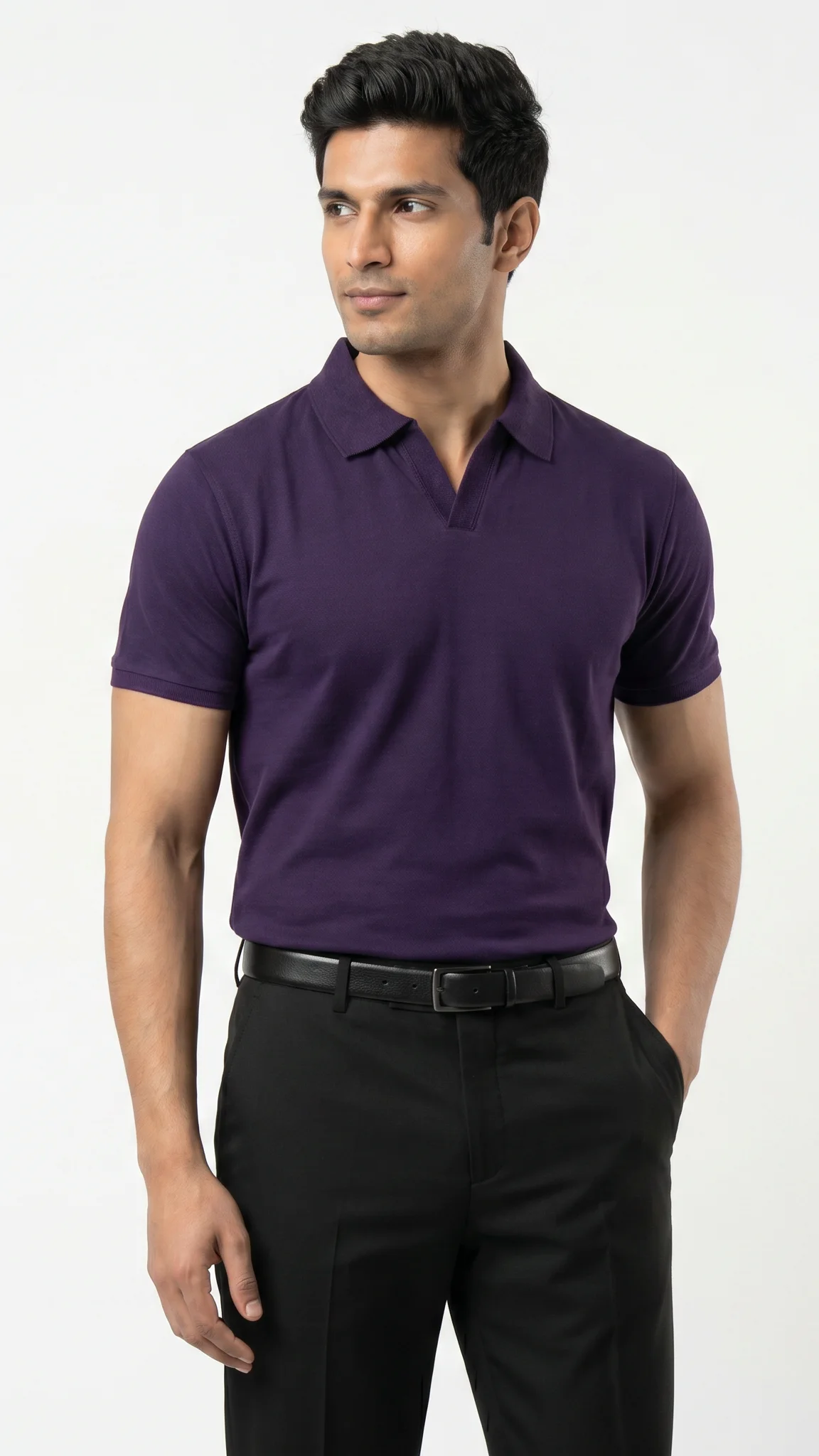
01 Brief You send product photos and a few references -
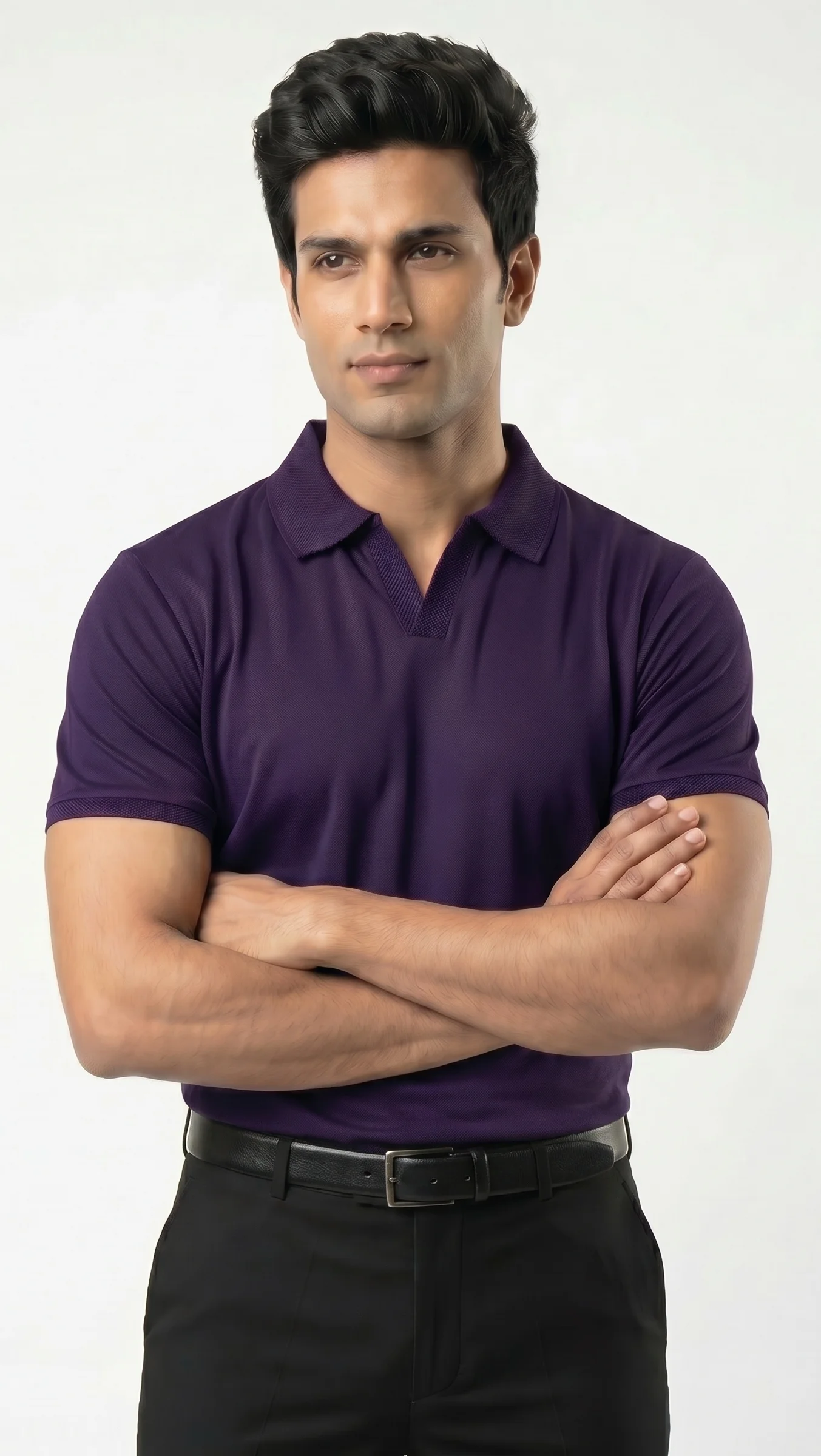
02 Casting Model, set and lighting picked to match your brand -
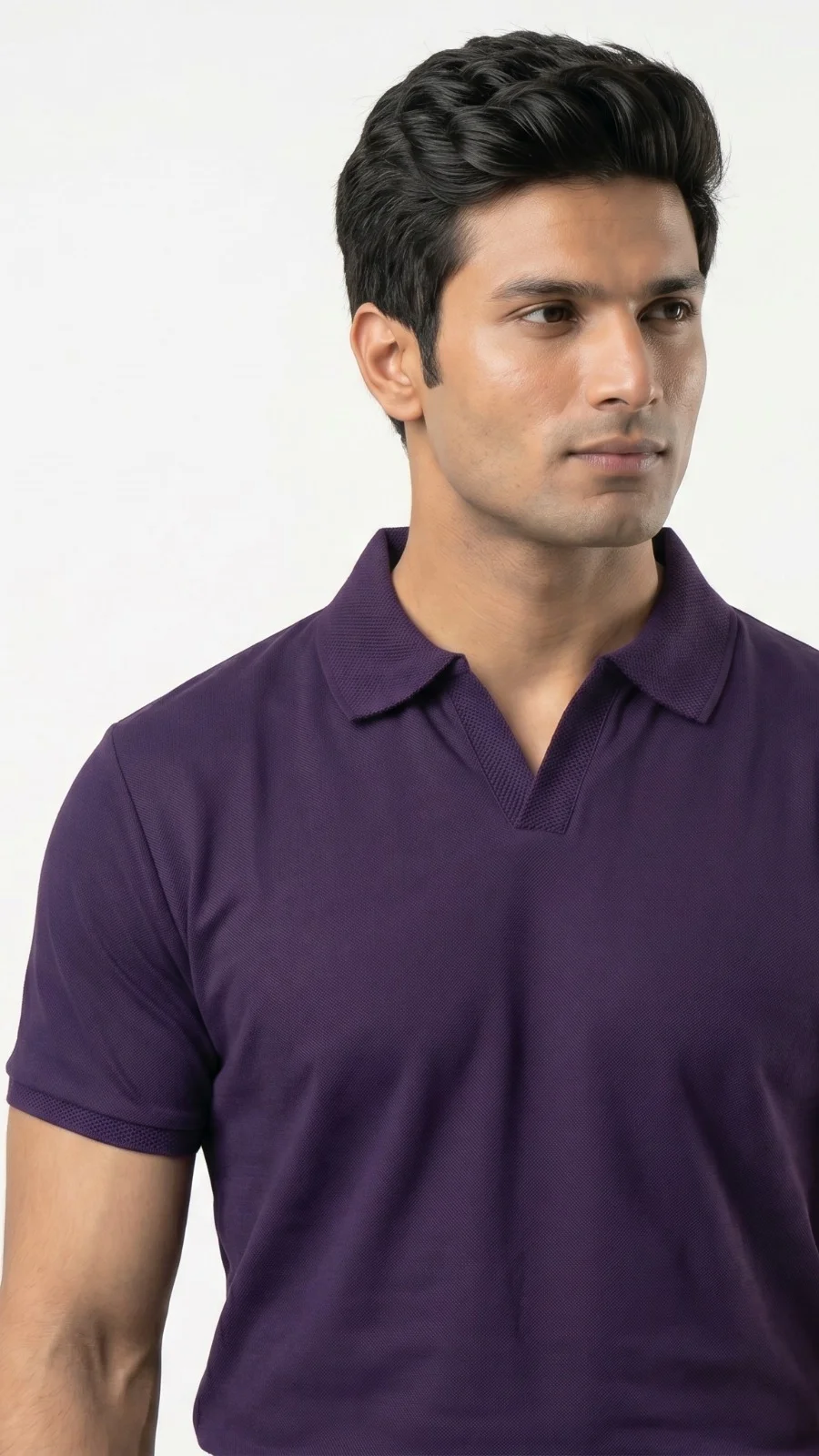
03 Studio shoot Every angle and every colourway, shot in one go -
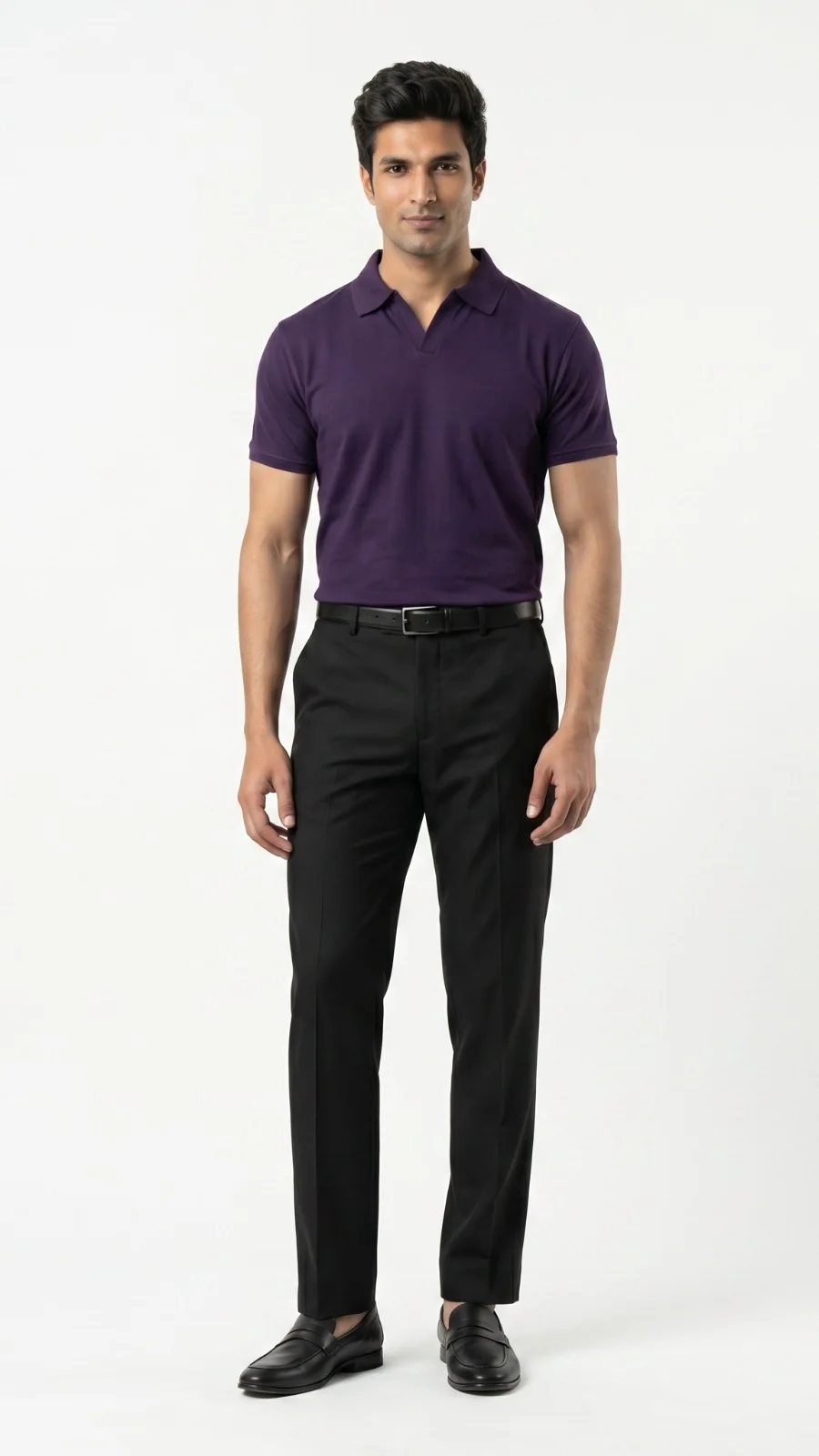
04 Retouch Skin, fabric and colour checked frame by frame -
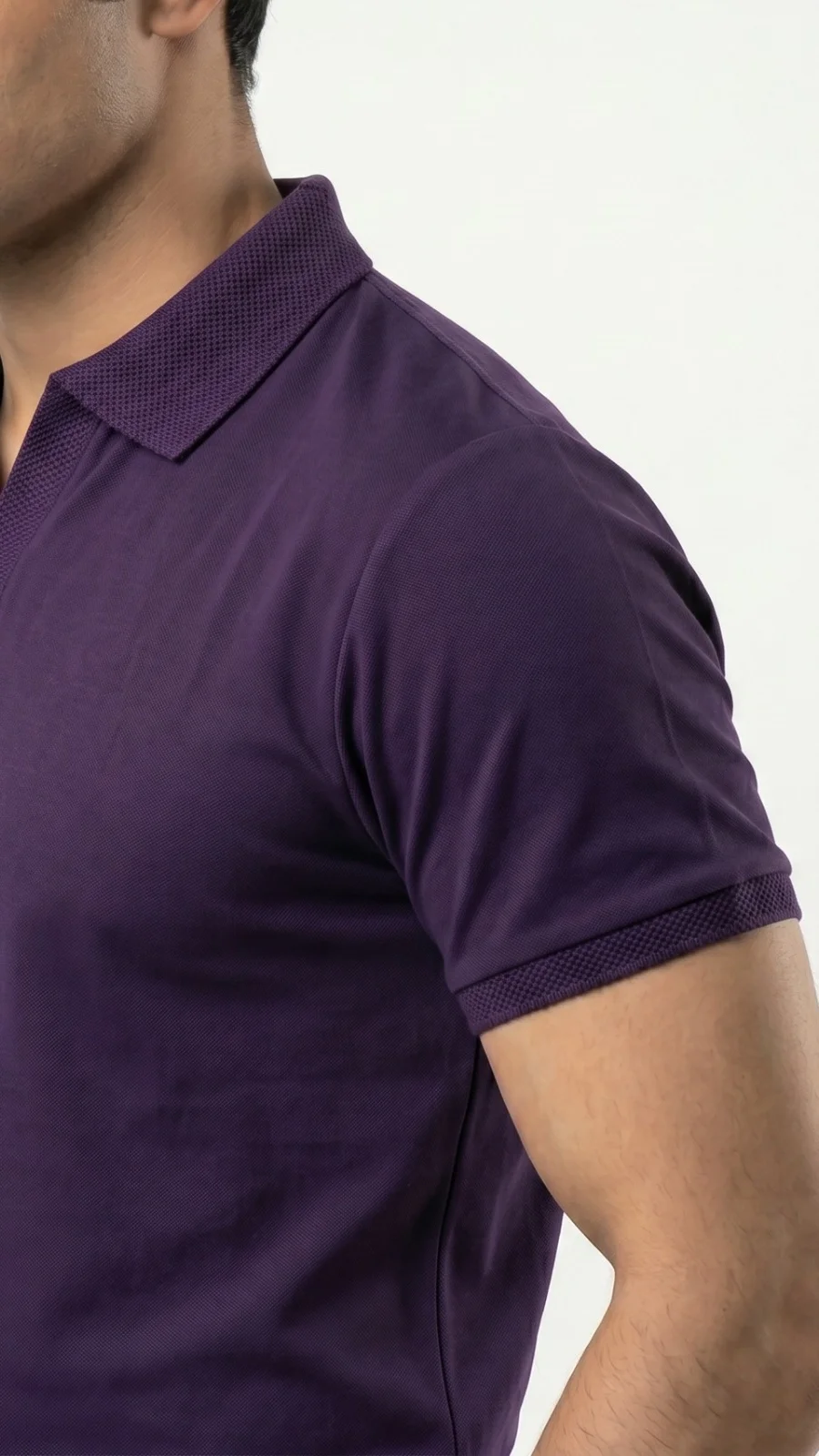
05 Delivery Files sized for your feed land in your inbox
const wheelSteps = [
  { src: "/Clothes Sample/9.webp",  alt: "...", label: "Brief",        detail: "You send product photos and a few references" },
  { src: "/Clothes Sample/10.webp", alt: "...", label: "Casting",      detail: "Model, set and lighting picked to match your brand" },
  { src: "/Clothes Sample/11.webp", alt: "...", label: "Studio shoot", detail: "Every angle and every colourway, shot in one go" },
  { src: "/Clothes Sample/12.webp", alt: "...", label: "Retouch",      detail: "Skin, fabric and colour checked frame by frame" },
  { src: "/Clothes Sample/13.webp", alt: "...", label: "Delivery",     detail: "Files sized for your feed land in your inbox" },
];

<PhoneWheelSteps
  eyebrow="Our process"
  title="From product photo to a vertical still in five steps"
  highlight="five steps"      // run of title painted with the gradient
  steps={wheelSteps}          // { src, alt?, label?, detail? }[] | string[], three to six
  perStep={0.8}               // viewport heights of scroll each step owns
  spread={0.9}                // desktop arc width as a fraction of a half turn
  gap={40}                    // px between the phone's edge and the neighbouring card
/> | Prop | Type | Default | What it does |
|---|---|---|---|
| steps | { src, alt?, label?, detail? }[] | string[] | required | One 9:16 still per step, in order. Other ratios are cropped to 9:16. label (Manrope) and detail (Inter) print in the top-right readout while that card is nearest the phone, and are the card's caption in the reduced-motion list. Three to six read best; only the first six are used. |
| eyebrow / title | string | none | Optional overline and heading pinned top left of the stage, in the global heading-overline and heading-2 styles. |
| highlight | string | none | A run of title painted with the site's gradient text. Must appear in the title verbatim. |
| perStep | number | 0.8 | Viewport heights of scroll each step owns, as in PhoneFeatureIndex. The card holds in the phone for the first half and the wheel turns over the second half. The track is one viewport plus this times the count. The only number to touch. |
| scrollLength | number | Height of the whole scroll track as a multiple of the viewport. Overrides perStep. | |
| spread | number | 0.9 | Width of the arc on desktop as a fraction of a half turn. Under 760px the arc narrows to 0.55 on its own. |
| gap | number | 40 | Space in px between the phone's edge and the neighbouring card at rest, on desktop. Phones use 16. The neighbour is never placed further out than 42% of the width from centre. |
| class | string | "" | Extra classes on the outer section. |
The radius is solved, not chosen: the design input is where the neighbouring card sits (one gap outside the phone's edge, capped at 42% of the width from centre) and R falls out of that, so the centre never empties on a narrow screen and the neighbours never drift to the edges of a wide one. It is recomputed on every refresh, so rotating a phone keeps the geometry honest. The phone is sized from the stage: from tablet up the chrome floats in the top corners and the wheel takes the whole stage, so the phone stands as tall as the viewport allows (capped at 820px and at 40% of the width). The arc is squashed vertically by 0.55 and the rotation damped by the same factor so cards lean rather than lie down, and the opacity falloff is gentle so both neighbours stay legible. Docking is a blend: within a fifth of the card spacing from centre the card is fully in the phone, and over the next third it eases between the arc pose and the dock pose. The dock pose is measured from the real screen element: the scale that covers it, the clip that trims the 9:16 card to the screen's 9:19.5 shape, and the screen's corner radius, all written with one clip-path per card per update. The phone body sits behind the cards and only the bezel ring sits above them, so a docked card is the screen. The readout always names the step nearest the phone, so it is never blank between docks. Native sticky pin plus one scrubbed ScrollTrigger (scrub 0.8 supplies the smoothing, the site has no Lenis) and overflow-x clip on the section so the off-frame cards never lengthen the page. Under prefers-reduced-motion the track collapses and the steps render as a numbered grid of stills with their captions. Requires gsap, already in package.json.
Component playground
PhoneFeatureIndex
A pinned index of post-production features. A large two-digit number on the left, the list of names with a triangle beside the current one, and an iPhone mockup showing a 9:16 still of that edit. Each feature owns one stretch of scroll. Leaving it, the number peels upward out of its mask in layers, the next number climbs up from below, the triangle hops a row, the name goes to ink and the phone crossfades. Scroll up and it all reverses. The stage is pinned for 0.8 viewports per feature.
Use it only for post-production. The rows are editing features: Captions,
Motion graphics, Speed ramping, Sound effects, Background music, End cards, Transitions,
Colour grading. Order them for the page, and pick a still for each that shows that edit
on screen, and keep the five or more that matter for that video type. Place it once per
page, after the section that lists what the client gets and before RouteMap, only on
video pages where the edit carries the video (TV commercials, AI avatar, music, social,
UGC, creator-style, spokesperson, founder, brand film, product commercial and launch,
performance ads, explainers, comedy, SaaS). BRAND_VOICE.md has the page list. Never use it for formats, use cases, industries, ad angles or
looks: use CubeFlipCards, RadialMenu or CollapsingStack for those. If a section above
already lists an edit (colour grade, captions, graphics), move it here so each idea lives
in one place. Pick the screen the video plays on: the phone for social, ads and avatar
videos, and device="tv" with 16:9 stills for TV commercials.
Post-production
Post-production on every AI avatar video
- Captions
- Motion graphics
- Speed ramping
- Sound effects
- Background music
- End cards
- Transitions
- Colour grading
-
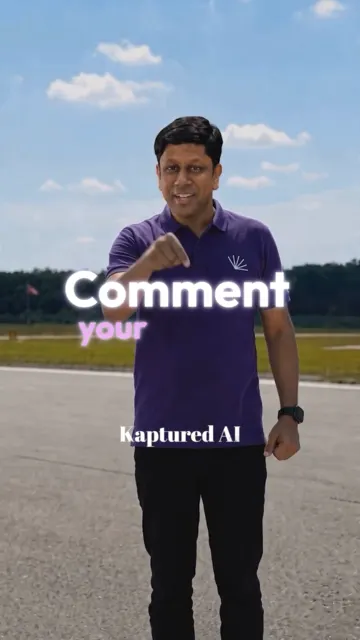
01 Captions -
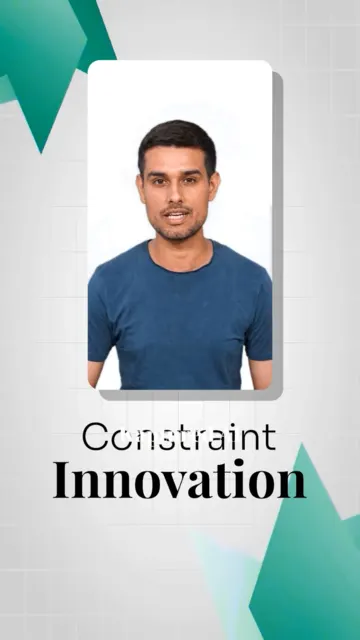
02 Motion graphics -
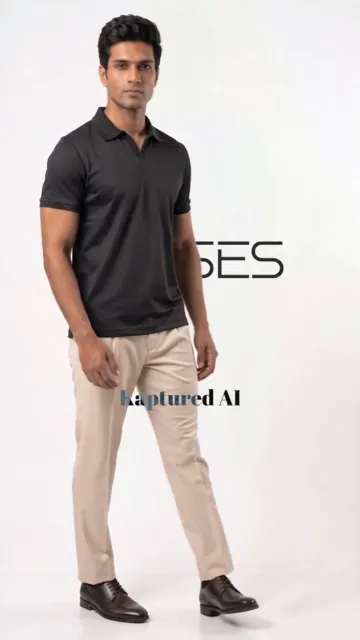
03 Speed ramping -

04 Sound effects -
05 Background music -

06 End cards -

07 Transitions -
08 Colour grading
const phoneFeatures = [
  // Post-production features only. Still = a 9:16 frame showing that edit.
  { name: "Captions",         src: "/work-types/ugc.webp",                   alt: "..." },
  { name: "Motion graphics",  src: "/work-types/human-motion-graphics.webp", alt: "..." },
  { name: "Speed ramping",    src: "/work-types/one-take-ecom.webp",         alt: "..." },
  { name: "Sound effects",    src: "/work-types/meta-ads-quirky.webp",       alt: "..." },
  { name: "Background music", src: "/work-types/brand-films.webp",           alt: "..." },
  { name: "End cards",        src: "/work-types/meta-ads-storyboarding.webp", alt: "..." },
  { name: "Transitions",      src: "/work-types/multi-take-ecom.webp",       alt: "..." },
  { name: "Colour grading",   src: "/work-types/tv-ads.webp",                alt: "..." },
];

<PhoneFeatureIndex
  eyebrow="Post-production"
  title="Post-production on every AI avatar video"
  highlight="every AI avatar video"  // run of title painted with the gradient
  features={phoneFeatures}      // { name, src, alt? }[], post-production features only
  device="phone"                // "tv" for a 16:9 TV on a stand, with 16:9 stills
  perStep={0.8}                 // viewport heights of scroll per look
/> | Prop | Type | Default | What it does |
|---|---|---|---|
| features | { name, src, alt? }[] | required | One row per feature, in order. name is the list entry (Inter); src is the 9:16 still shown on the phone while that feature is current, other ratios are cropped. Numbers are 01, 02, 03 from the order. Three to ten read well. |
| eyebrow / title | string | none | Optional overline and heading pinned top left of the stage, in the global heading-overline and heading-2 styles. |
| highlight | string | none | A run of title painted with the site's gradient text. Must appear in the title verbatim. |
| perStep | number | 0.8 | Viewport heights of scroll each feature owns. The track is one viewport plus this times the count. Lower is brisker; below 0.5 the peel and the crossfade start to overlap. |
| device | "phone" | "tv" | "phone" | The screen the stills play on. "phone" is the 9:16 iPhone. "tv" is a 16:9 TV on a stand that fills the wide right-hand column (stacked under the names on phones); give it 16:9 stills. Use "tv" when the video plays on a TV, as on TV commercial production. |
| class | string | "" | Extra classes on the outer section. |
The numbers all sit in one spot, each inside its own mask exactly one glyph tall. Leaving a feature fires four tweens on that number's layers: the mask lifts in 0.3s, the two glyphs in 0.75s with the second trailing by 0.1s, and the digit wrapper in 0.5s after a 0.5s delay, all power2.out, all by a little more than the mask height, so the number peels apart on its way out rather than lifting as one block. The next number's climb is scroll-linked: it rises from under the stage over the last 65% of the previous feature's stretch and lands at centre as its own begins, which is when the triangle hops (0.3s, one row height), the name goes to ink on a soft primary fill, the connector line beside the list fills in the primary down to that row, and the phone crossfades (0.45s, with a slight settle from 1.04). The line and the fill are the reference's accent-as-a-surface idea in the site's teal instead of canary. Scrolling back past the peel point restores the number the same way in reverse. Tabular figures on the number so nothing jitters. The number sits at the left edge of the content column, the names are centred between it and the phone, and the phone sits at the right edge. From desktop up the heading floats in the top-left corner and the grid takes the whole stage, so the phone is measured from its cell and capped at 820px and at 42% of the width. Under 1000px the number is dropped and the names and the phone sit side by side; the stills still carry their numbers for assistive tech. Native sticky pin plus one scrubbed ScrollTrigger (scrub 0.6, the site has no Lenis) for the climb and discrete tweens for the peel, the hop and the crossfade. Under prefers-reduced-motion the track collapses, the names render as a plain list and the stills as a grid with their numbers. Requires gsap, already in package.json. The stills above are the 400px reference set in /ai photoshoot; swap them for full-size exports before this ships.
Component playground
ExplodedStack
A stack of flat parts comes apart along Z as you scroll, and each part names itself with a hairline leader running back to the stack. Use it when the argument is what the thing is made of. The layers are CSS discs in a shallow tilt, not a photograph, so they can actually separate. The stage is pinned for 2.4 viewports.
What a shoot is made of
Every shoot, part by part
0 / 6 parts apart
- Your product photo A flat lay or a phone shot is enough
- Set Studio, street or location
- Colour grade Editorial and on-brand
- Model Cast to your brief
- Lighting Matched to the set and the fabric
- Marketplace crops Amazon, Shopify, Zalando and more
<ExplodedStack
  eyebrow="What a shoot is made of"
  title="Every shoot, part by part"
  highlight="part by part"  // run of title painted with the gradient
  parts={shootParts}        // { name, detail?, tone? }[], top of the stack first
  tilt={46}                 // degrees, keep between 40 and 60
  scrollLength={2.4}
/> | Prop | Type | Default | What it does |
|---|---|---|---|
| parts | ExplodedPart[] | required | name (Manrope), optional detail line (Inter, hidden on phones), optional tone (any CSS colour). Index 0 is the lid and finishes on top. Four to seven read best; past seven the labels crowd. |
| eyebrow / title | string | none | Optional overline and heading in the pinned stage, top left, in the global heading-overline and heading-2 styles. The count of parts apart prints top right. |
| highlight | string | none | A run of title painted with the site's gradient text. Must appear in the title verbatim. |
| tilt | number | 46 | rotateX of the stack in degrees. Past 60 the discs close into rings; under 40 the layers hide each other. |
| scrollLength | number | 2.4 | Height of the scroll track as a multiple of the viewport. |
| class | string | "" | Extra classes on the outer section. |
Each label is bound to a layer by index, never to a position: its anchor and its leader are read from that layer's live bounding box on every update, so adding or reordering a part can never leave a name pointing at the wrong thing. Separation is staggered per layer so the parts peel off one after another, with a resting separation so the closed object still reads as something that opens. Leaders anchor at the stack's edge, not at their own layer, so they stay one length while the object moves. Labels in a column are de-collided by 54px; the label moves, the leader still points at its layer. Default tones alternate the secondary, primary, foreground and muted tokens so every part can be counted on a white stage. Native sticky pin plus one scrubbed ScrollTrigger (scrub 0.6, no Lenis, same as RouteMap). Under prefers-reduced-motion the track collapses and the object is shown already apart with every label up. Requires gsap, already in package.json.
Component playground
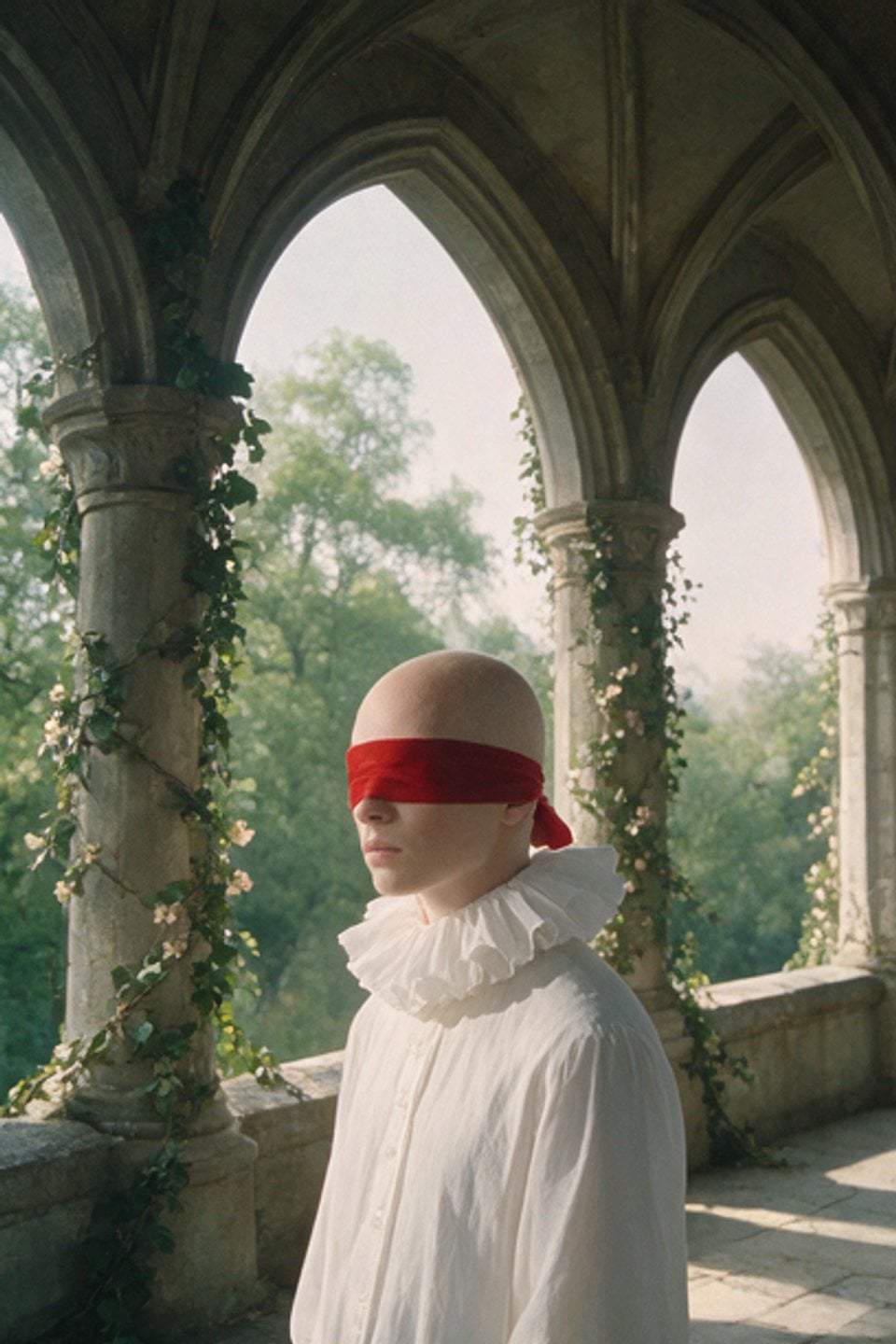
RingGallery
32 stills on a tilted 3D ring inside the site's content width. As the stage scrolls through the viewport the reel turns half a circle, dragging spins it directly with inertia, and the mouse tilts the whole ring. Hover a tile to swap the centred still. On load the tiles are dealt out from one point of the ring with a stagger.
Film stills
One reel, thirty-two frames
<RingGallery
  eyebrow="Film stills"
  title="One reel, thirty-two frames"
  highlight="thirty-two frames"  // run of title painted with the gradient
  images={reelImages}          // { src, alt?, caption? }[] | string[]
  previewRatio="3/2"           // the reference stills are landscape
/> | Prop | Type | Default | What it does |
|---|---|---|---|
| images | { src, alt?, caption? }[] | string[] | required | Sources cycle across the tiles. The first one is the resting still. caption shows under the still, falling back to alt. |
| count | number | 32 | Tiles on the ring above 768px. The bottom label is written from this, never as literal copy. |
| mobileCount | number | 18 | Tiles at 768px and below. The ring rebuilds when a phone rotates across the breakpoint. |
| height / mobileHeight | number | 560 / 420 | Stage height in px above and at or below 768px. The ring is measured to fit inside it. |
| spin | number | 180 | Degrees the ring turns while the stage crosses the viewport. 360 for a full turn. |
| previewRatio | string | "3/4" | Aspect ratio of the centred still. Sized against the ring's measured hole, so it never covers the fins. |
| eyebrow / title | string | none | Optional overline and heading above the stage, in the global heading-overline and heading-2 styles. Omit both to hide the header row. |
| highlight | string | none | A run of title painted with the site's gradient text. Must appear in the title verbatim. |
| hint | string | "Drag or scroll to spin the reel" | Shown after the live frame count under the stage. |
| footnote | string | none | Optional line at the bottom right, under the stage. |
| class | string | "" | Extra classes on the outer section. |
Under prefers-reduced-motion the intro is skipped, the cursor parallax is off, the drag has no inertia and the scroll tracks 1:1. The preference is read live. Requires gsap, already in package.json. The stills above are the component's reference assets, hotlinked from motionprompts.dev for prototyping; replace them before this ships.
Component playground
CurvedGallery
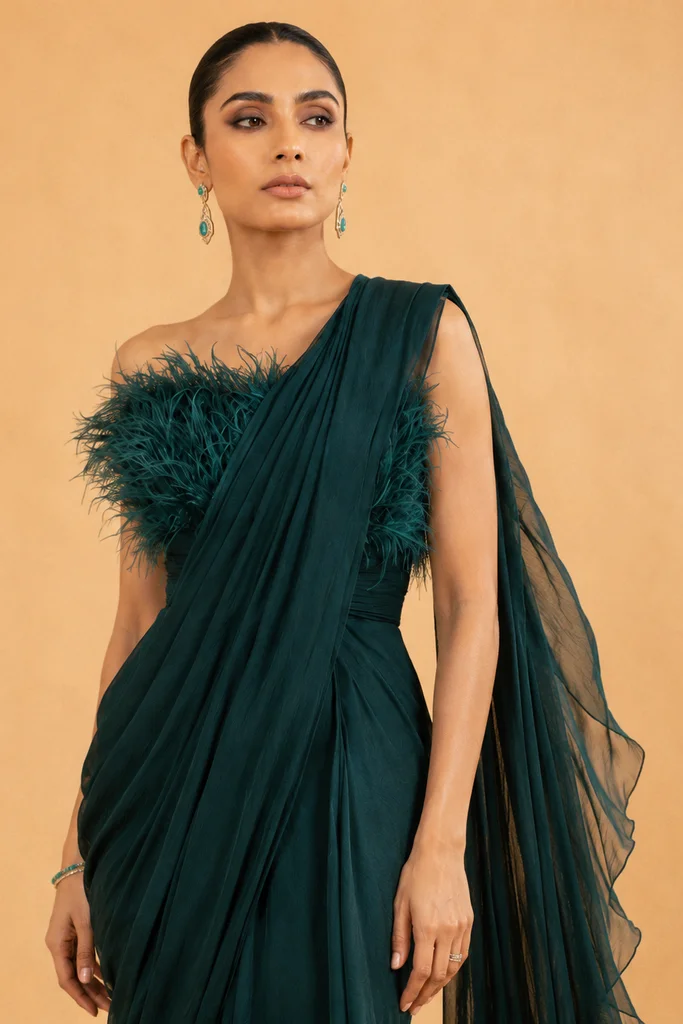
An infinite row of framed prints bent along a 3D arc. Every card shares one width and keeps its image's own aspect ratio, so heights vary. Drag to scrub, hover to pause.
Default, native aspect ratios
Apparel
Studio shots generated from flat lays
Each frame started as a single product photo.
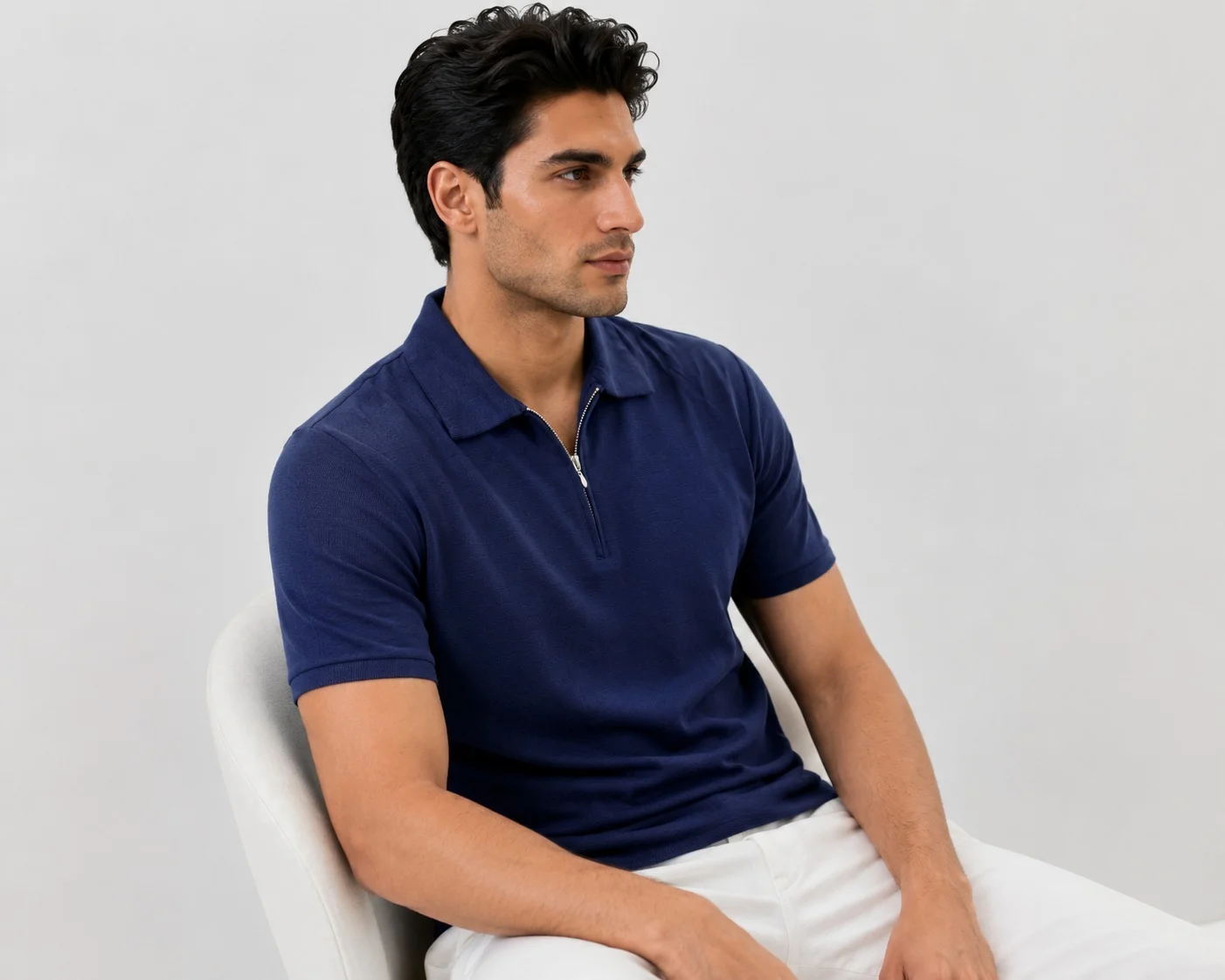
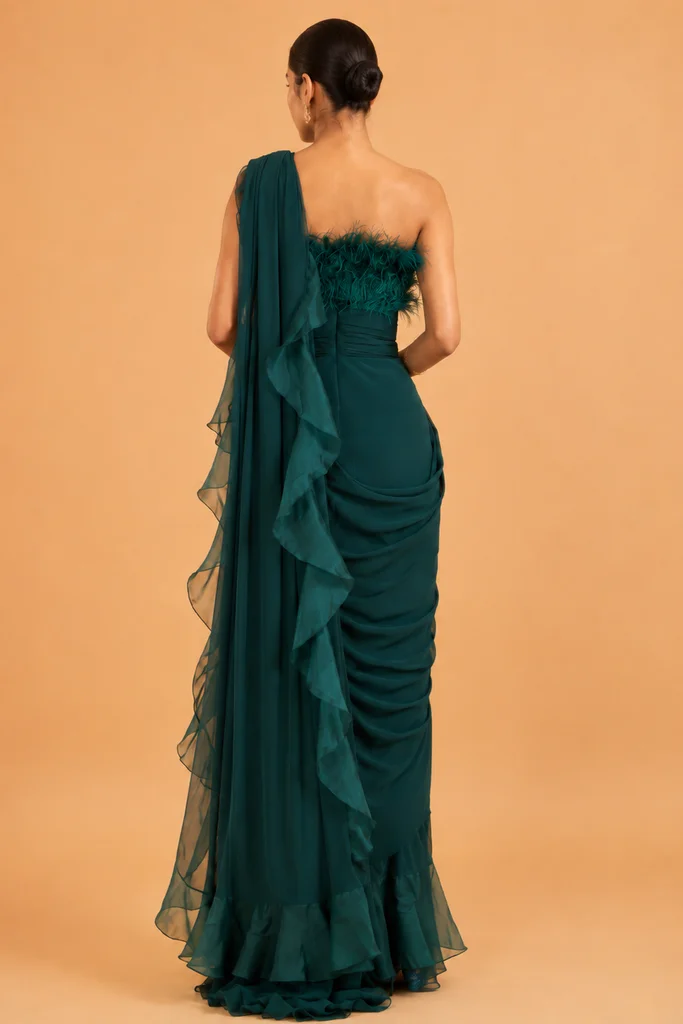
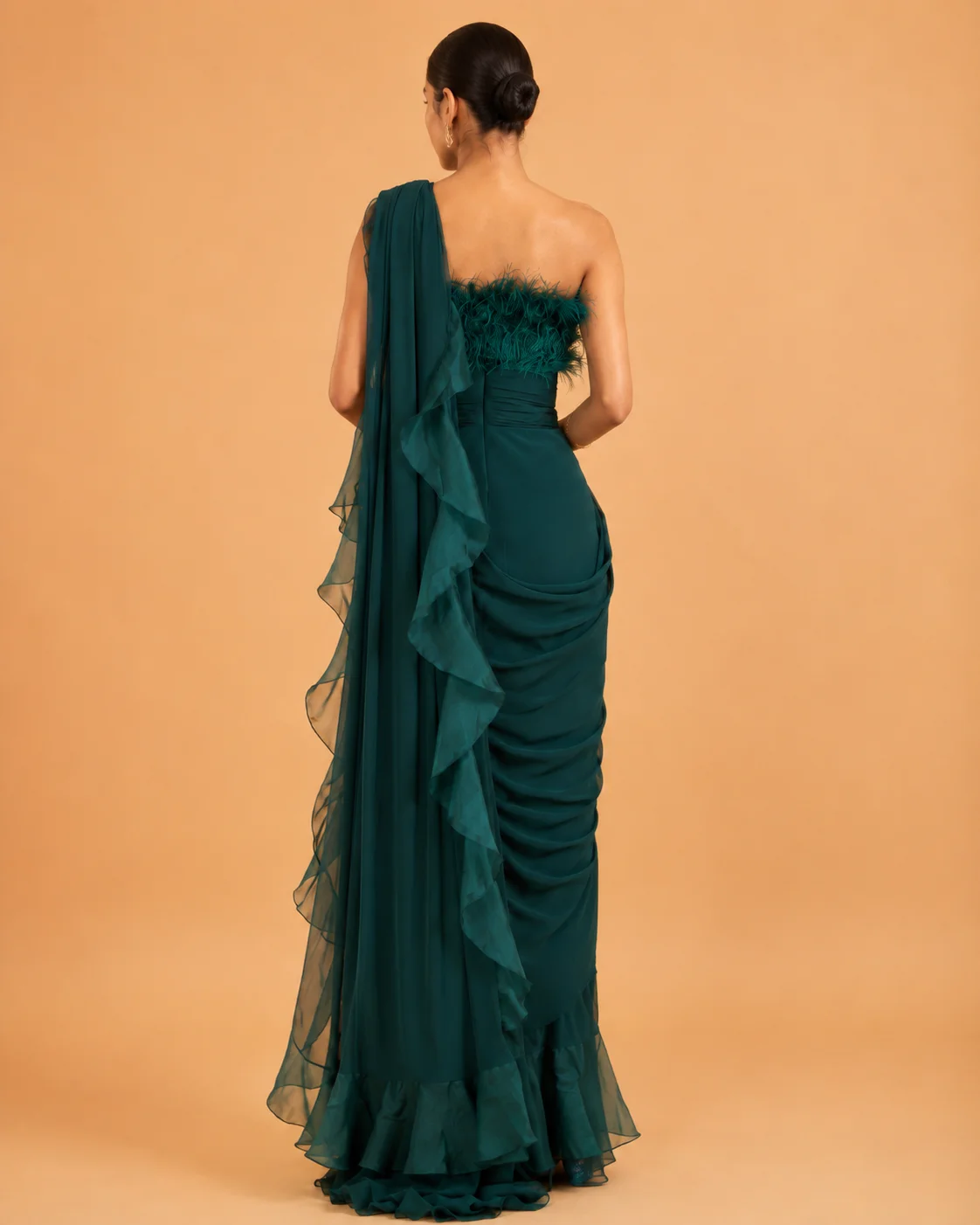
<CurvedGallery
  eyebrow="Apparel"
  title="Studio shots generated from flat lays"
  highlight="flat lays"    // run of title painted with the gradient
  description="Each frame started as a single product photo."
  images={apparelImages}   // { src, alt, width, height }[] with mixed ratios
  heightRatio={1.6}        // strip height = 1.6 x card width, covers the 9:16 portraits
/>
Strip only, reversed direction, stronger rotation



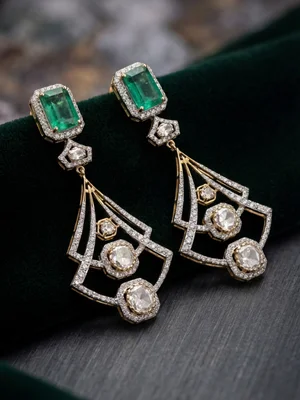



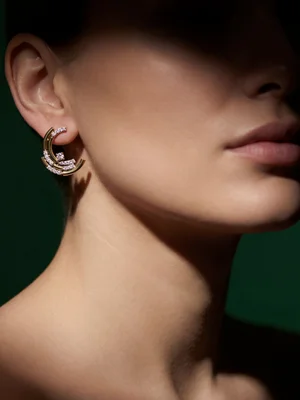
<CurvedGallery
  images={jewelryImages}
  direction="right"
  speed={60}
  maxAngle={52}
  depth={120}
  cardWidth={240}
  heightRatio={1.34}
  frame={false}              // no shadow, nothing behind the image
/>
Forced 1:1 crop, unframed, near flat
<CurvedGallery
  images={apparelImages}
  ratio="1/1"          // crops every card to one shape
  frame={false}
  cardWidth={220}
  heightRatio={1}
  gap={10}
  maxAngle={16}
  depth={40}
  speed={30}
/>
CurvedGallery props
| Prop | Type | Default | What it does |
|---|---|---|---|
| images | { src, alt?, width?, height? }[] | string[] | required | Cloned at runtime until the row is wider than the viewport. width/height reserve space before load. |
| eyebrow / title / description | string | none | Optional header, in the global heading-overline and heading-2 styles. Omit all three to render the strip alone. |
| highlight | string | none | A run of title painted with the site's gradient text. Must appear in the title verbatim. |
| cardWidth | number | 220 | Desktop card width in px. Height follows each image's ratio. Tablets get about 70% of it, phones about 45%, so several cards stay in view. |
| heightRatio | number | 1.5 | Strip height as a multiple of card width. Set it to cover your tallest image. |
| ratio | string | none | Force one aspect ratio and crop, e.g. "3/4". Off by default. |
| gap | number | 10 | Desktop space between cards in px. Scales down with the card on tablet and phone. |
| speed | number | 40 | Scroll speed in px per second. |
| direction | "left" | "right" | "left" | Travel direction. |
| maxAngle | number | 42 | Y rotation in degrees for a card at the viewport edge. |
| depth | number | 60 | How far edge cards recede along Z. Keep small so sizes stay even. |
| curve | number | 0 | Extra downward bow at the centre of the row. |
| frame | boolean | true | Drop shadow under each image. No fill behind the card. |
| draggable | boolean | true | Pointer and touch scrubbing. |
| pauseOnHover | boolean | true | Halts autoplay while the pointer is over the strip. |
| class | string | "" | Extra classes on the outer section. |
