Invisible mannequin
Ghost mannequin AI photos, done for you by our team
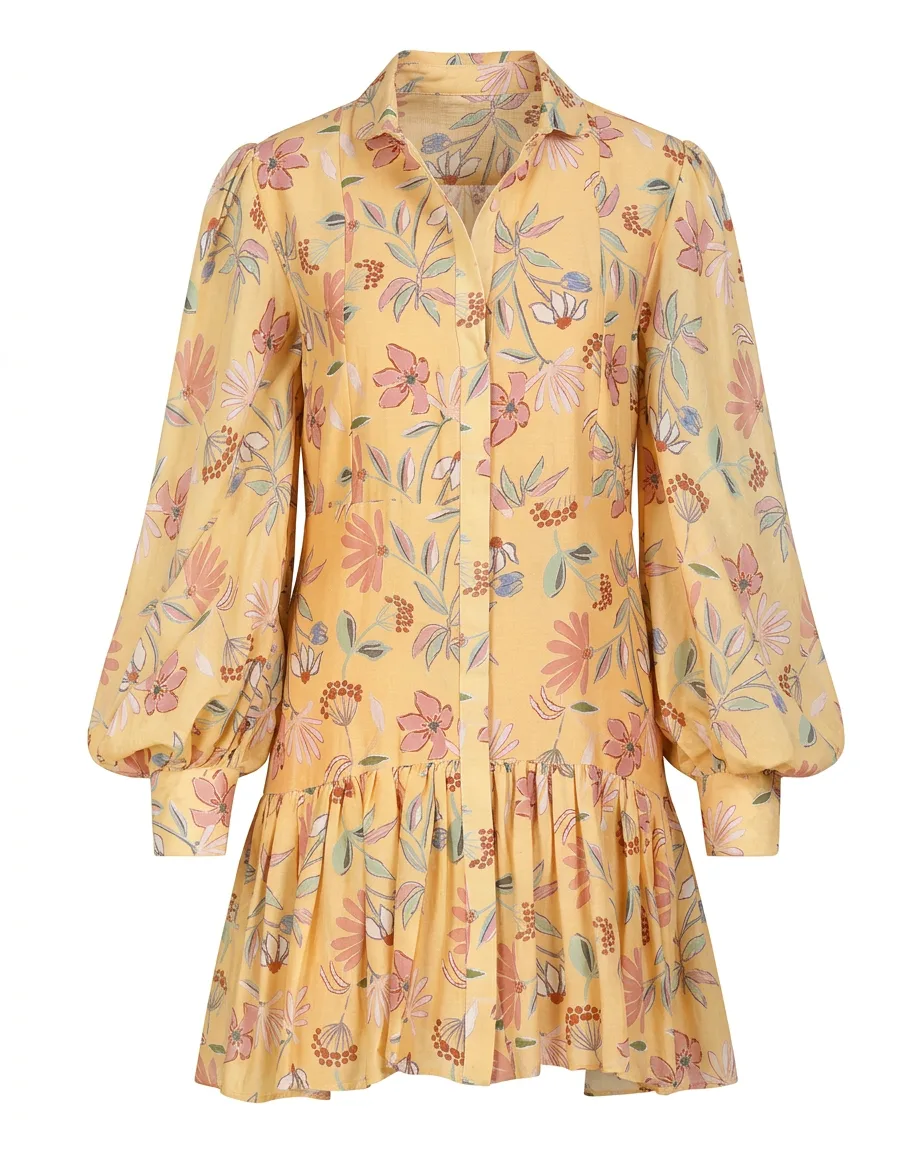
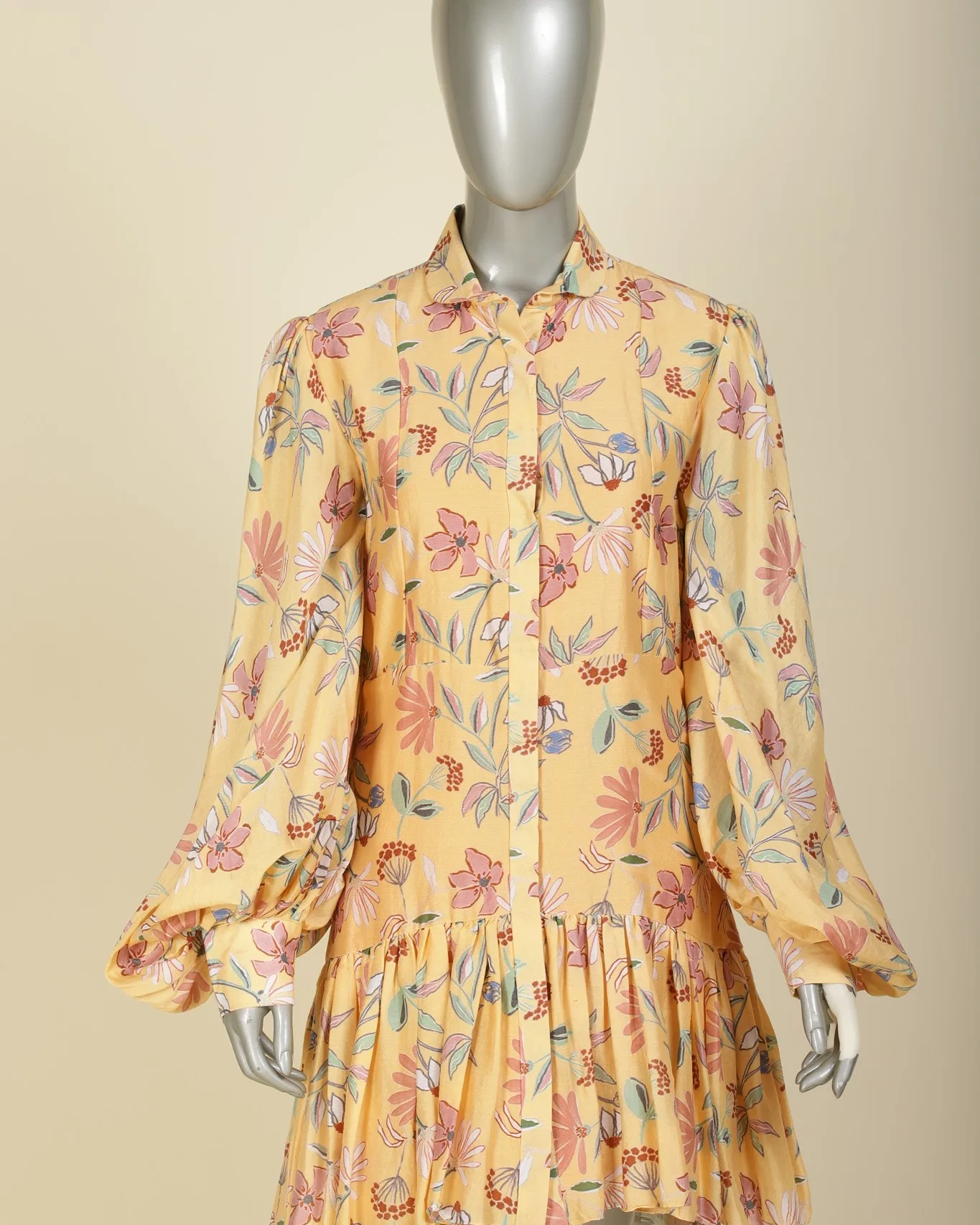
Send us garments shot on a mannequin, a hanger or flat. We turn each one into a hollow, filled-out ghost mannequin image with AI, inside neckline included.
★★★★★
-
 Tribe Amrapali
 -
 Laa Polky Stories by Raniwala
 -
 Onya Lab-Grown Diamonds
 -
 House of Armuse
 -
 Ridhi Mehra
 -
 Vasundhara
 -
 Senses
 -
 Talwar & Sons
 -
 M.K. Ghare Jewellers
 -
 Ethnic Cotler
 -
 Jack & Jill
 -
 Under5ft7
 -
 Me & Mine
 -
 STABL
STABL -
 The K Way
 Y Combinator
  IIT Bombay
 Ghost mannequin shots without the masking job
-
The problem
Removing the mannequin leaves a flat hole where the back neckline should be.
What we do
We rebuild the inside of the neck and the label area, so the garment reads as hollow and worn.
-
The problem
Collars collapse and sleeves hang limp once the form is gone.
What we do
We shape collars, cuffs and hems so the garment keeps its fit in every view.
-
The problem
Two photos per garment, front and inside, then a long masking session in an editor.
What we do
We work from the photo you already have, mannequin, hanger or flat, and do the compositing ourselves.
What you get
Packshots your size guide can rely on
-
Front and back views
Both sides of the garment, hollow and filled out, on clean white.
-
Inside neckline
The back of the collar and the label visible through the neck opening.
-
Detail crops
Buttons, pockets and fabric texture, sharp at full zoom.
-
Matching framing
Every garment at the same scale and position, so your category grid lines up.
Our work
Mannequin and hanger shots, turned into ghost mannequin images
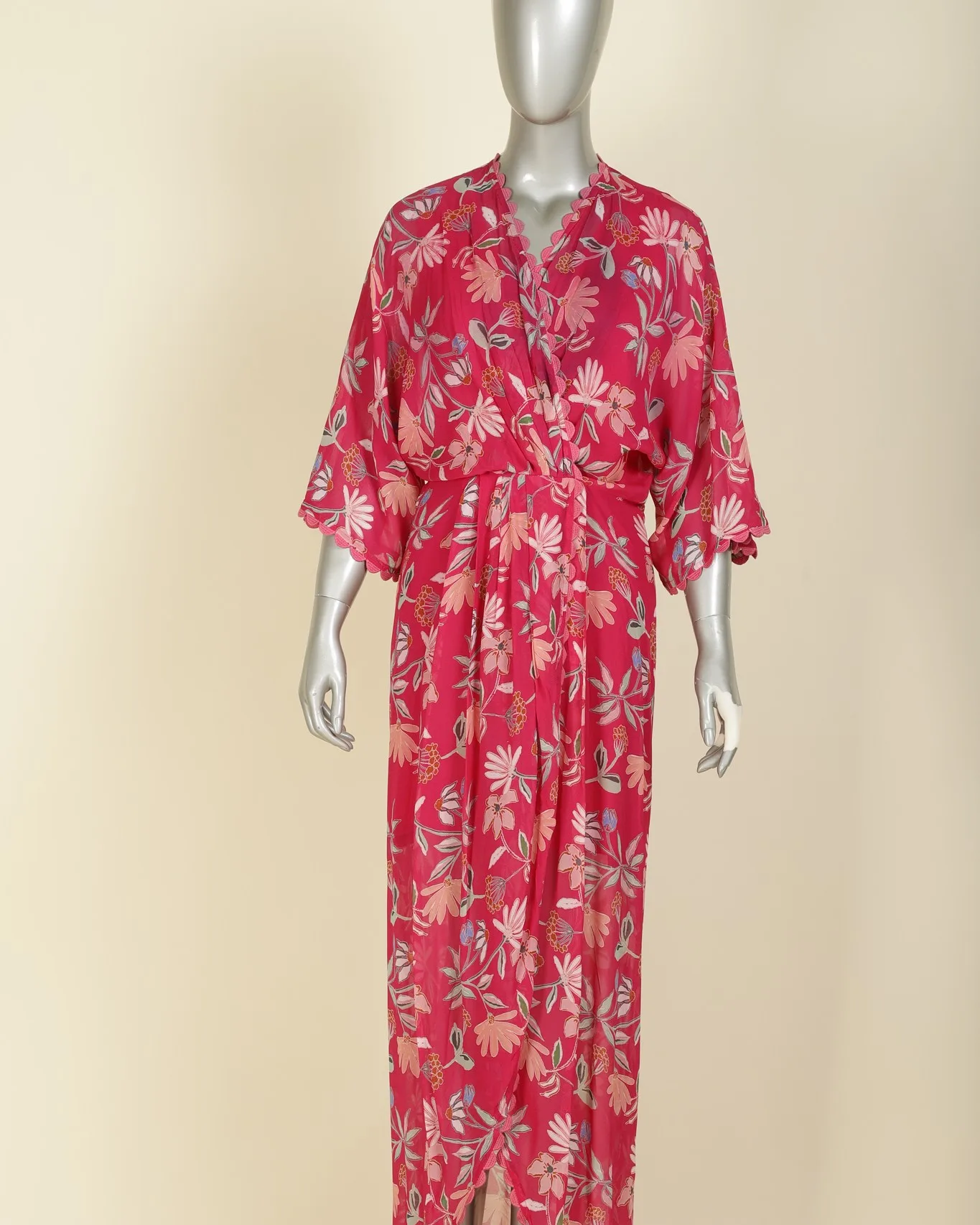 What you send
 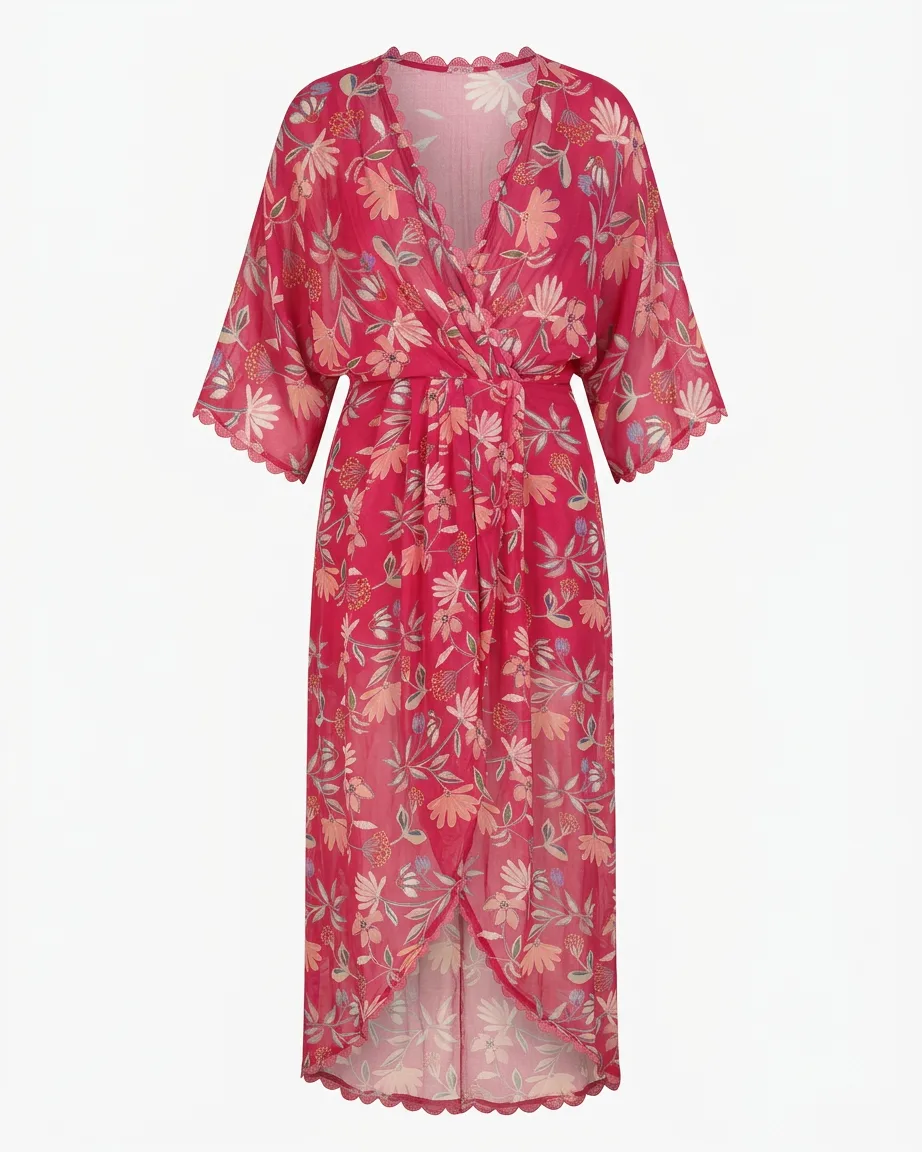 What you get
 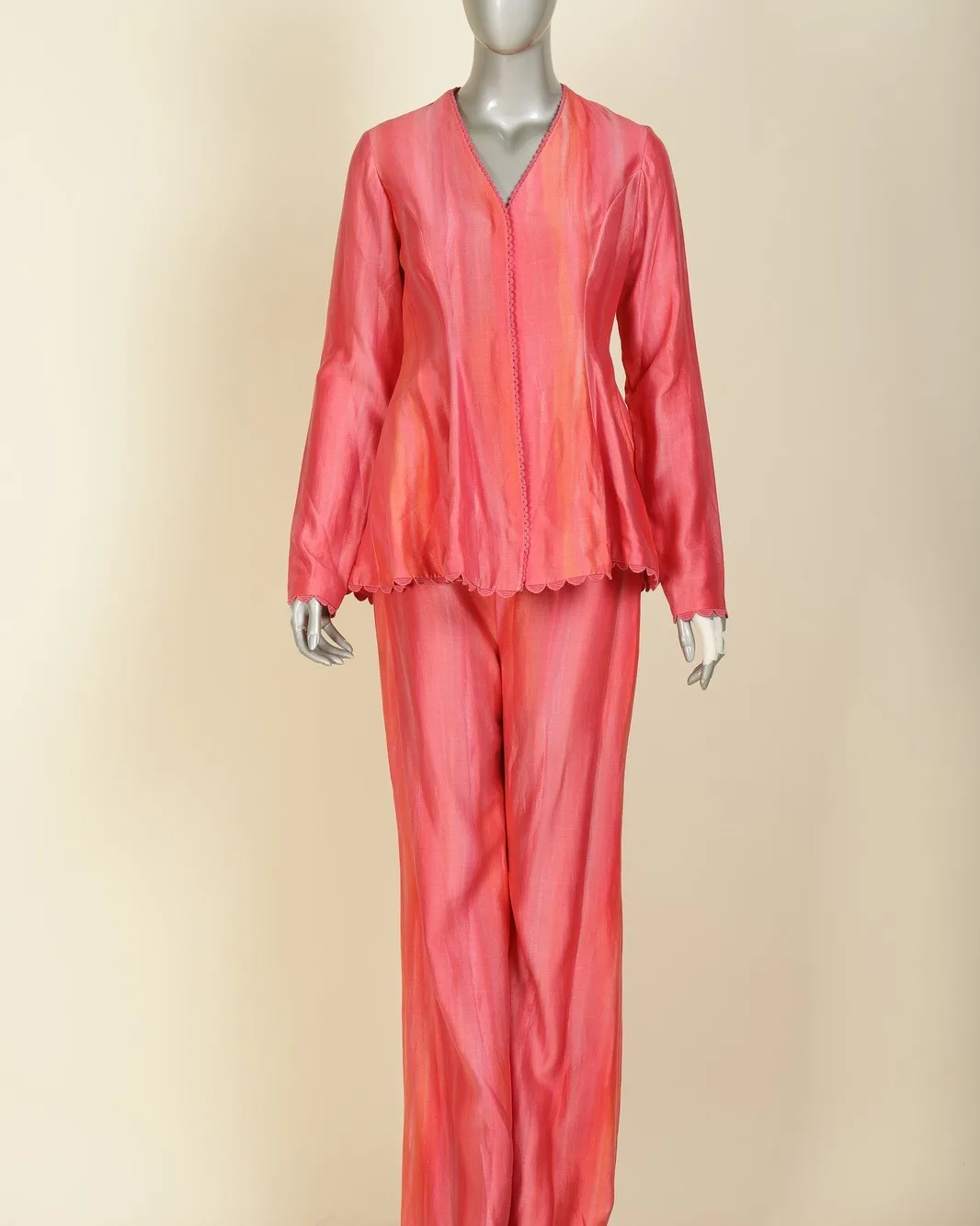 What you send
 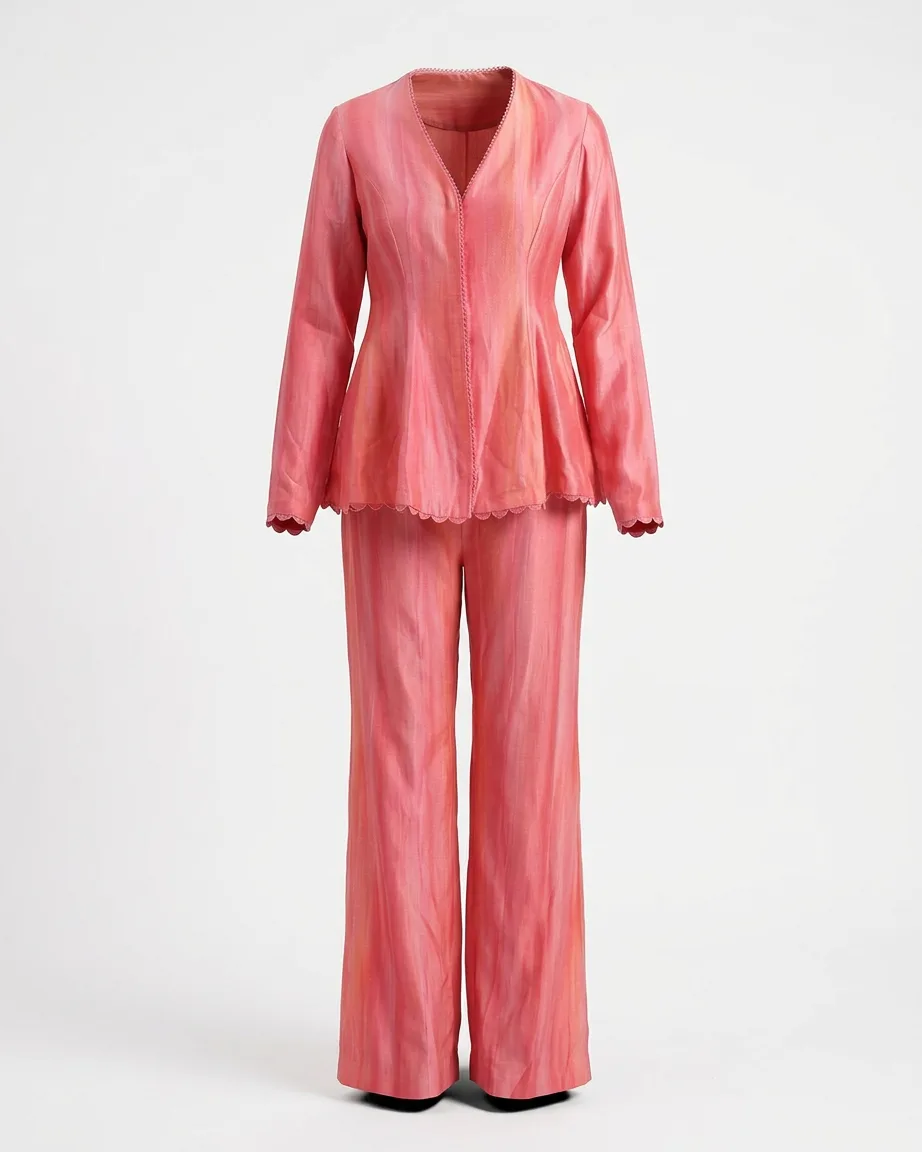 What you get
 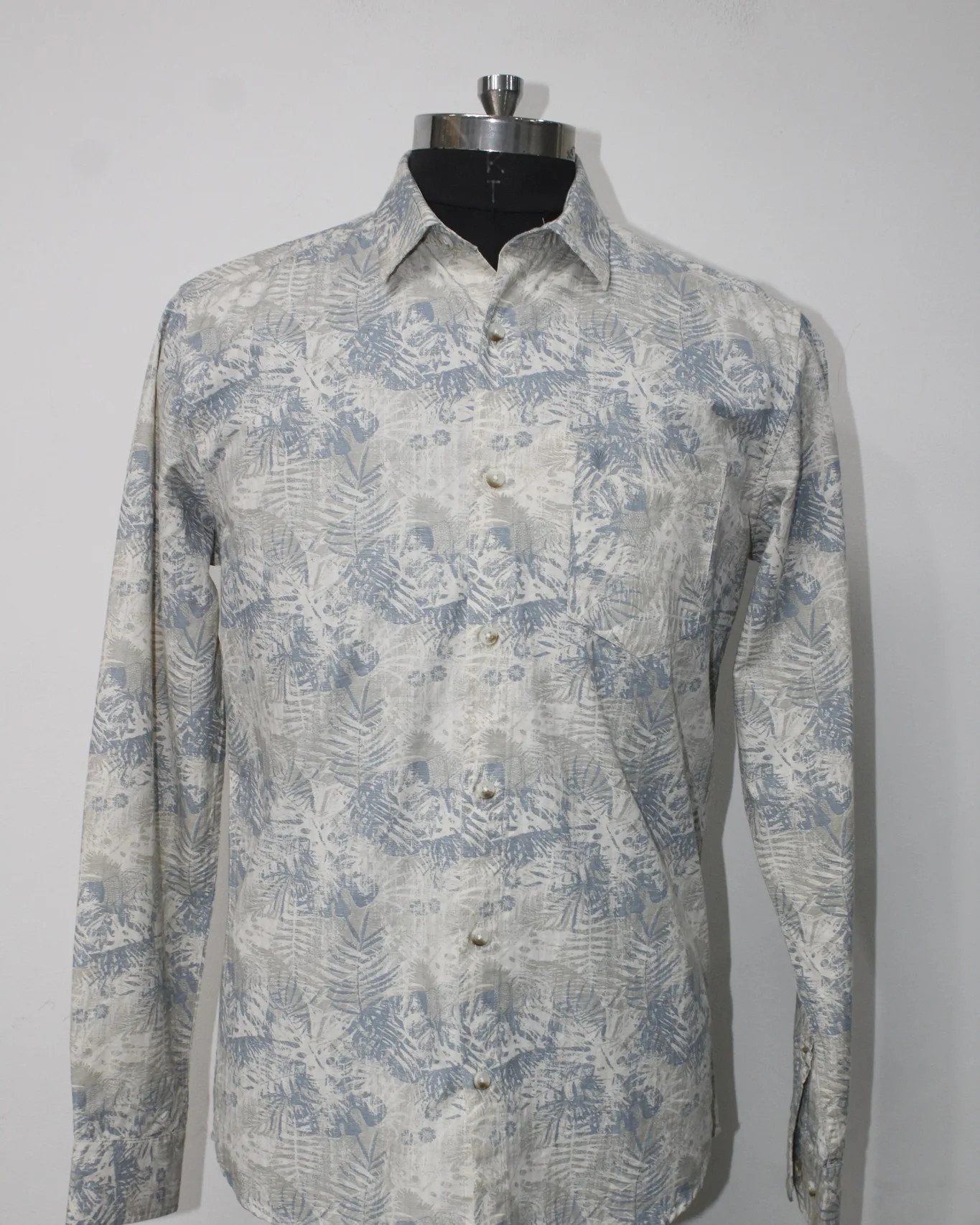 What you send
 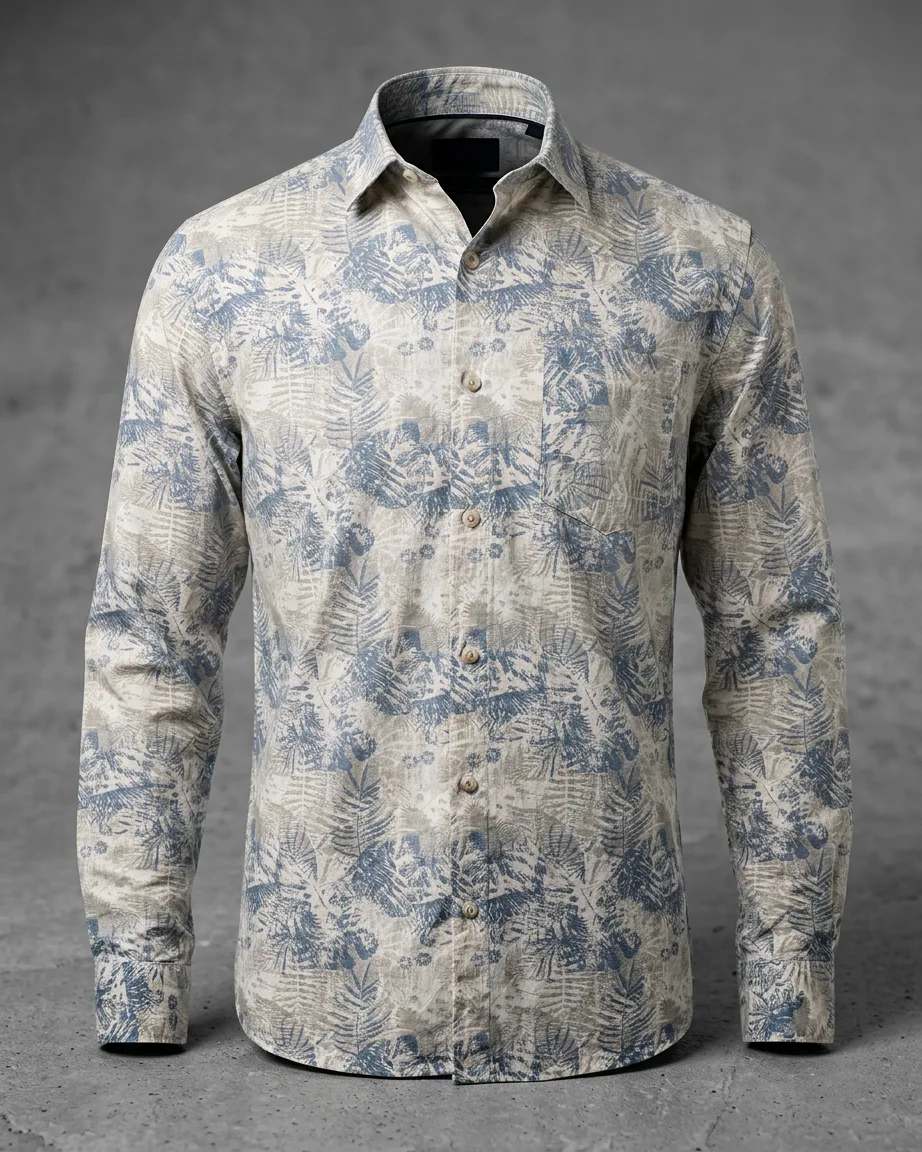 What you get
 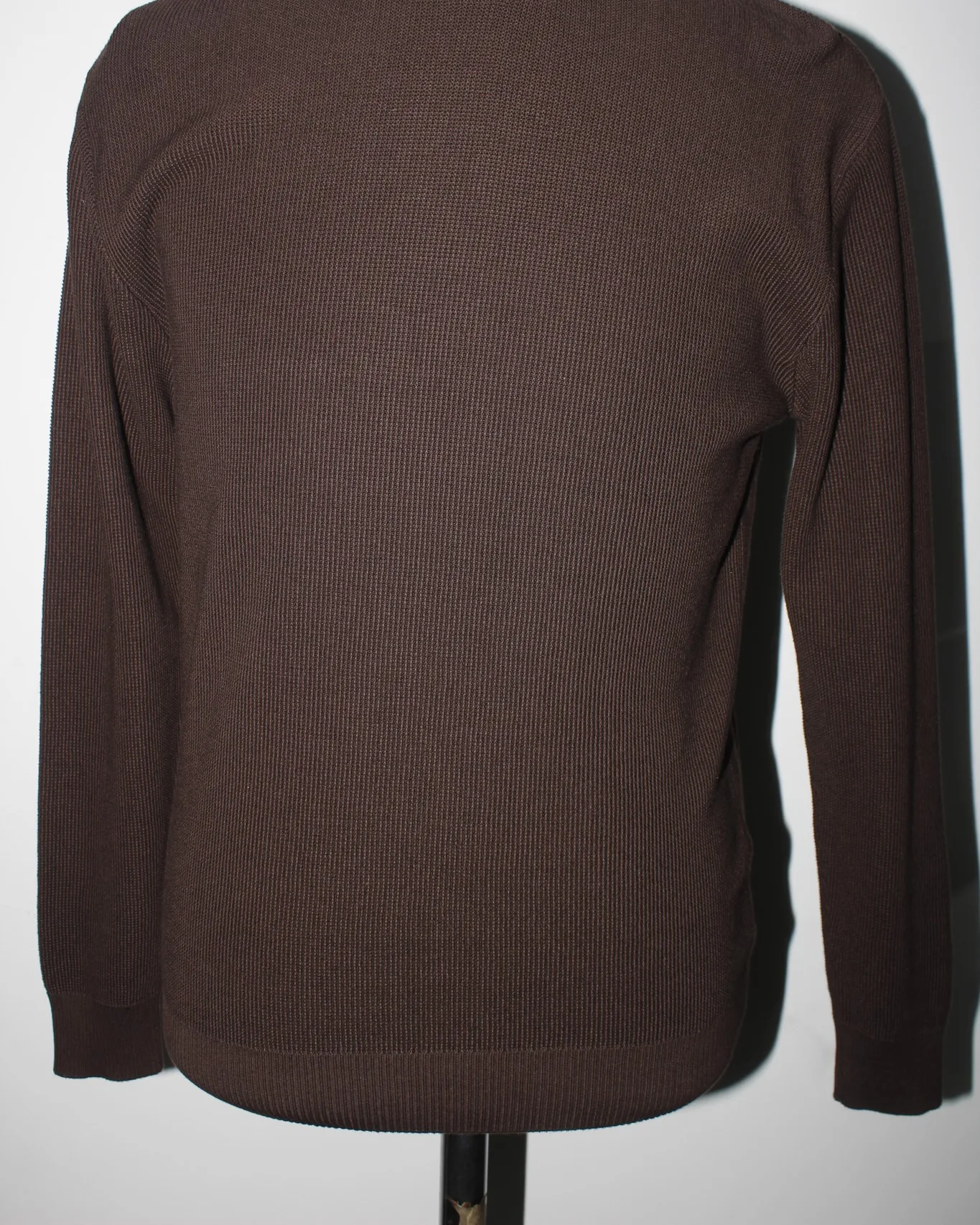 What you send
 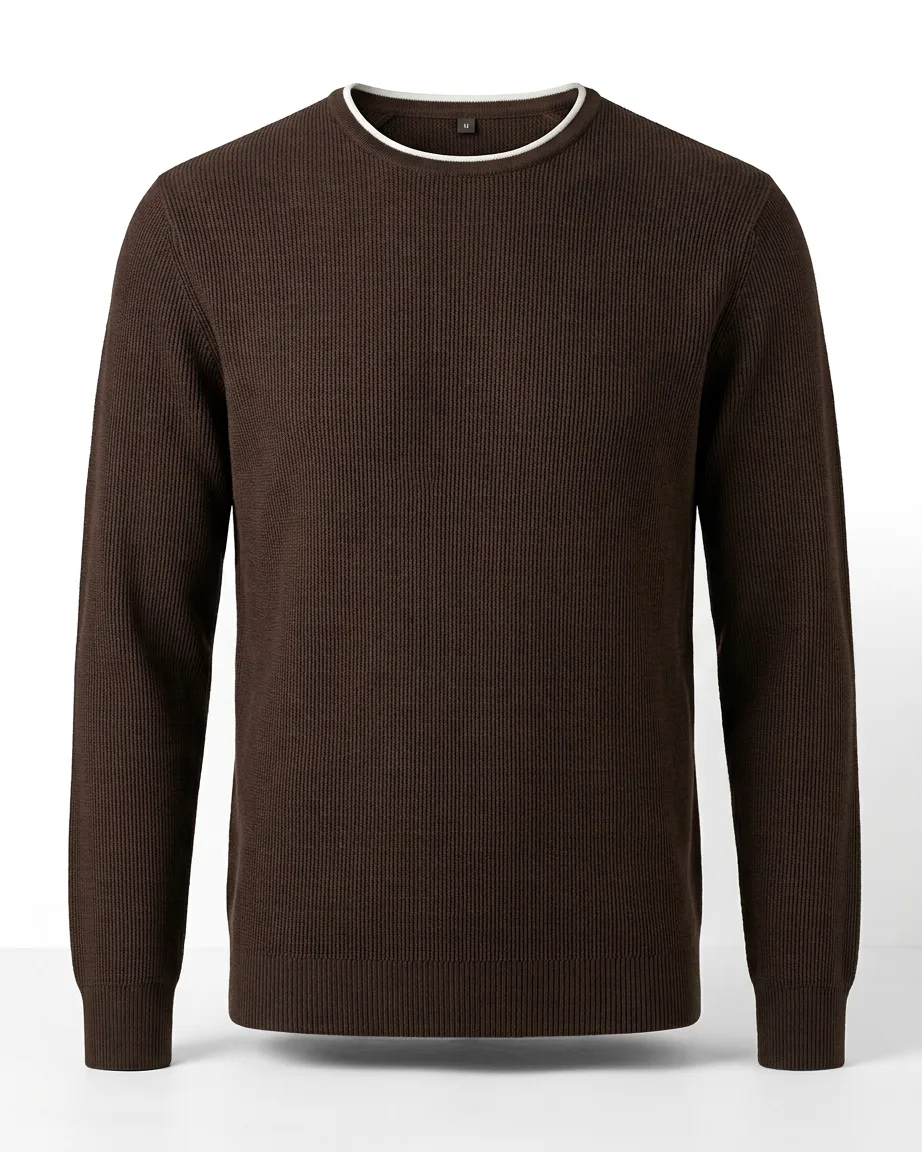 What you get
 How it works
From a mannequin photo to a hollow packshot
0 /5 steps
-
 Agree the spec Angles, crop, background and file names, set once for the range
 -
 Send garment photos Mannequin, hanger or flat-lay, whichever you have
 -
 We remove the form The AI pass, then a retoucher shapes collar, sleeves and hem
 -
 Seam-by-seam check Every image compared with the garment photo before it ships
 -
 Files in your folder Named the way your team files them
Masking it yourself, or packshots from our retouchers
| Other free tools |  Kaptured.AI
| |
|---|---|---|
| Inside neckline | Missing or smeared 🫥 | Rebuilt and checked 🔍 |
| Starting photo | Mannequin only, often two shots 📸 | Mannequin, hanger or flat-lay 👕 |
| Shape of the garment | Collapses at the collar 📉 | Shaped to fit ✅ |
| Your time per garment | Masking by hand ⏳ | None, we do it ✍️ |
| Matching a whole range | Varies shot to shot 🎲 | One framing spec 🎯 |
FAQs
