Garment colourways
Change clothes color with AI, done for you
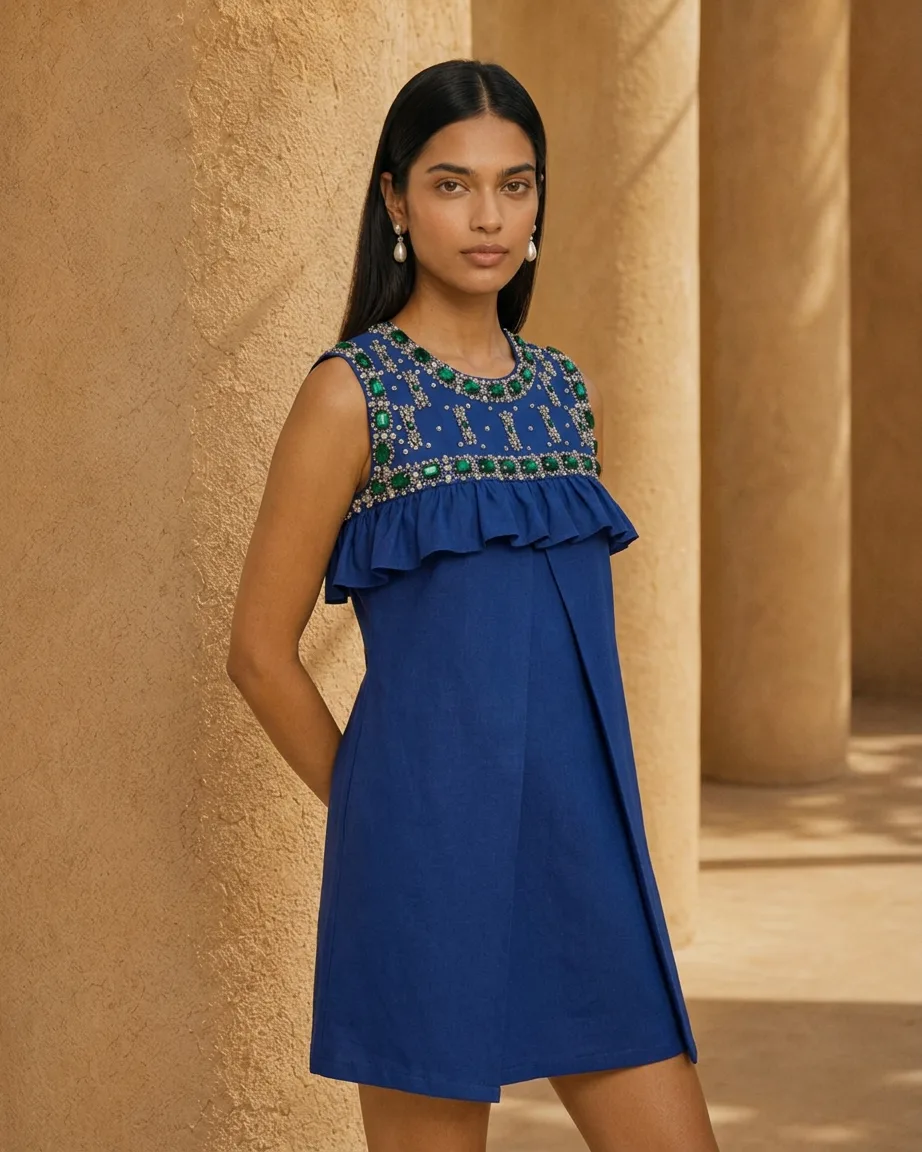
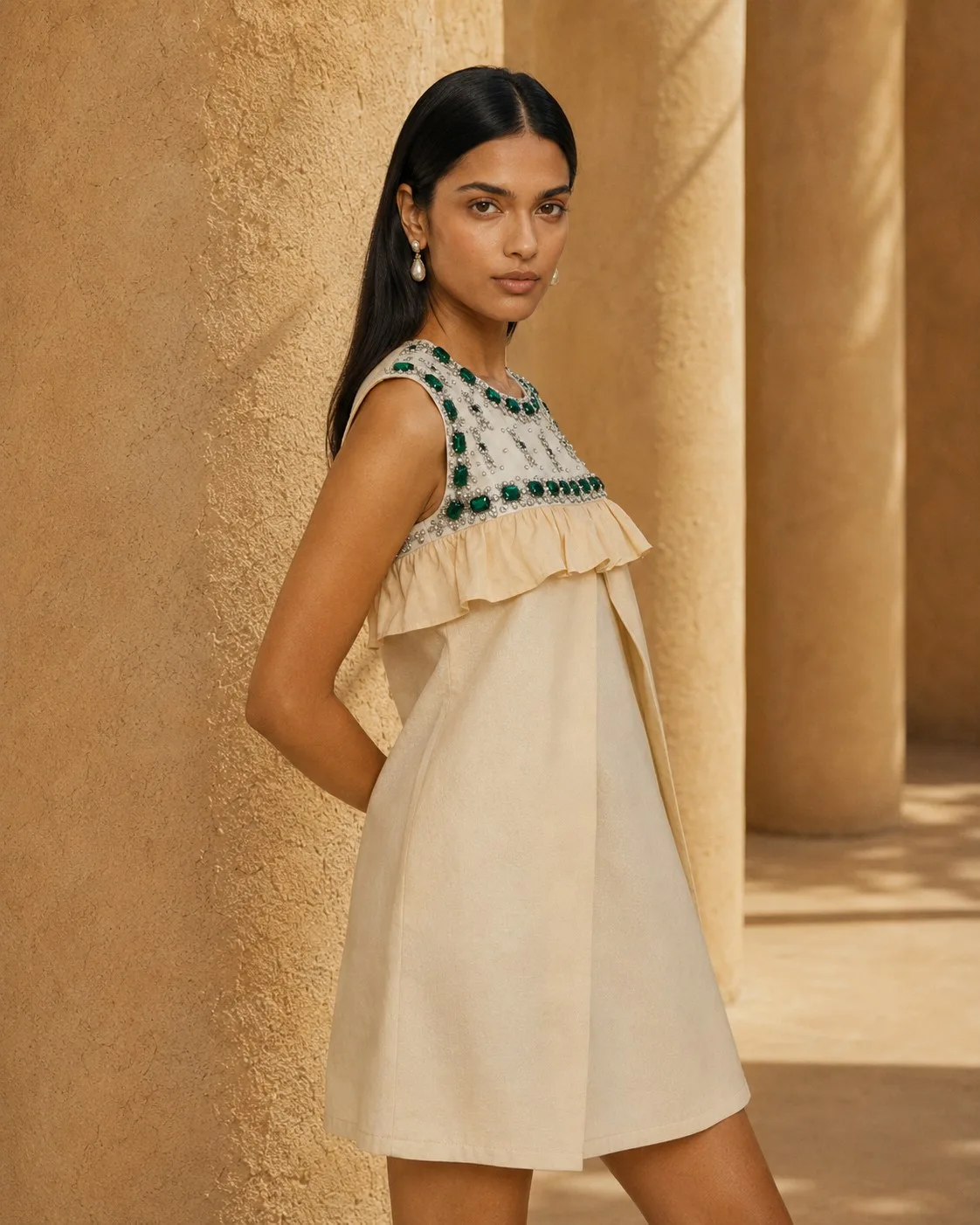
Send us one photo of the garment and the shades you sell. We recolour it with AI into every colourway, keeping fabric texture, folds and stitching exactly as shot.
★★★★★
-
 Tribe Amrapali
 -
 Laa Polky Stories by Raniwala
 -
 Onya Lab-Grown Diamonds
 -
 House of Armuse
 -
 Ridhi Mehra
 -
 Vasundhara
 -
 Senses
 -
 Talwar & Sons
 -
 M.K. Ghare Jewellers
 -
 Ethnic Cotler
 -
 Jack & Jill
 -
 Under5ft7
 -
 Me & Mine
 -
 STABL
STABL -
 The K Way
 Y Combinator
  IIT Bombay
 Every colourway of a garment, without a sample run
-
The problem
Recolour apps flatten the fabric: folds lose depth and the weave turns to plastic.
What we do
We shift the dye, not the texture, so cotton still looks like cotton and satin keeps its sheen.
-
The problem
The shade on screen isn't the shade in the box, and the returns follow.
What we do
We match each colourway to your swatch, hex code or Pantone reference and check it before delivery.
-
The problem
Trims, zips and contrast stitching change colour along with the fabric.
What we do
We recolour only the parts you name and leave buttons, prints and labels alone.
What you get
Colourways ready for your product pages
-
Every shade you sell
Each colourway as its own image set, in the same pose and light as the original.
-
Model and flat shots
Works on on-model, ghost mannequin and flat-lay photos of the garment.
-
Pre-launch previews
Colourways that don't exist yet, for pre-orders and buyer meetings.
-
Ad test variants
One ad image in several shades, to learn which colour sells before you reorder.
Our work
One garment photo, recoloured into new shades
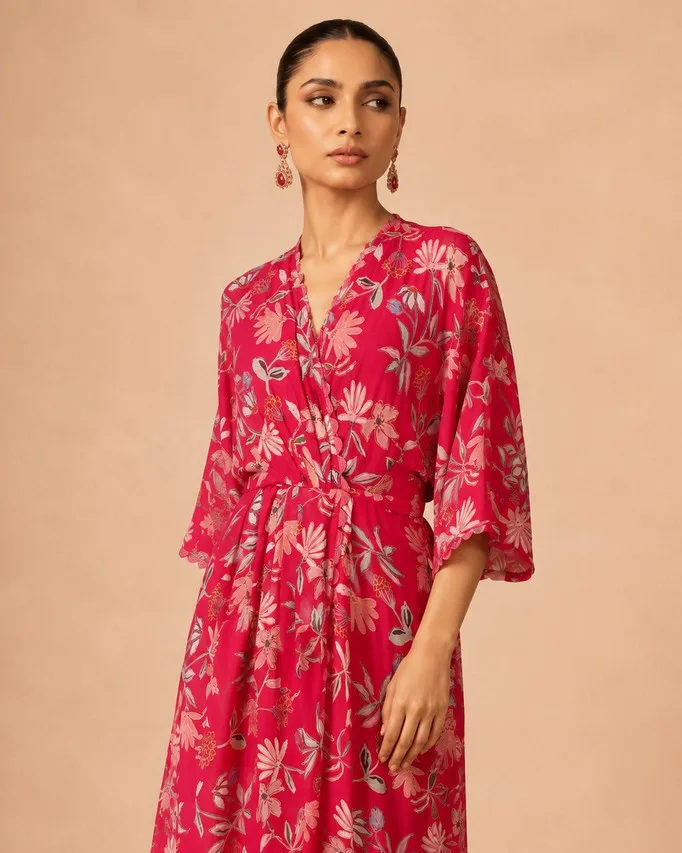 What you send
 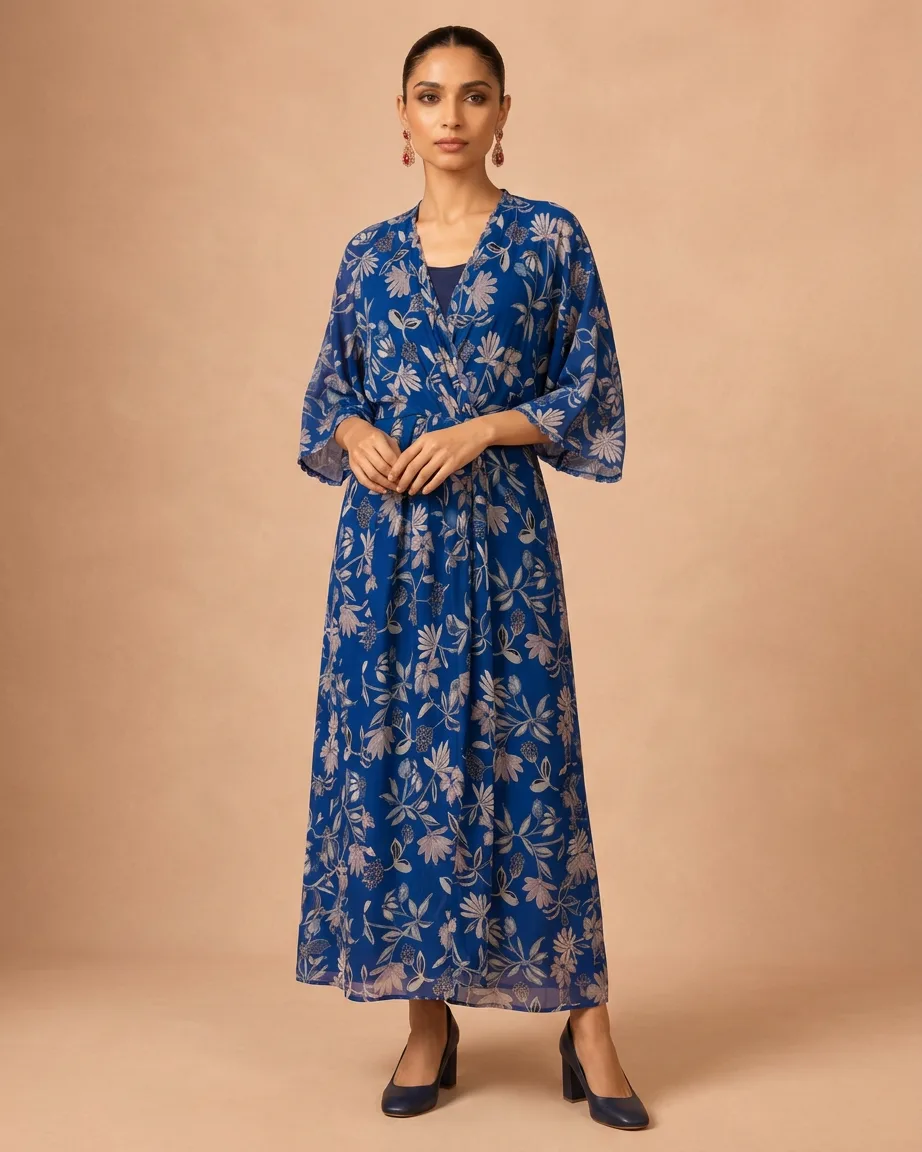 What you get
 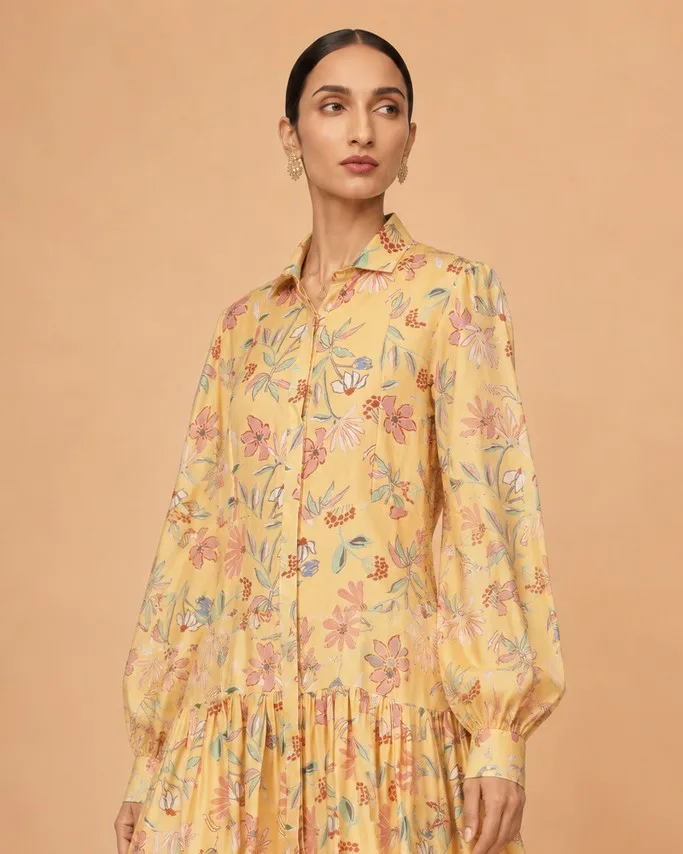 What you send
 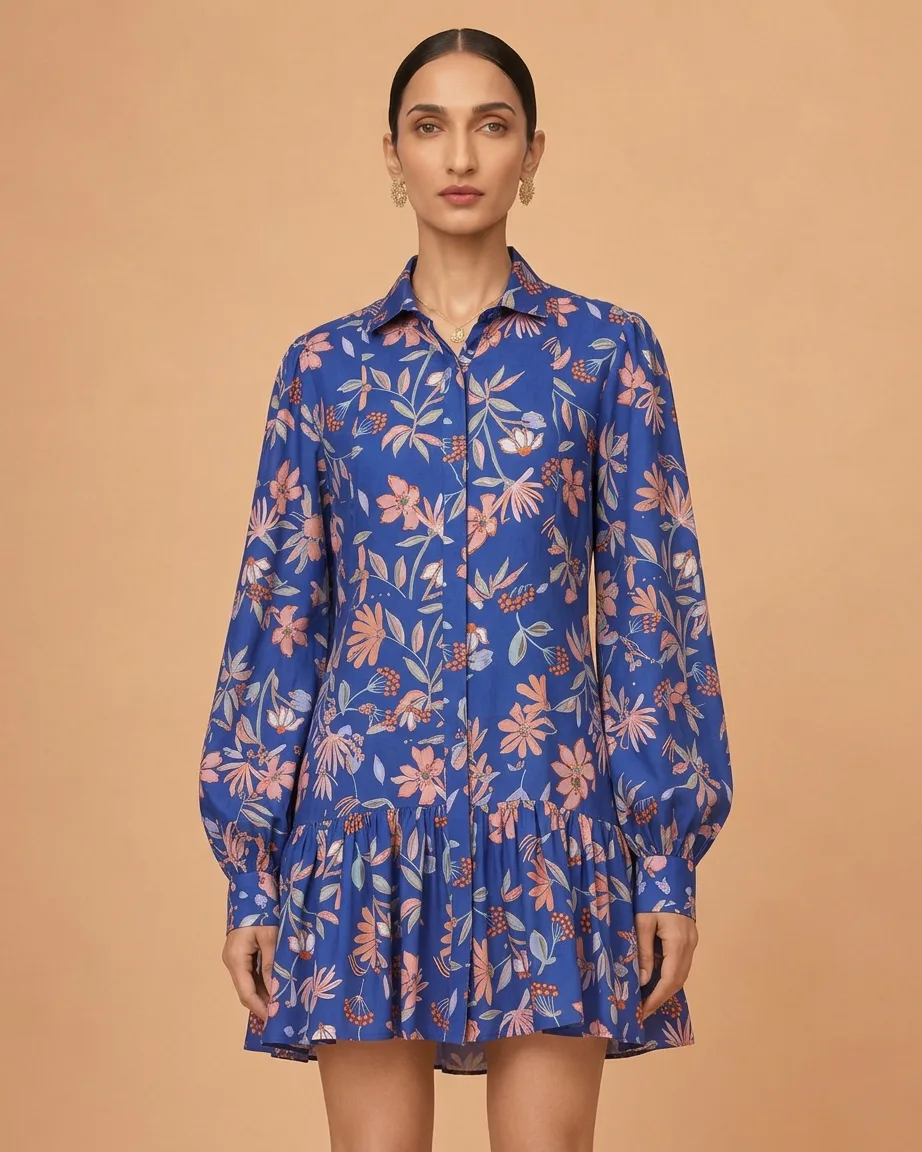 What you get
 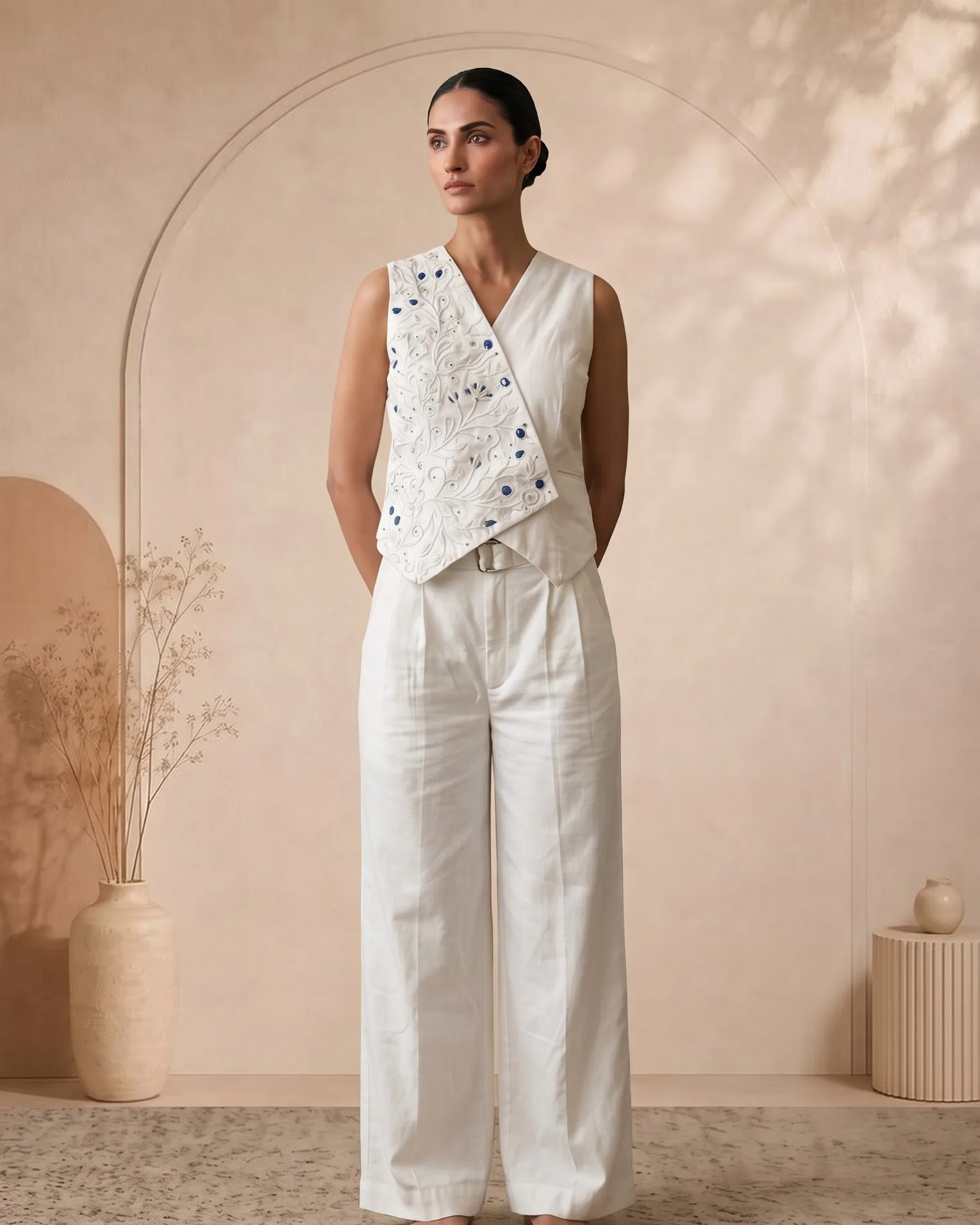 What you send
 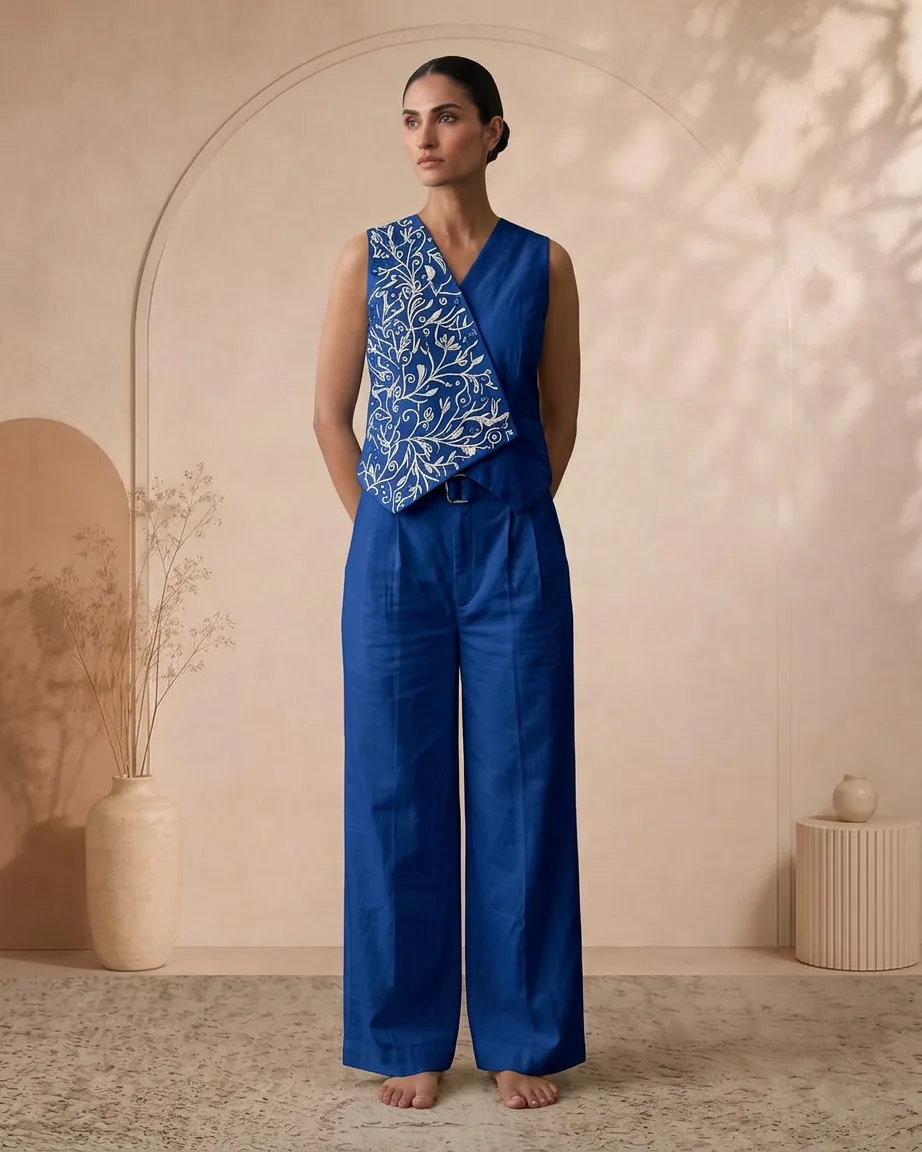 What you get
 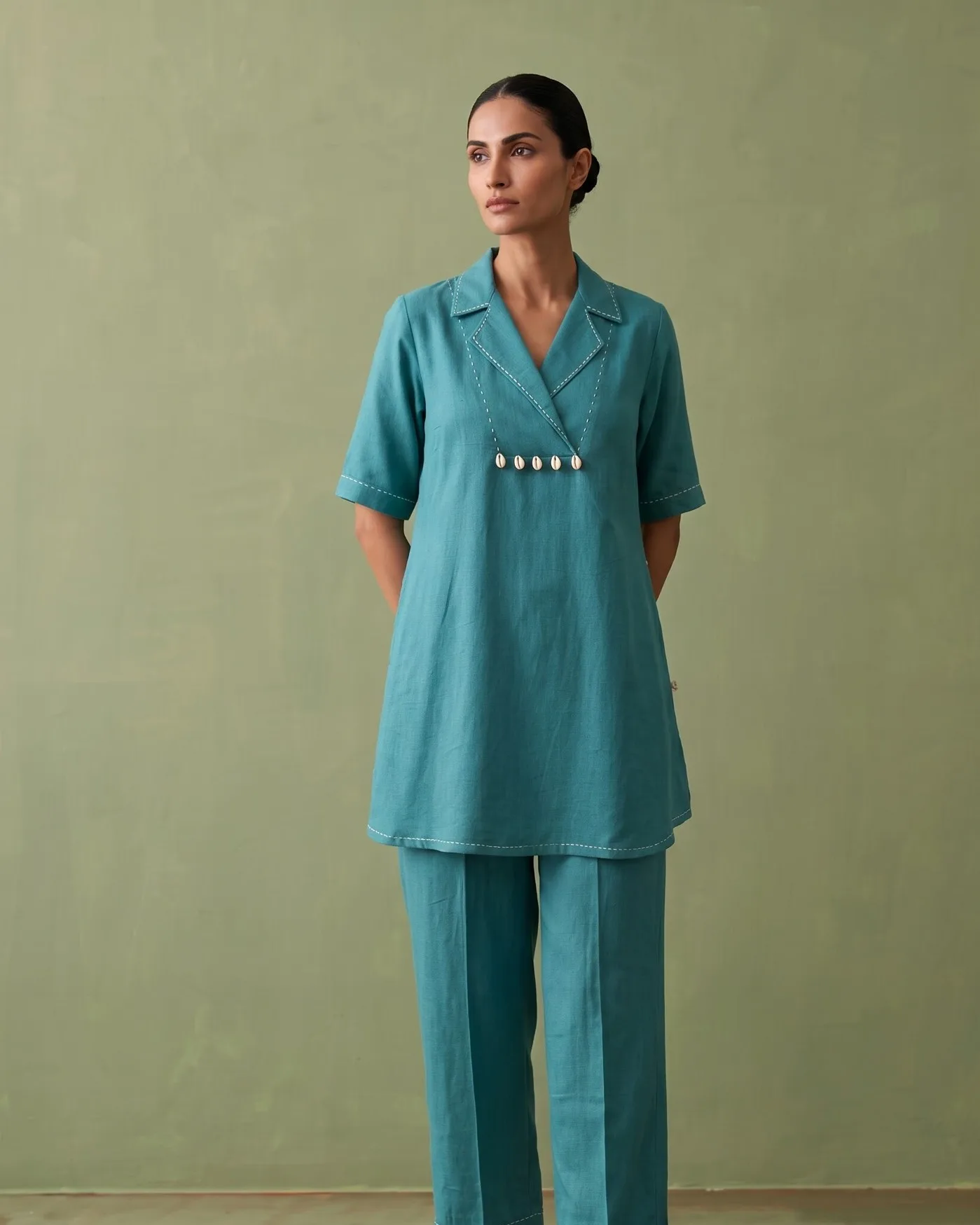 What you send
 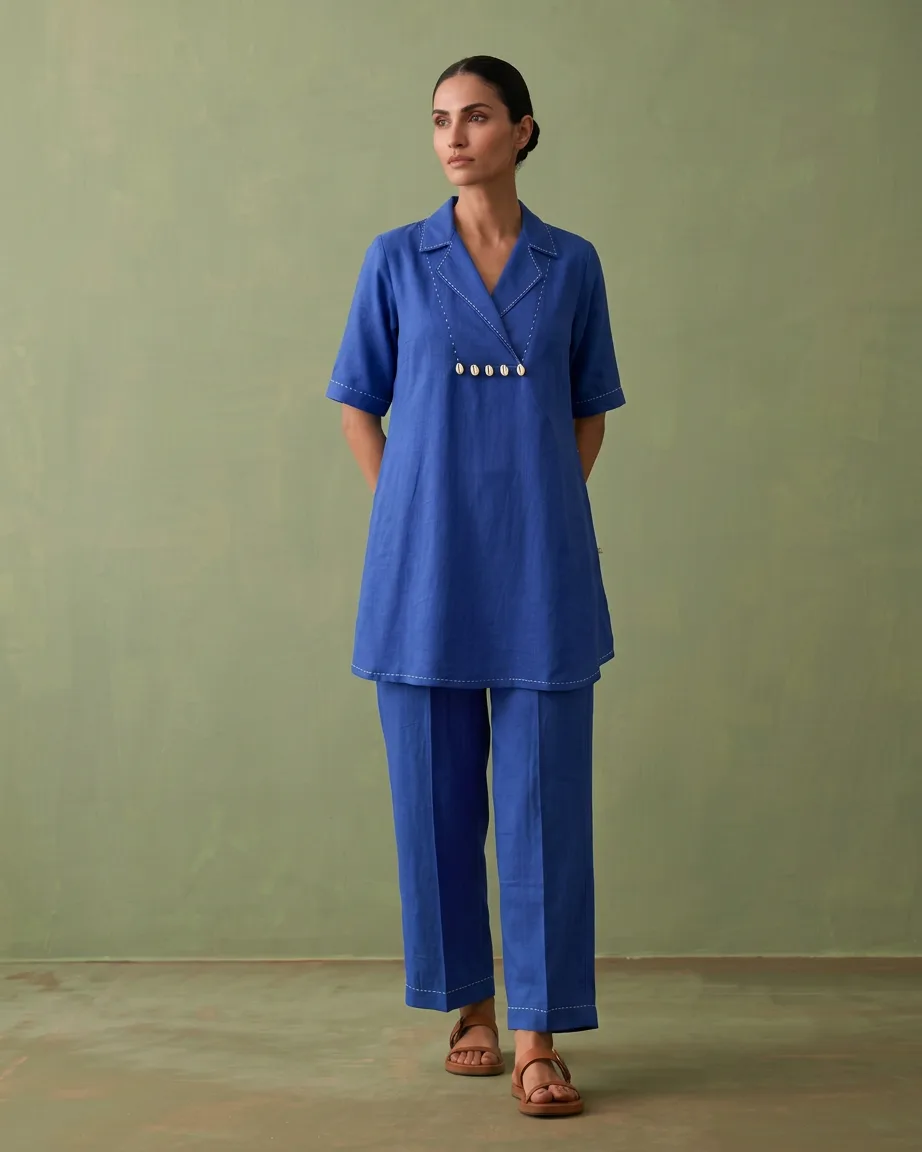 What you get
 How it works
From one garment photo to the full colour range
0 /5 steps
-
 Share your shades The shades you sell and the ones you want to test
 -
 Send one photo On-model, flat-lay or mannequin, whichever you have
 -
 We recolour The AI pass, then hand masking around trims and stitching
 -
 Shade check A person compares every colourway with your reference
 -
 Download the range One folder per colourway, named by SKU
Colour swaps you do, against colourways we deliver
| Other free tools |  Kaptured.AI
| |
|---|---|---|
| Fabric texture | Flattened 🫥 | Kept as shot 🧵 |
| Shade on screen | Drifts from the sample 🎲 | Matches what ships 🎯 |
| Trims and prints | Recoloured by mistake 😬 | Left untouched ✅ |
| A new colourway | Another sample and shoot 💵💵 | One photo is enough 📸 |
| Fixes | Redo it yourself 🔁 | Revised free until it matches 🔒 |
FAQs
