Any product, any shade
AI picture color changer for any product, done for you
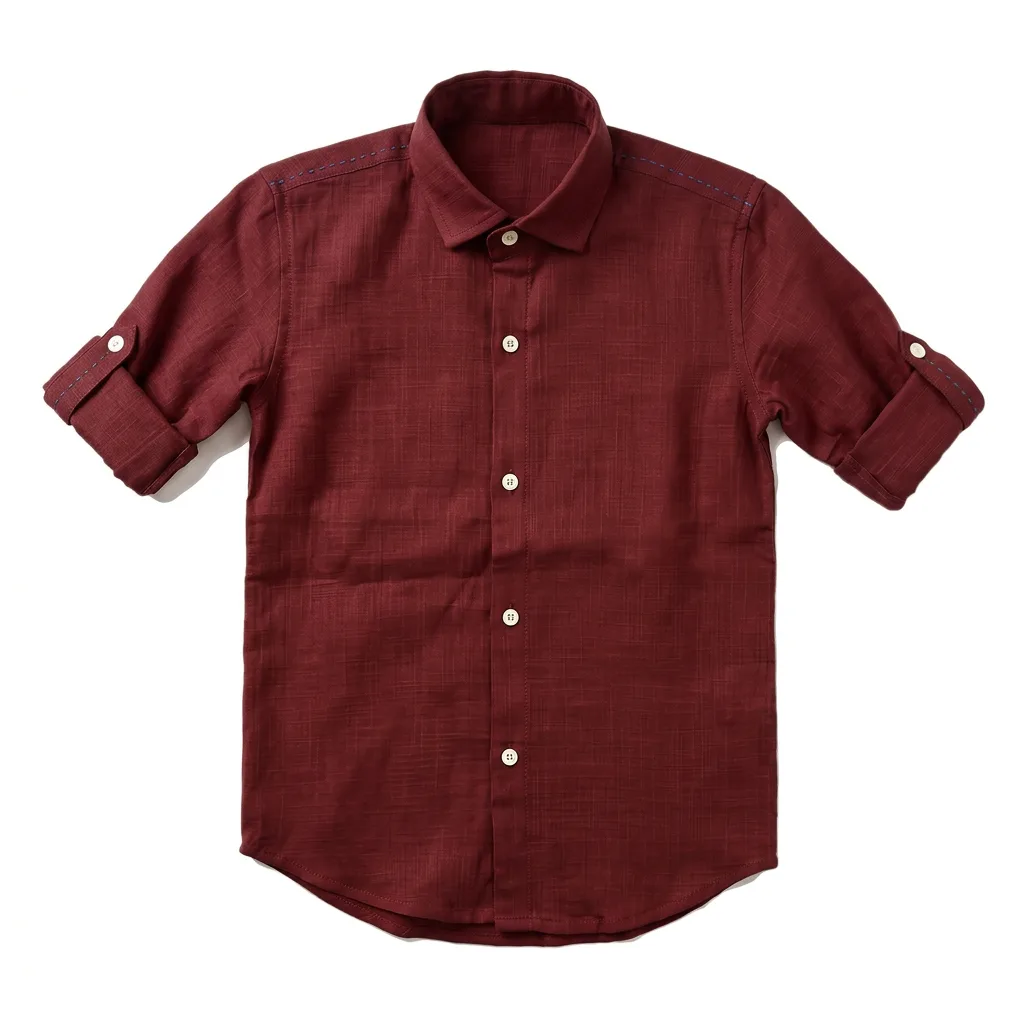
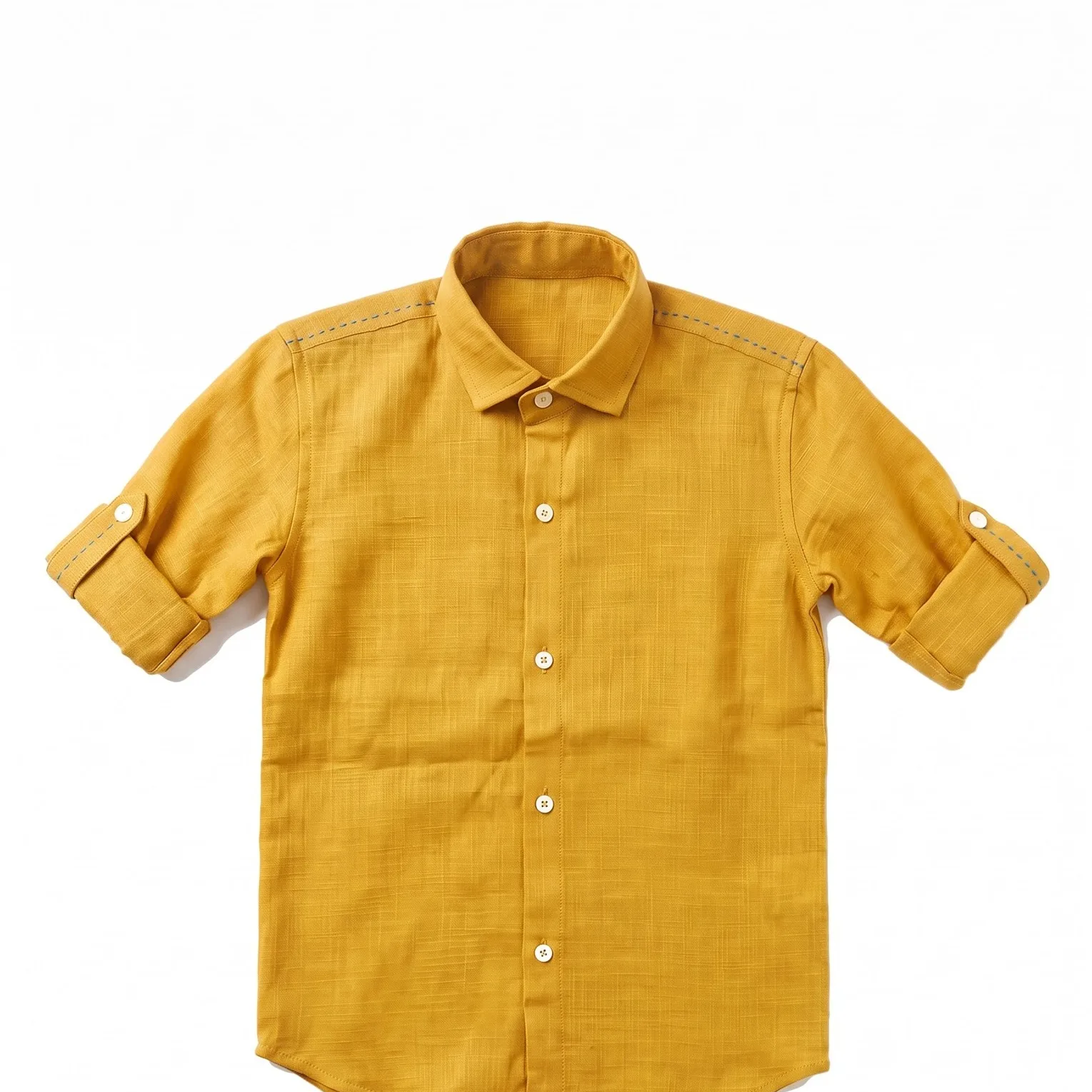
Send us one photo of a bag, shoe, bottle or piece of jewelry. We change its colour with AI into every variant you sell, with the material, shine and shadows kept.
★★★★★
-
 Tribe Amrapali
 -
 Laa Polky Stories by Raniwala
 -
 Onya Lab-Grown Diamonds
 -
 House of Armuse
 -
 Ridhi Mehra
 -
 Vasundhara
 -
 Senses
 -
 Talwar & Sons
 -
 M.K. Ghare Jewellers
 -
 Ethnic Cotler
 -
 Jack & Jill
 -
 Under5ft7
 -
 Me & Mine
 -
 STABL
STABL -
 The K Way
 Y Combinator
  IIT Bombay
 Colour variants that keep the material looking real
-
The problem
Leather turns to plastic and suede loses its nap once the colour shifts.
What we do
We change the colour and keep the grain, nap and stitching of the material you make it in.
-
The problem
Metal and glass recolour like paint, so gold looks yellow and chrome looks grey.
What we do
We treat metal as a finish: rose gold, gunmetal and brushed silver keep their reflections.
-
The problem
Hardware, soles and logos change colour with the body of the product.
What we do
We mask the parts that stay fixed, so a brass buckle stays brass on every variant.
What you get
Variants for every product in your store
-
Leather and fabric goods
Bags, wallets, belts and shoes in each colour you stock.
-
Metal finishes
Gold, silver, rose gold and black finishes for jewelry and hardware.
-
Packaging and bottles
Caps, labels and glass in seasonal or limited-edition colours.
-
Matching sets
Every variant at the same angle and light, so your colour picker swaps cleanly.
Our work
One product photo, changed into new colours
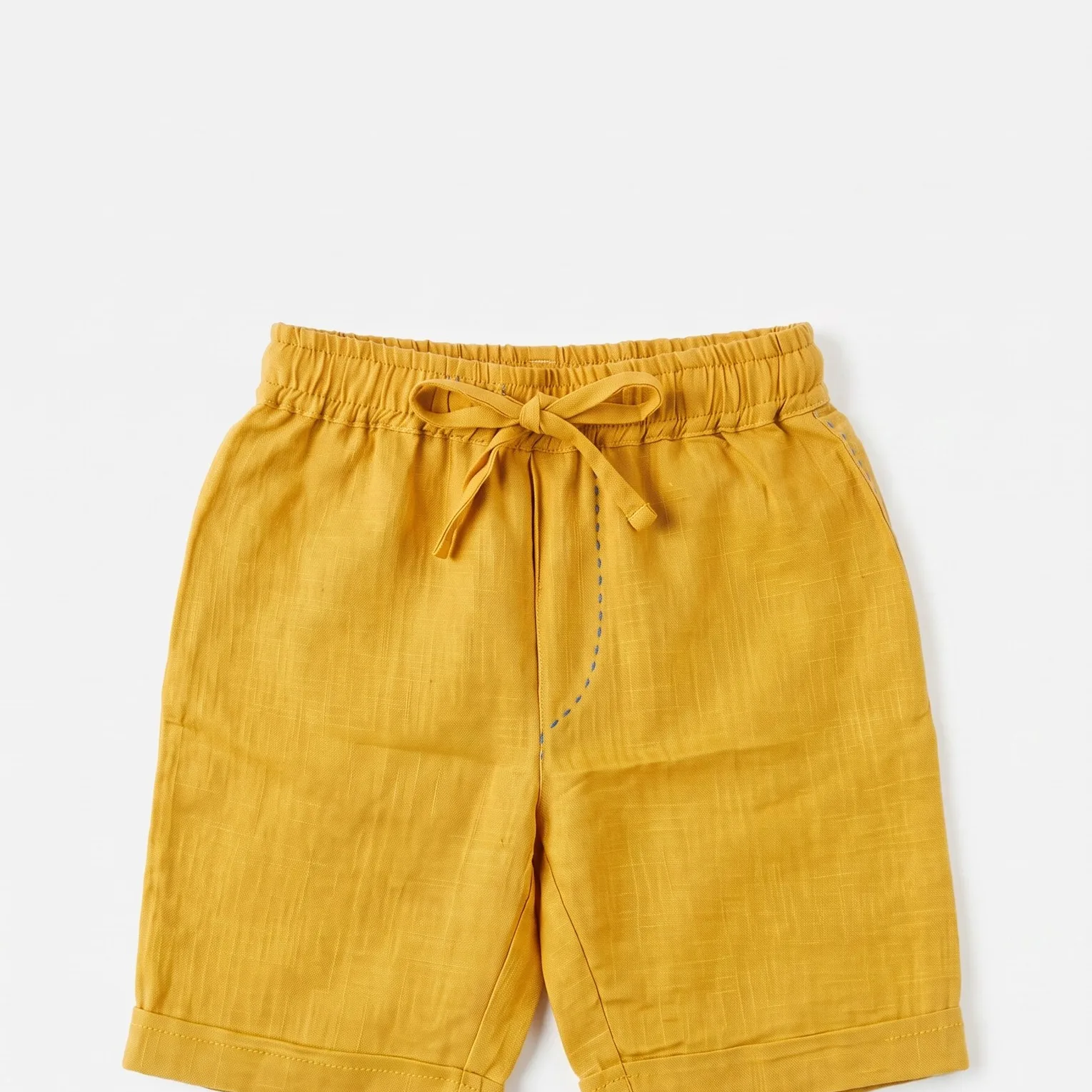 What you send
 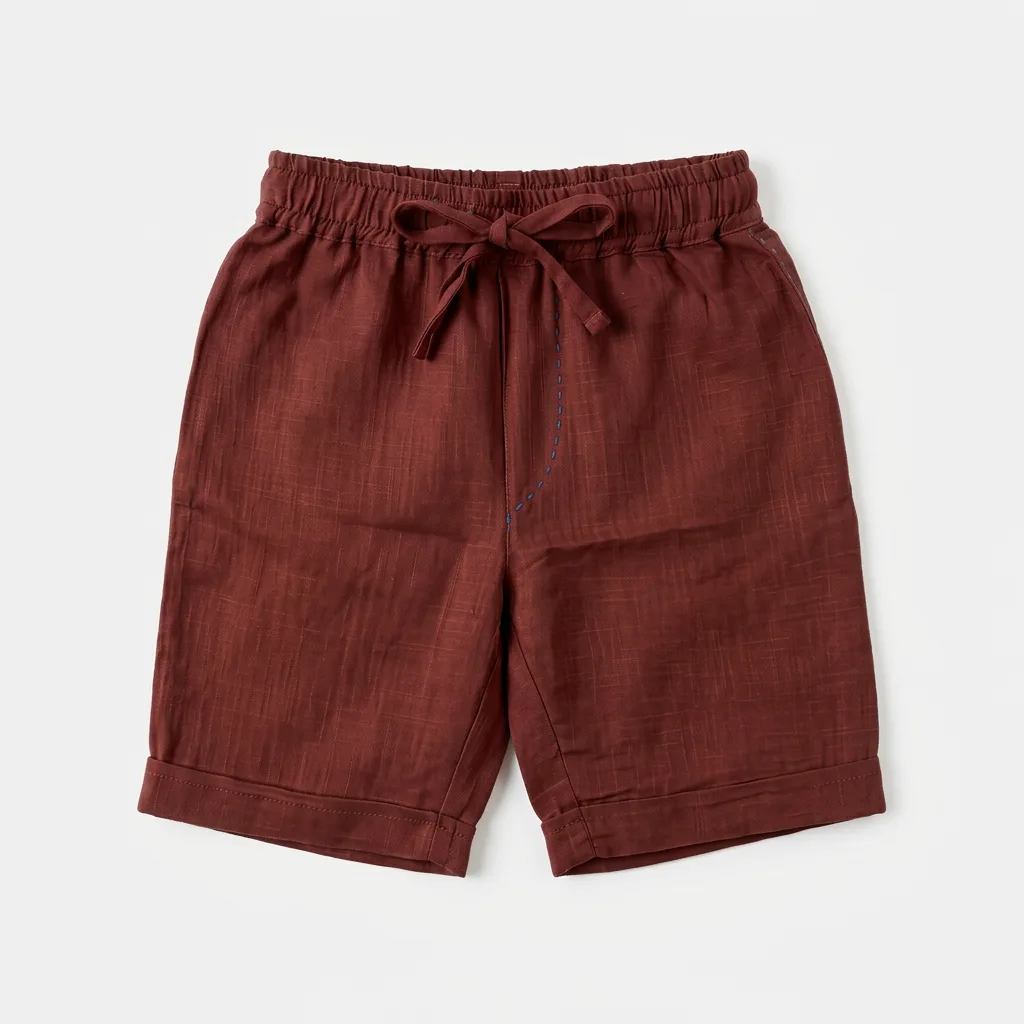 What you get
 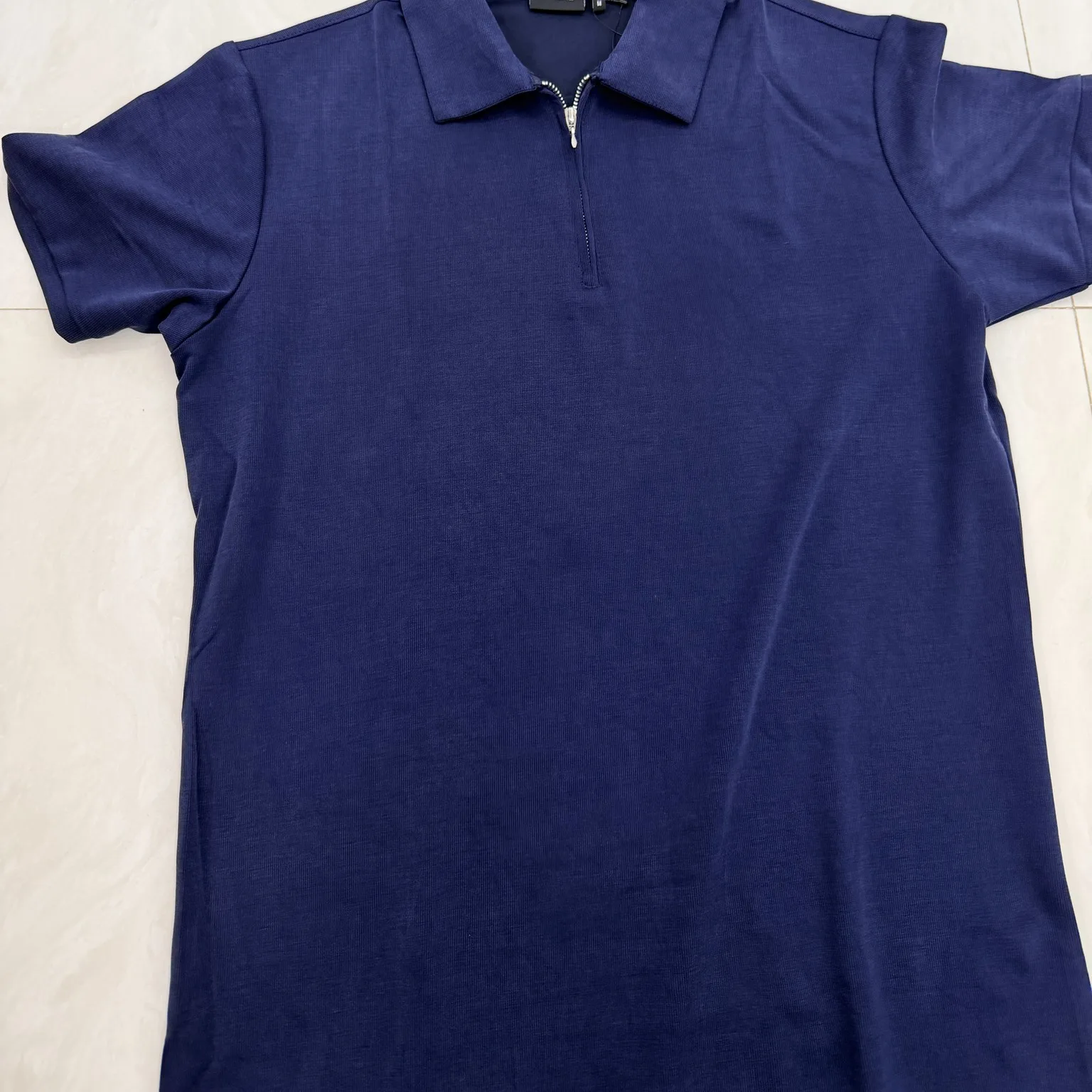 What you send
 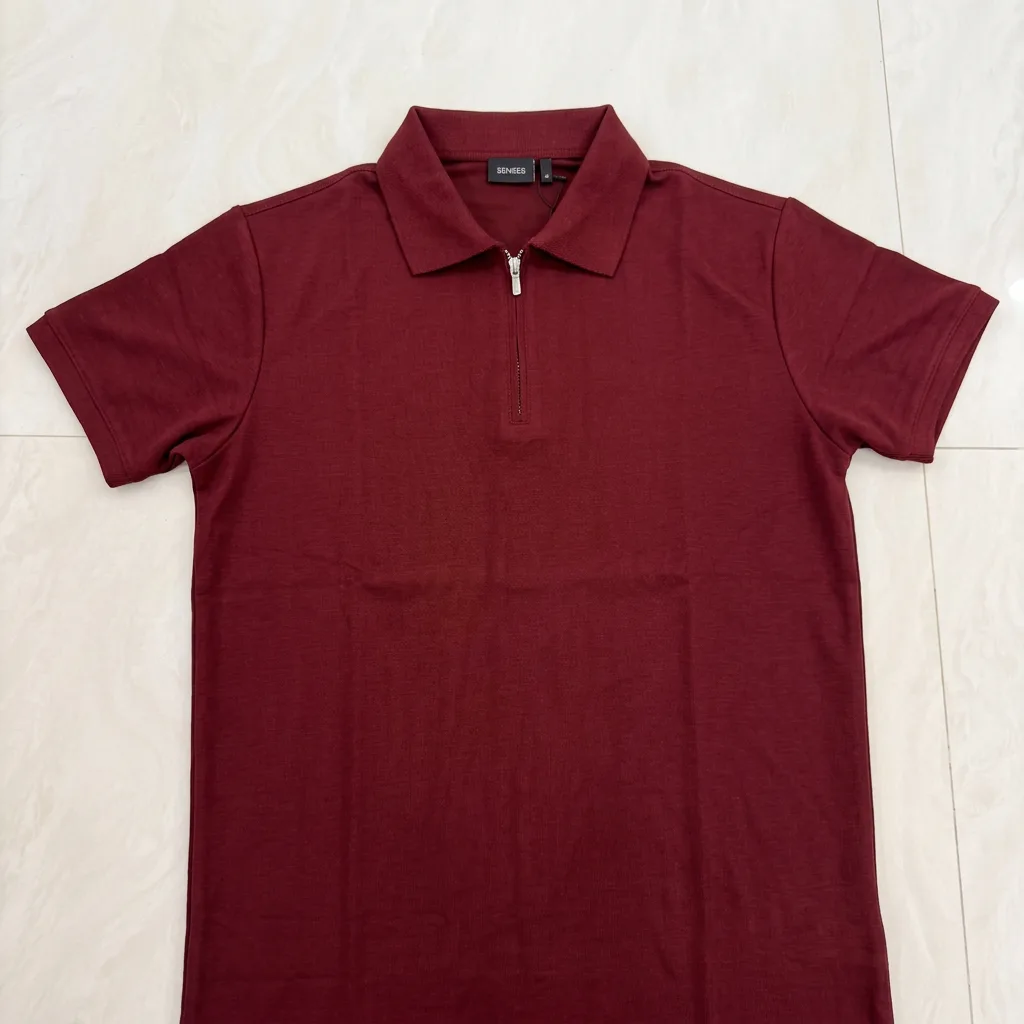 What you get
 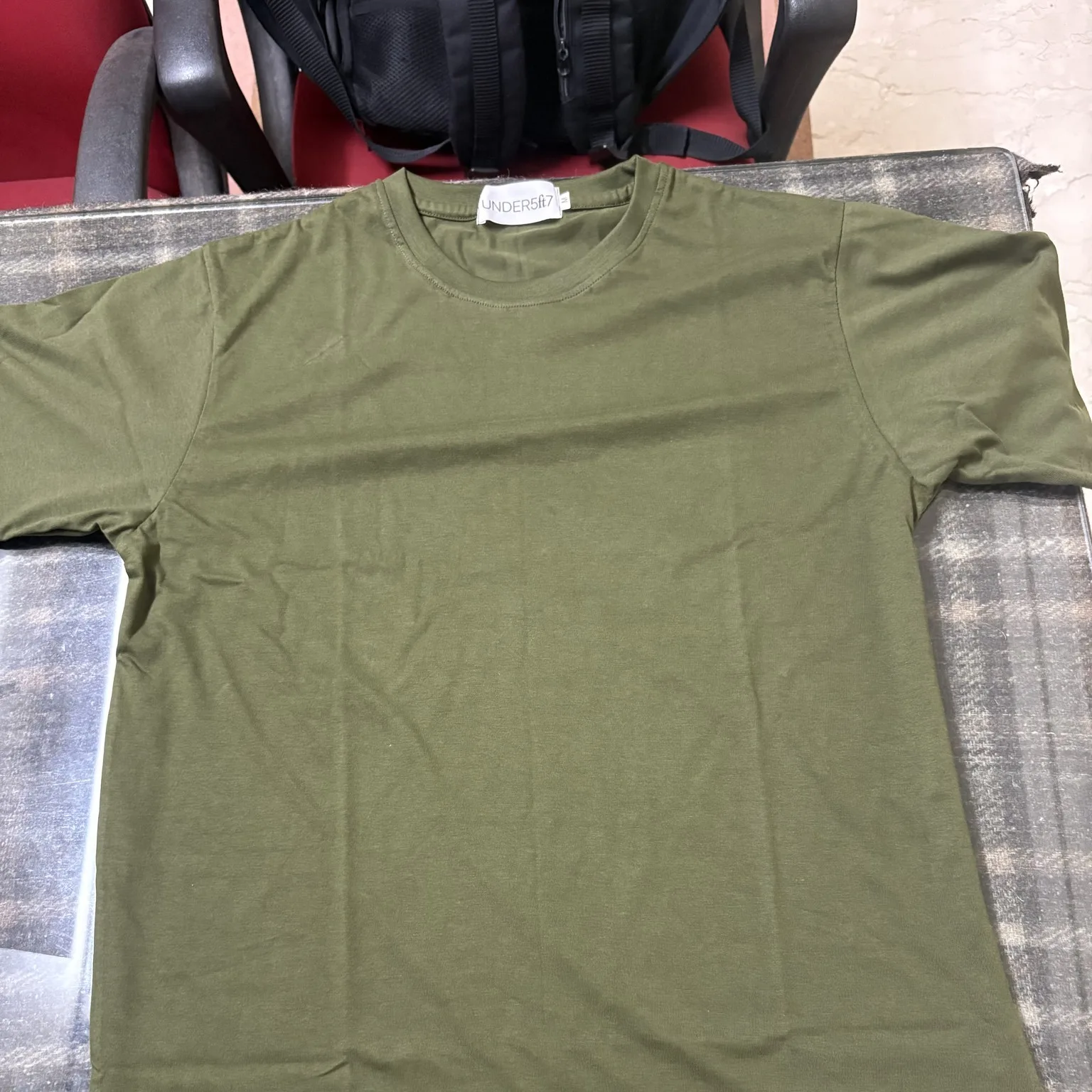 What you send
 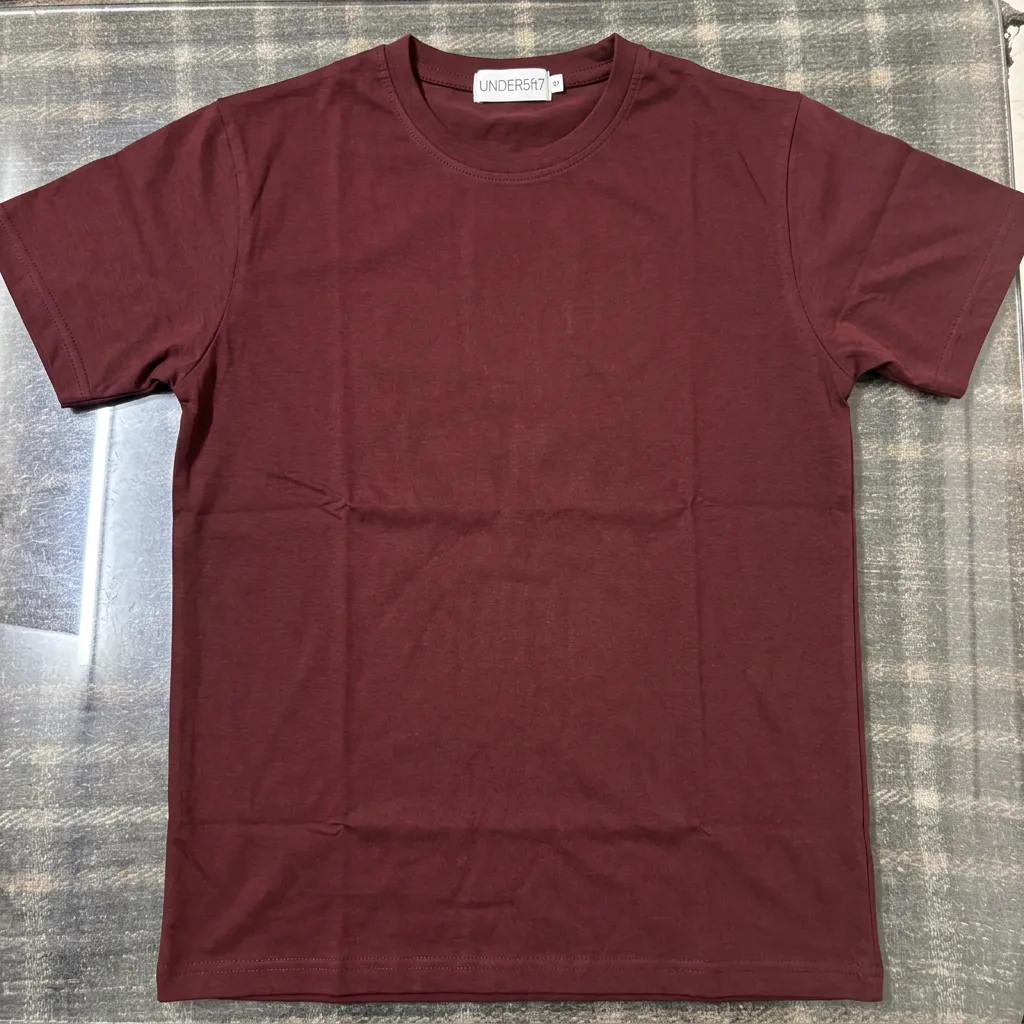 What you get
 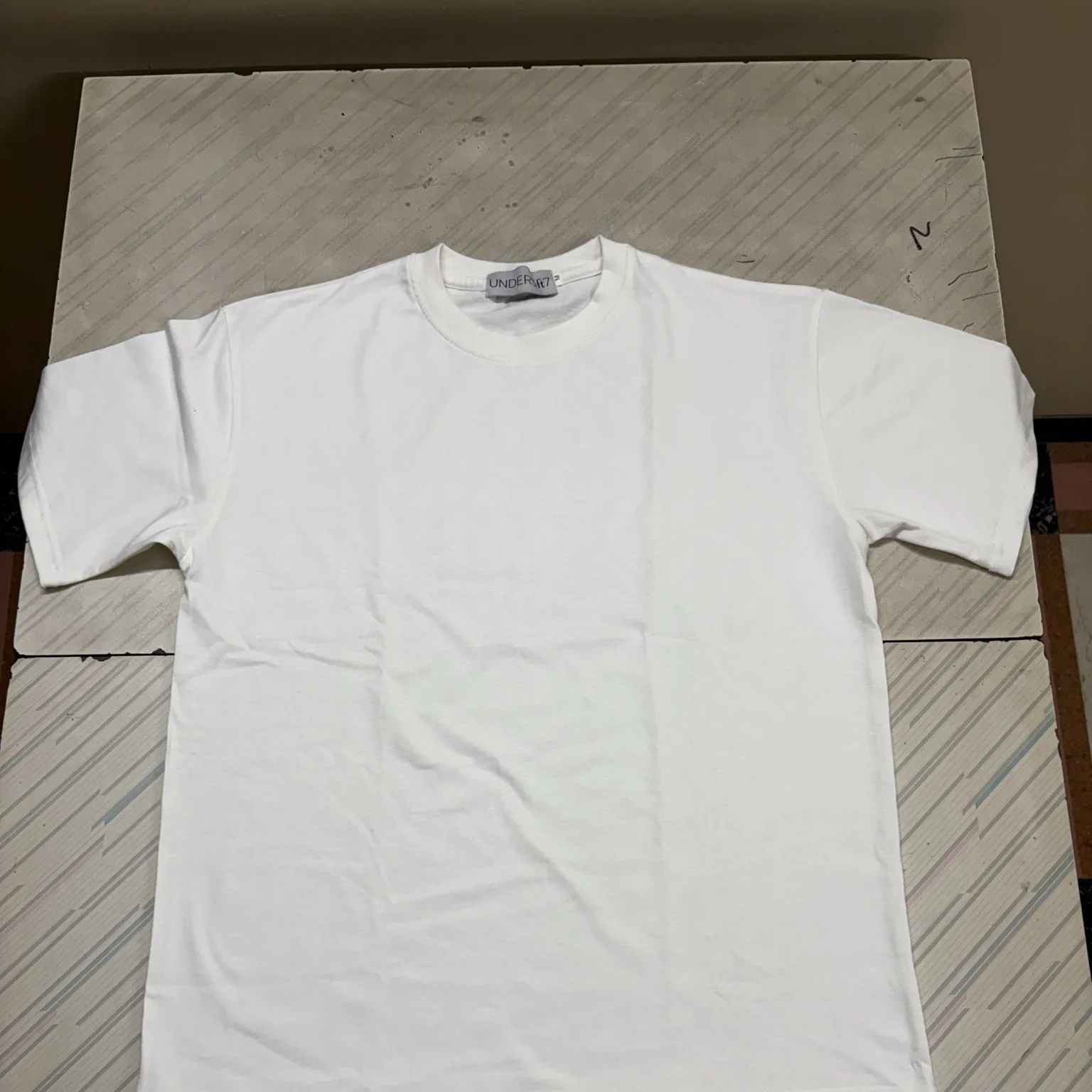 What you send
 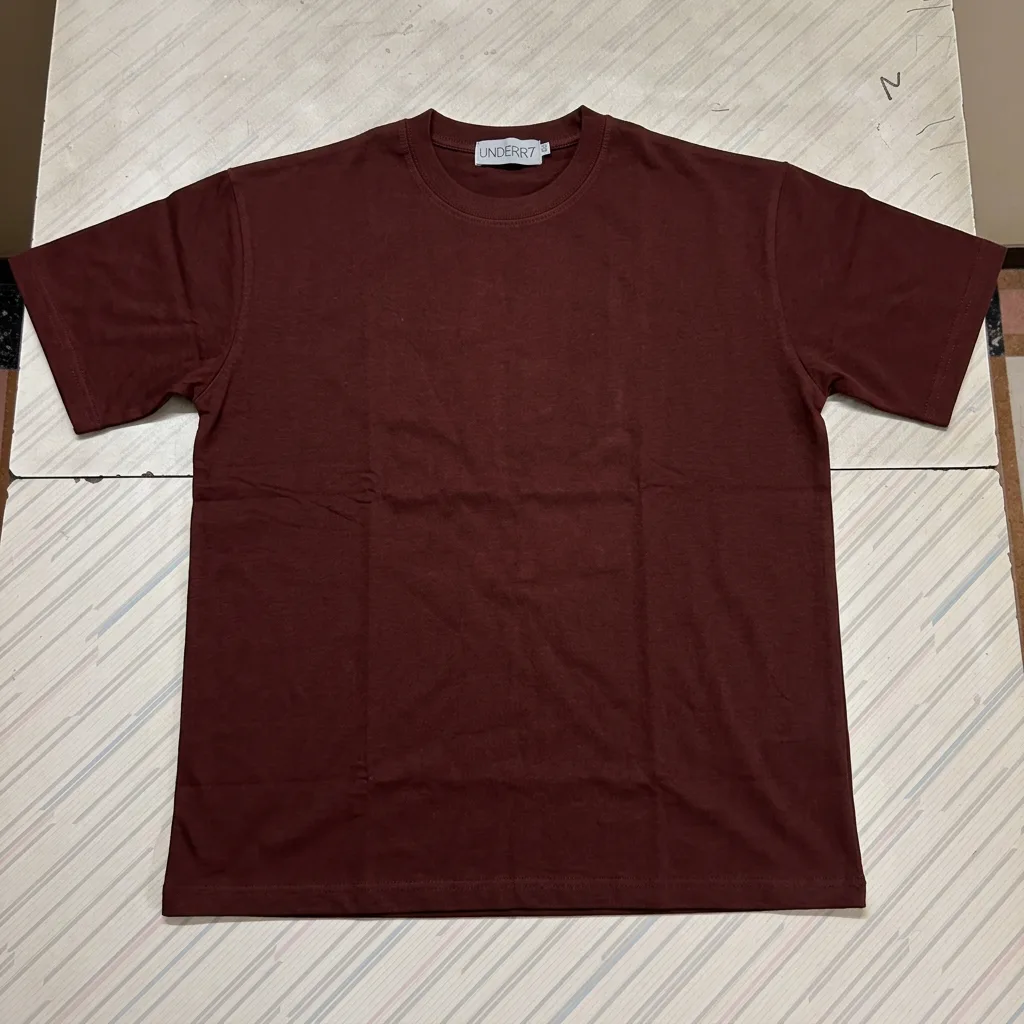 What you get
 How it works
From one product photo to every variant you stock
0 /5 steps
-
 List the variants Colours, finishes and which parts stay fixed
 -
 Send the product photo Studio, phone or supplier image
 -
 We change the colour AI pass, then hand masking on hardware and logos
 -
 Finish check A person checks each variant for material and shine
 -
 Variants delivered Sized for your store and marketplaces
Colour changers against a team that knows materials
| Other free tools |  Kaptured.AI
| |
|---|---|---|
| Leather, suede and metal | All look like paint 🎨 | Each keeps its finish ✨ |
| Buckles, soles and logos | Change colour too 😬 | Masked and kept ✅ |
| Same angle across variants | Re-run and re-crop 🔁 | A matched set 🎯 |
| Who does it | You 😩 | Our retouchers ✍️ |
FAQs
