Frames for every size
AI generative fill for product photos, done for you
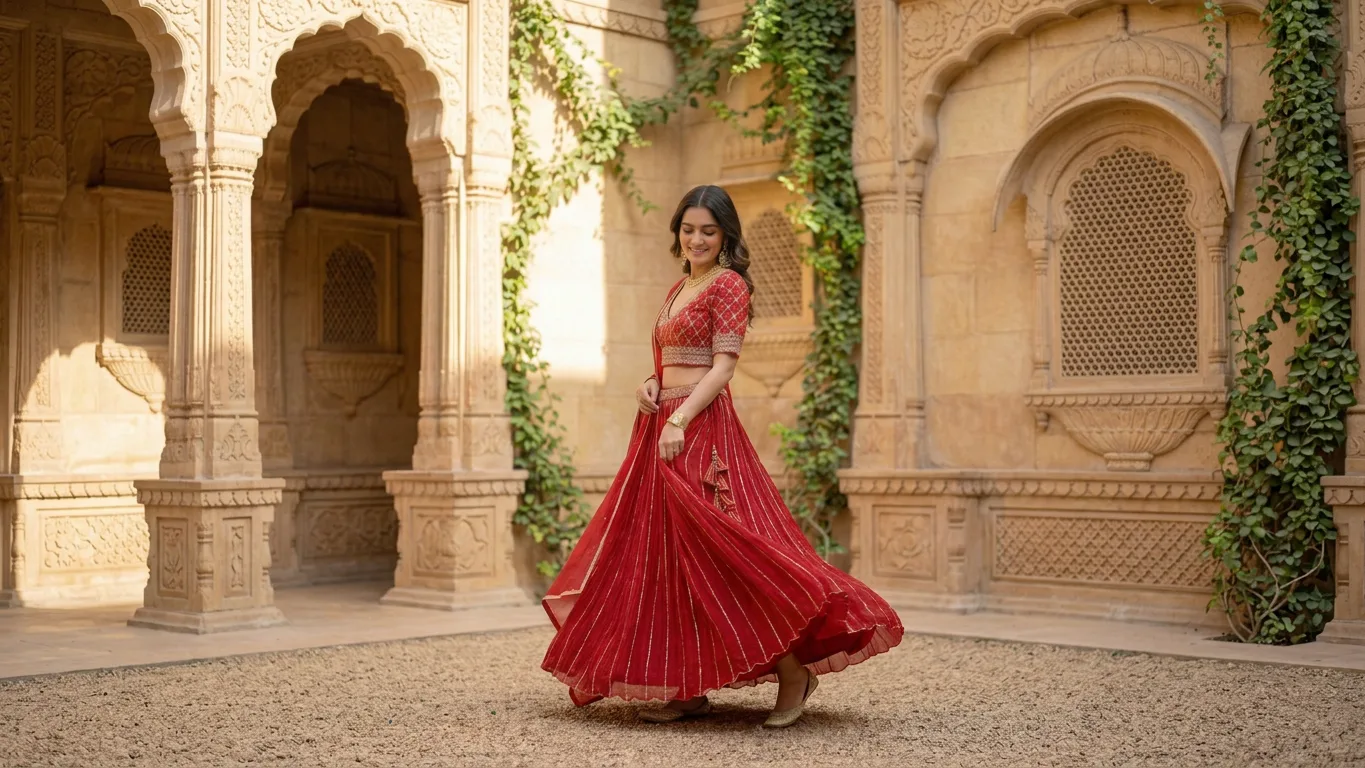
Send us a photo that's the wrong shape for where it needs to go. We extend the set around your product with AI, so one shot fits a banner, a story and a post.
★★★★★
-
 Tribe Amrapali
 -
 Laa Polky Stories by Raniwala
 -
 Onya Lab-Grown Diamonds
 -
 House of Armuse
 -
 Ridhi Mehra
 -
 Vasundhara
 -
 Senses
 -
 Talwar & Sons
 -
 M.K. Ghare Jewellers
 -
 Ethnic Cotler
 -
 Jack & Jill
 -
 Under5ft7
 -
 Me & Mine
 -
 STABL
STABL -
 The K Way
 Y Combinator
  IIT Bombay
 One photo, cropped for every channel without cutting the product
-
The problem
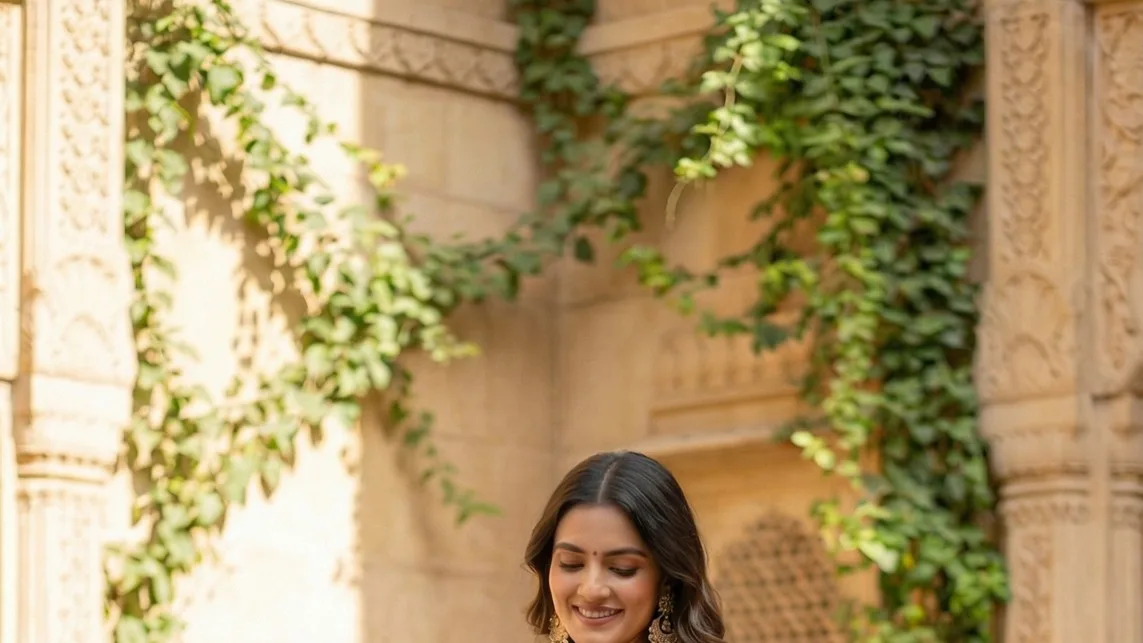
Cropping a portrait shot to a wide banner cuts off the head, the shoes or the product.
What we do
We extend the set sideways or upward, so the whole product stays in frame.
-
The problem
Filled areas don't match: the floor changes and the light comes from somewhere else.
What we do
We continue the same set, floor and light, so you can't see where the photo ended.
-
The problem
Fill features add things nobody asked for: extra hands, stray objects, a second product.
What we do
We decide what goes in the new space with you and check every extended frame.
What you get
Every crop your channels ask for
-
Wide banners
Website heroes and email headers from a portrait photo.
-
Story and reel covers
Tall versions with room for text at the top and bottom.
-
Square and portrait posts
Feed crops with the product centred.
-
Space for copy
Clean areas added where your headline or offer will sit.
Our work
Product photos extended to new sizes
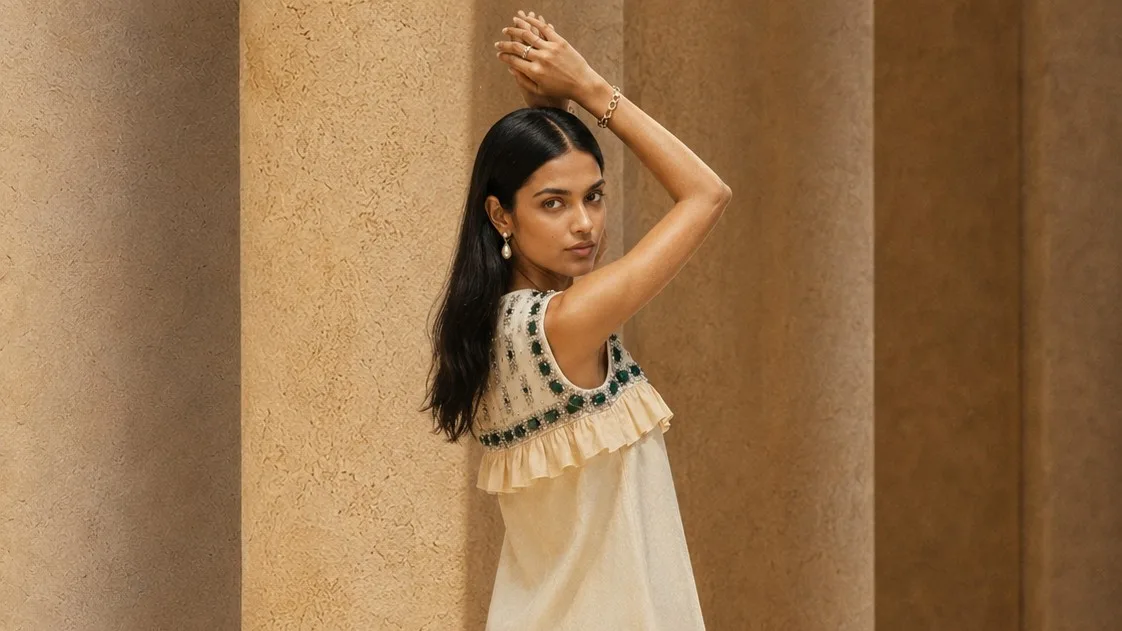 What you send
 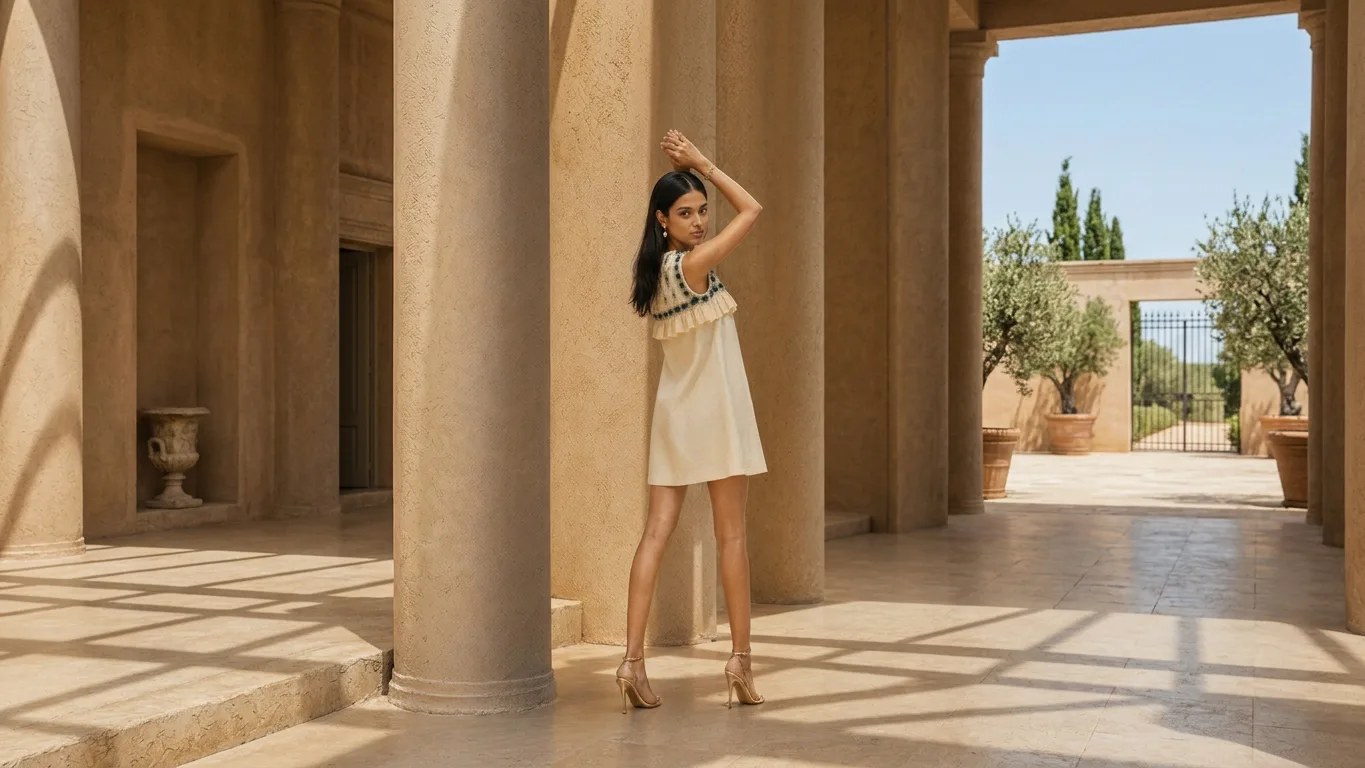 What you get
 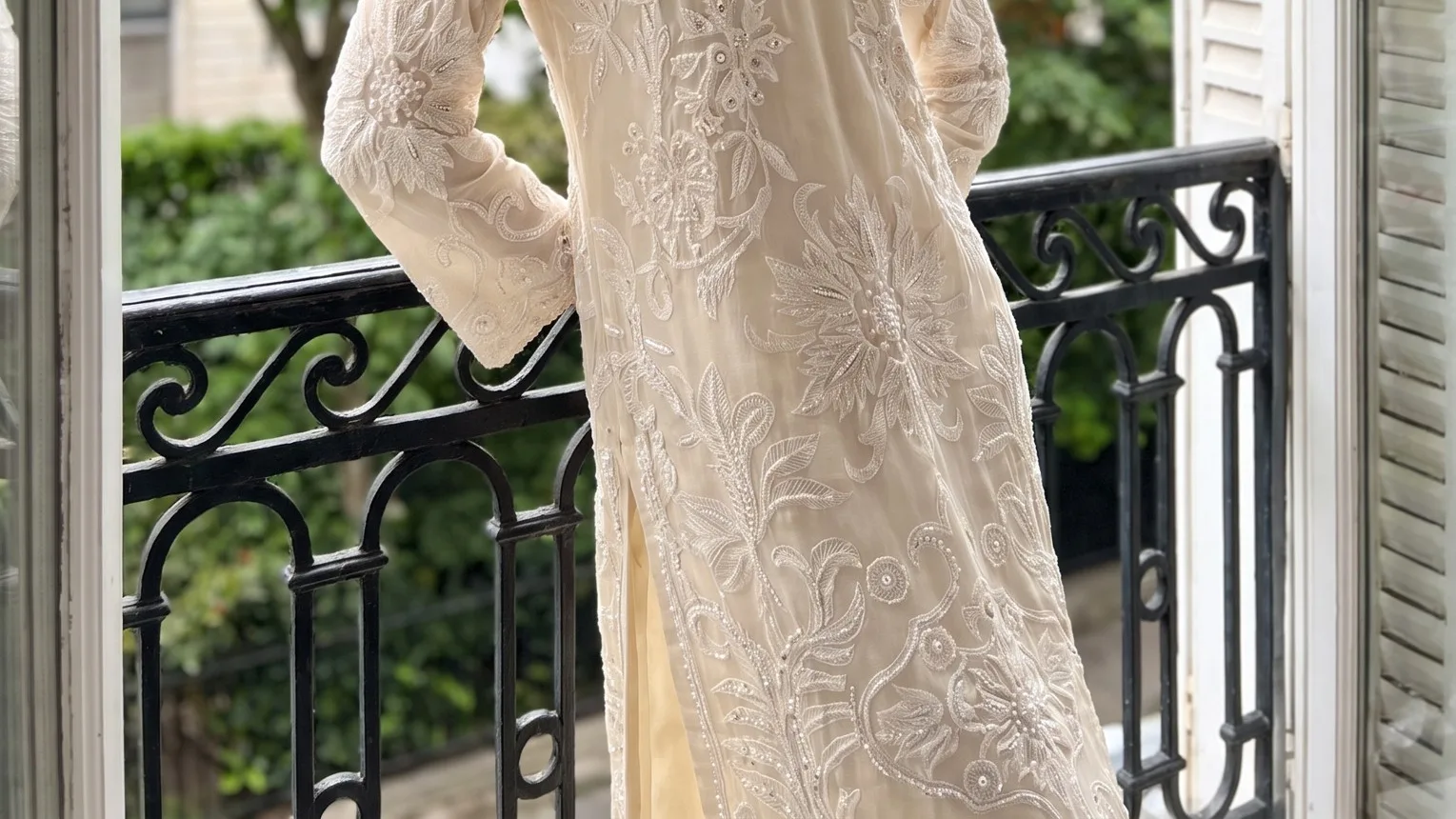 What you send
 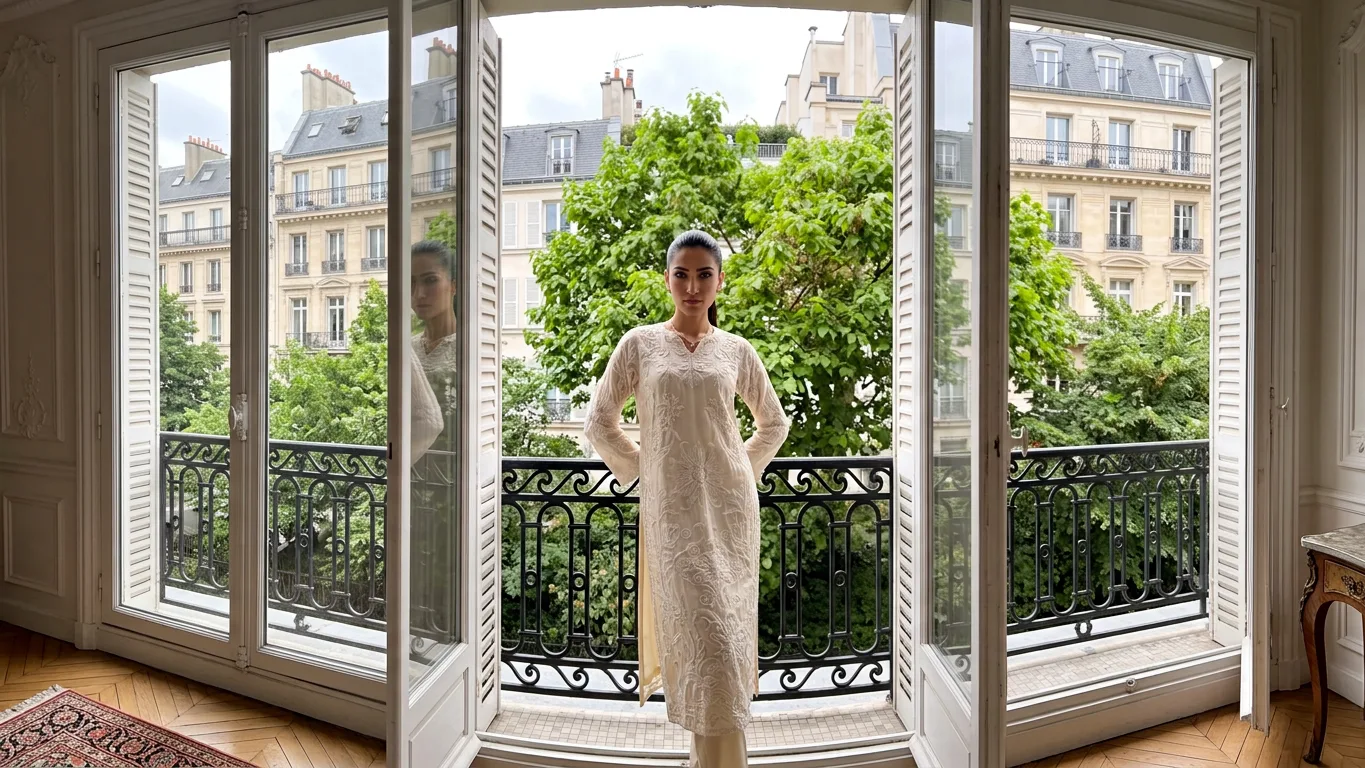 What you get
 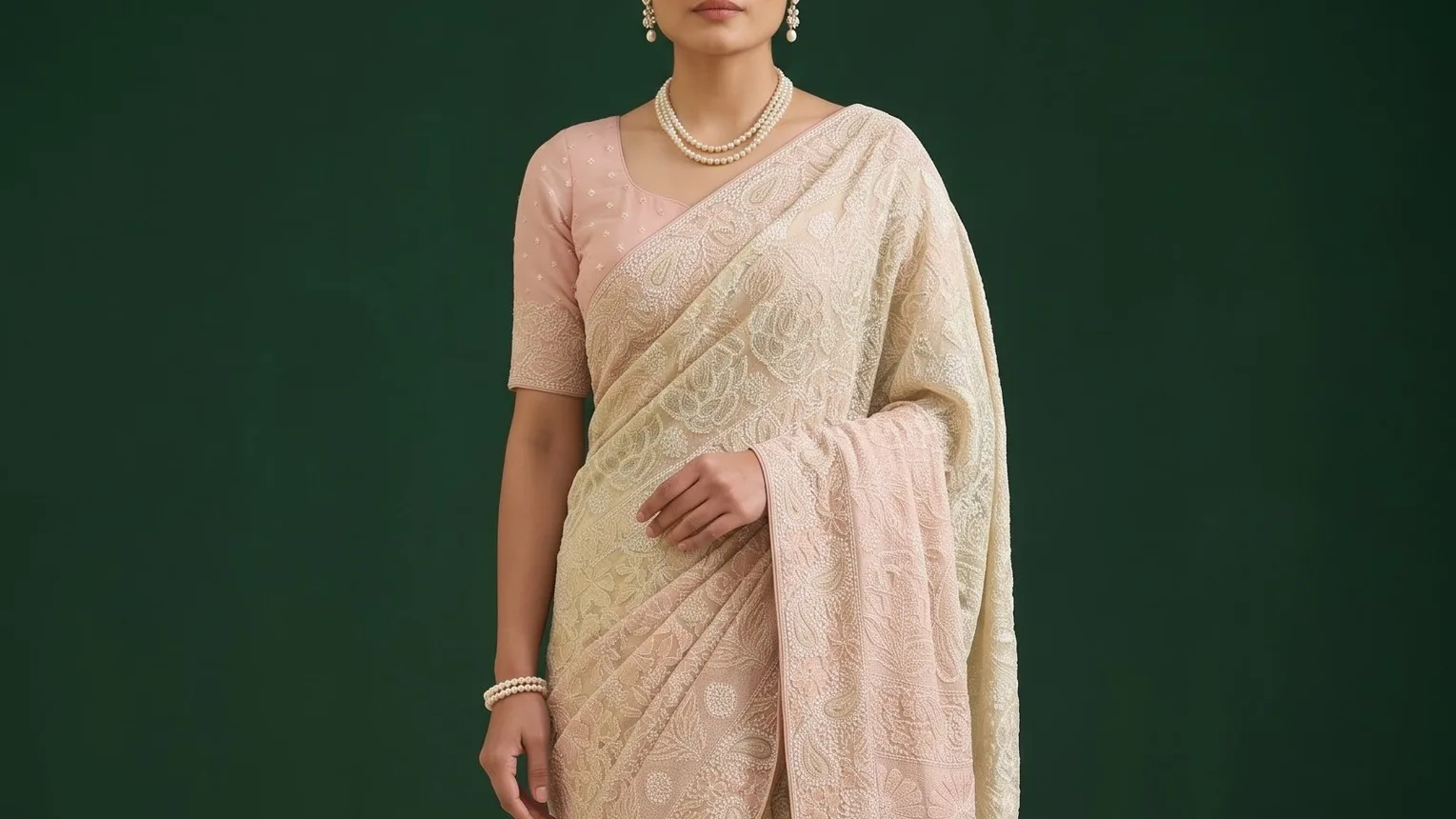 What you send
 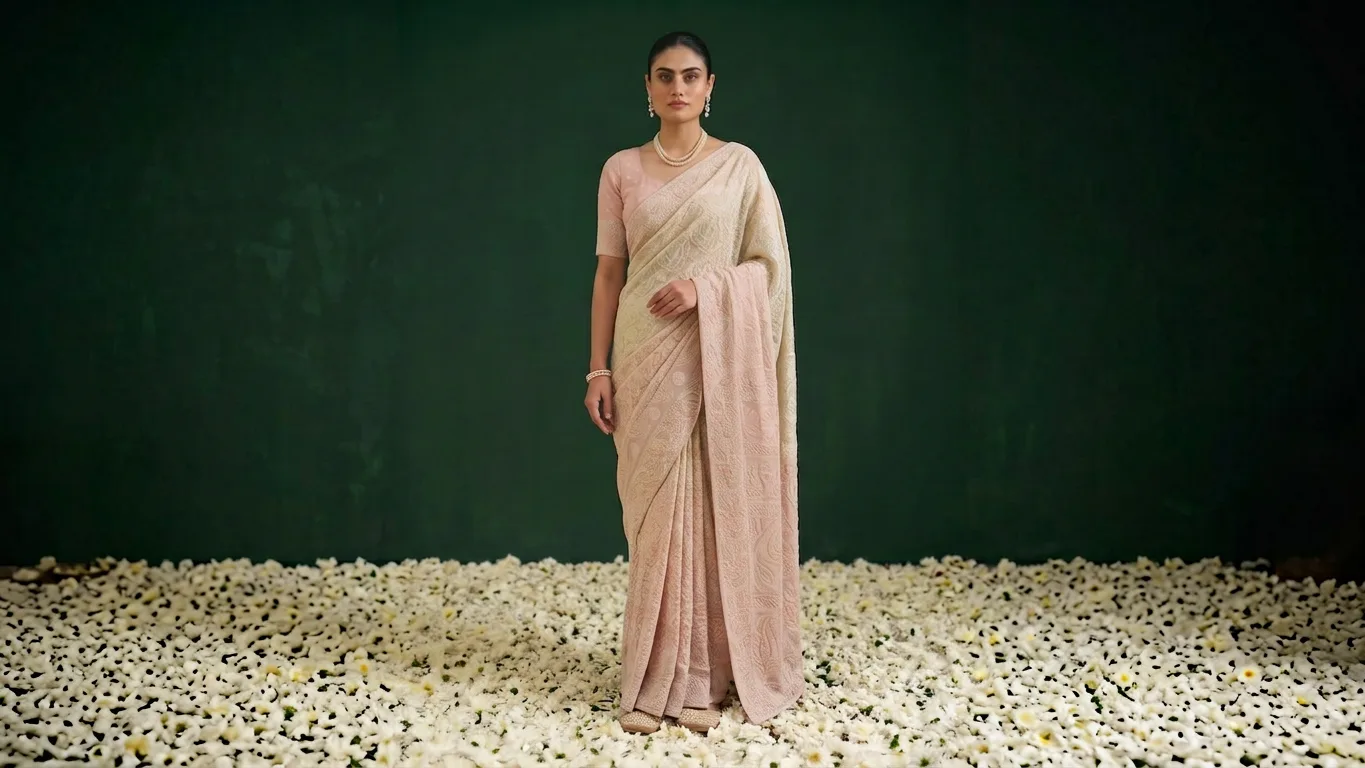 What you get
 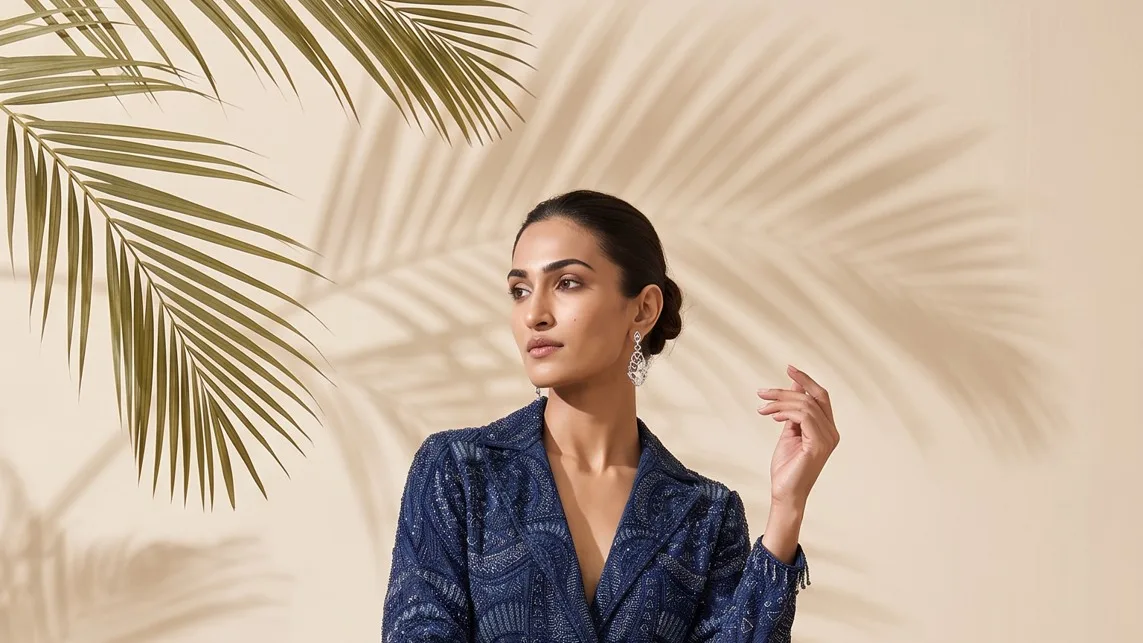 What you send
 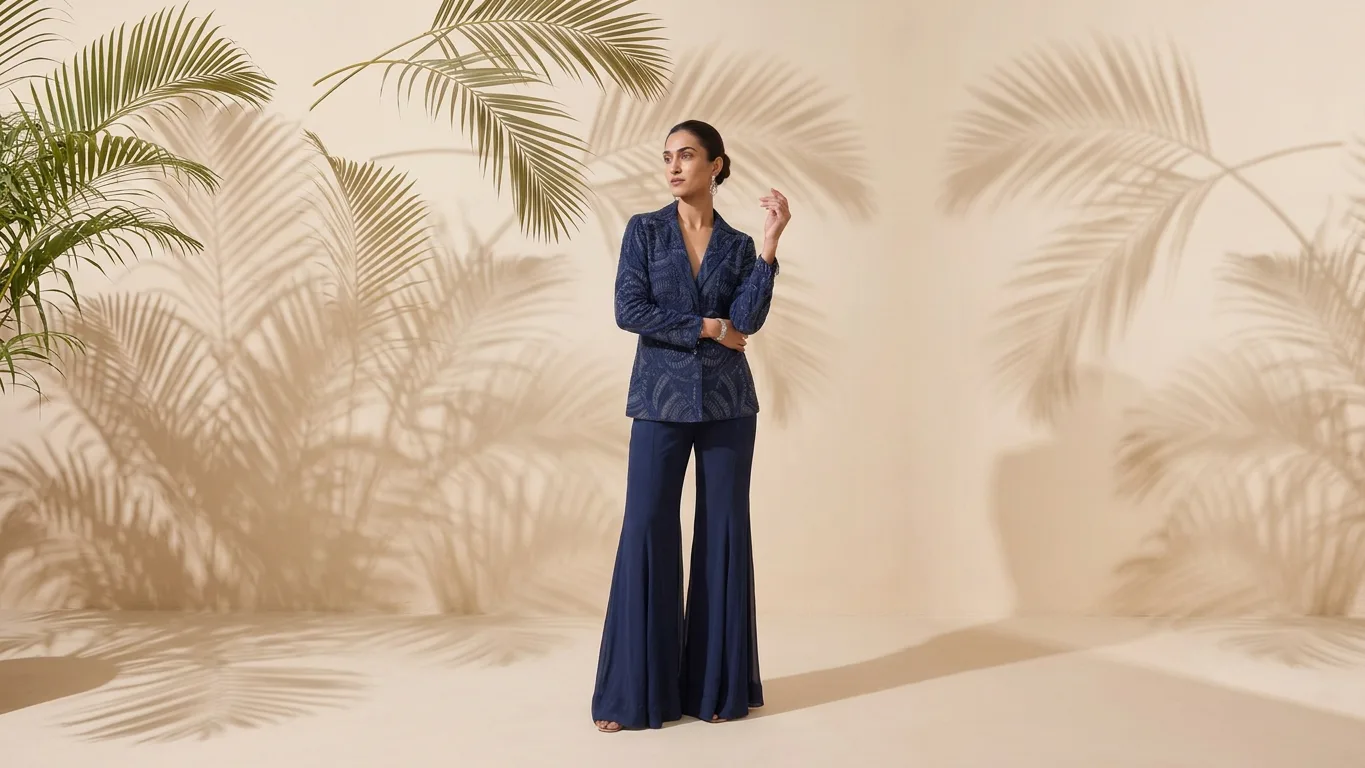 What you get
 How it works
From one photo to every size you post
0 /5 steps
-
 List your sizes Every channel and placement you need covered
 -
 Send the photo Your best shot, at the largest size you have
 -
 We extend the set Made with AI, matched to the original light
 -
 Join check A person checks the seam and the product in every crop
 -
 Crops delivered One folder per channel, named your way
Fill it yourself, or get every crop finished
| Other free tools |  Kaptured.AI
| |
|---|---|---|
| Where the photo ends | Visible seam 👀 | Invisible join ✅ |
| Extra objects | Added at random 🎲 | Only what you approve 🎯 |
| Every channel size | One at a time ⏳ | All in one order 📦 |
| Fixes | Your job 😩 | Revised free until right 🔒 |
FAQs
